Leaderboard
-

Muffins
Global Moderator13Points6888Posts -

Czar
Global Moderator13Points23799Posts -
Genii
Trade With Caution13Points4621Posts -
Extreme Scripts
Trade With Caution12Points10702Posts




Popular Content
Showing content with the highest reputation on 12/04/15 in Posts
-
10 points
-
👑CzarScripts #1 Bots 👑 👑 LATEST BOTS 👑 If you want a trial - just post below with the script name, you can choose multiple too. 👑 Requirements 👑 Hit 'like' 👍 on this thread7 points
-
6 points
-
$3.00/mo per Proxy $2.50/mo for 5+, $2.00/mo for 10+ Currently Out of Business (thanks scammers). No proxies. We offer cheap, dedicated SOCKS5 proxies for use with Runescape. Features Private SOCKS5 proxies, only you have access to this IP. Setup instant upon payment (rarely may take up to 24 hours if issues occur). Quick and simple control panel, setup 1 IP or multiple IPs in an instant Top tier customer support, you will always be our #1 priority! What we don't do Give IP exchanges. If you want a new IP, just purchase another proxy. Chances are, you really don't need this. Give IPs from a large range of subnets, we are a new provider so our IP offerings are a little more limited for the mean time. Do I need a proxy? A proxy is only useful under a few circumstances. If you are botting multiple accounts, using proxies on these accounts limits chain-bans. Also, if you have a main account that is not botted, you may want to keep your bots on proxies to keep your main's IP clean. Proxies DO NOT reduce bans on their own, they are a tool and must be used properly. How to order Contacting us via PM on here (@Lemons) is the best method. You can also use one of the contact methods below. You will be directed you to our website for ordering. Website: Skype: quantumproxyz@gmail.com or live:admin_22453 (Double check/verify! Safest to PM me your skype) Email: Accepted Payment Types BTC and 07 you need to contact me via Skype, they are not handled through the site at this time. OSRS GP rates will be what the resellers are buying for. Message me for exact rates. Terms of Service Network Policy - We expressly disclaim any liability for the data and content transmitted though or temporarily or permanently stored on our network for the actions or omission of users. Service Delivery Guarantee - We have up to 24 hours after payment to deliver your services/products. If it has been past 24 hours you are eligible for a full refund. Service Refund and Cancellation - We offer no refunds on our services, unless otherwise stated in these Terms of Service. Overdue invoices may result in the termination of related services. Payment Chargeback/Billing disputes - Raising a billing dispute with any of our payment processors will put your account into a suspended state. While suspended, accounts will be unable to place new orders and services may be terminated. Collection and recording of Metadata - To prevent abuse of our proxies, we record and store metadata related to all connections made through our products and services. This metadata will only be shared with 3rd parties if necessary. Acceptable Use - These proxies are meant for Runescape only! Using them for illegal/abusive purposes will involve the termination of your products/services with no refund.4 points
-
4 pointsYou have a MacApple Pro late 2015. Red cover/47,5Kcal/11.3 carbs/0,4 protein/0,1fat/1.8 fibre You have recently bought this product in a store nearby you Unfortunately this product is expired4 points
-
3 pointsbecause we enjoy our community and we want to protect the members who want to stay with us ? don't be :salty: we all read u like a book3 points
-
3 pointswhat makes u think this, 80% of this fb are from 2 users, which isnt very hard to farm up and $100 donor purchase was recent.. he could just scam and cb the donation to osbot edit: not to mention none of his feedback is highly valued , so making a big purchase of ~$500-$2k sets off red flags but hey who cares right3 points
-
3 points
-
3 points
-
I'm 20, how old are yourself? And what makes you suggest I'm stupid based on that phrase. Either your pretty naive or just don't have any sense of humor. I don't know why you would take anything like that as serious, and base a lot of things about me.3 points
-
Thread is looking so sexy.. the price is looking nice as well, might try someday big3 points
-
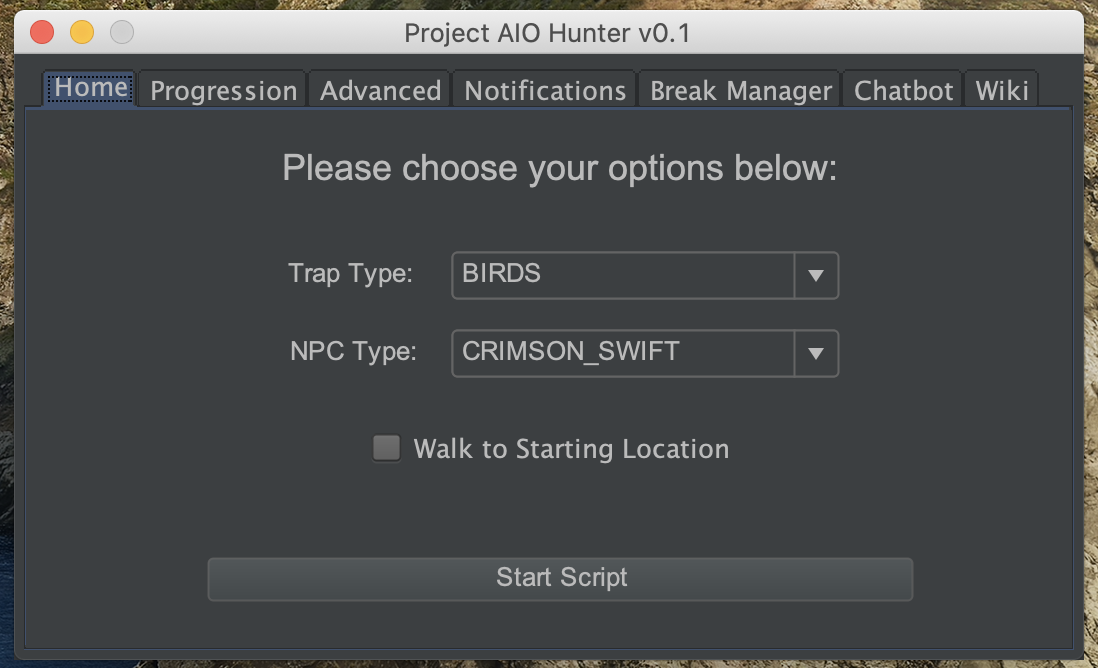
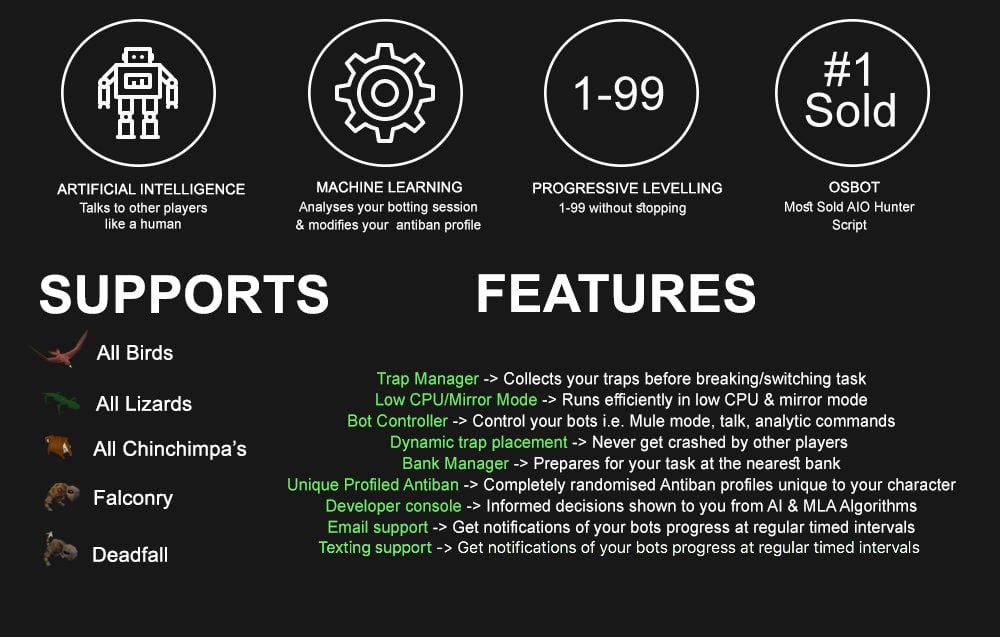
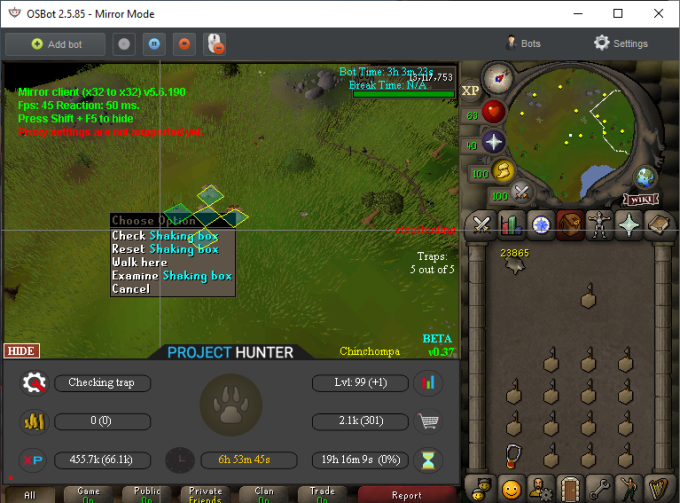
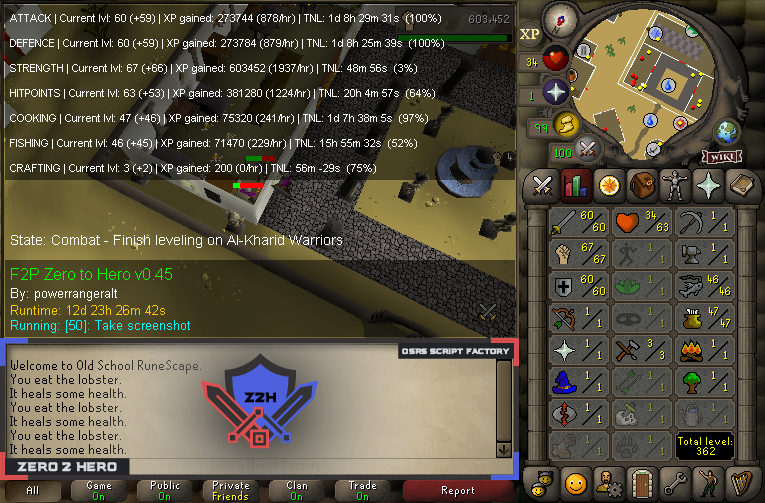
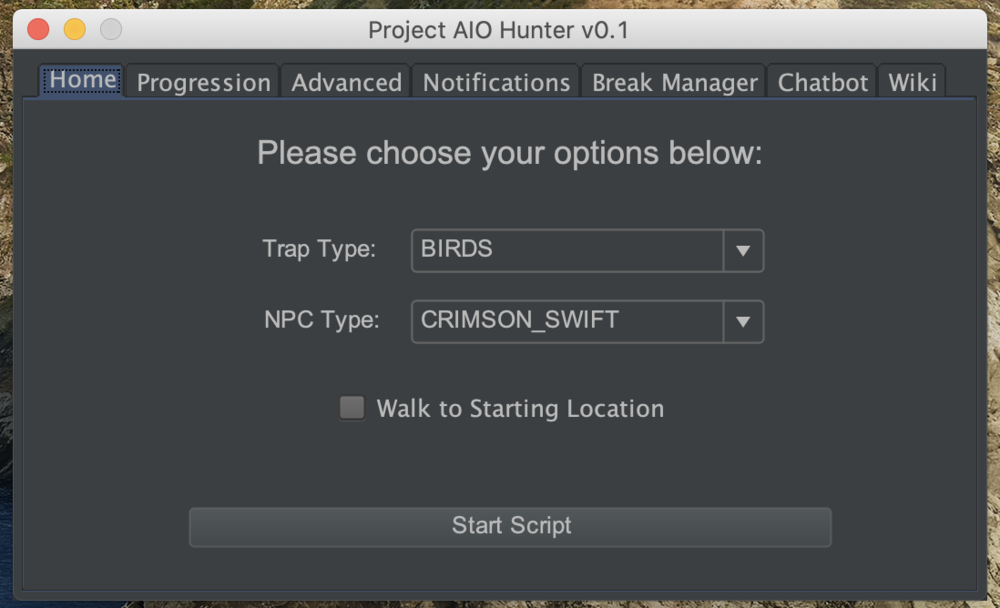
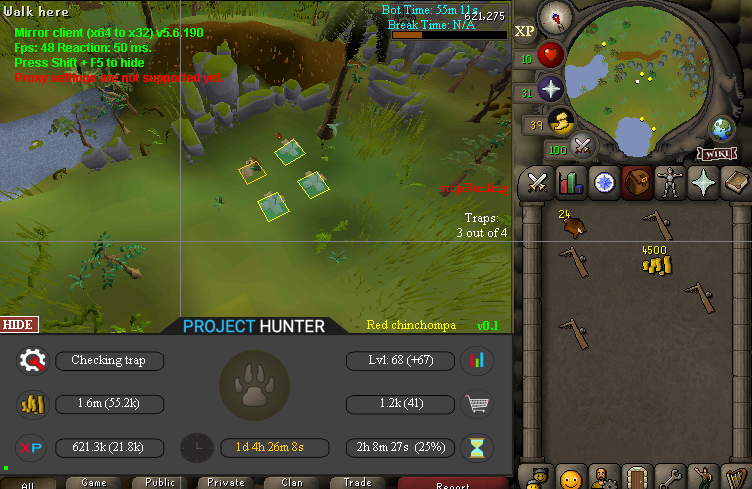
2 pointsPPOSB - AIO Hunter Brand new trapping system just released in 2024! *ChatGPT Supported via AltChat* https://www.pposb.org/ ***Black chinchompas and Black salamanders have been added back*** Supports the completion of Varrock Museum & Eagle's Peak OR CLICK HERE TO PAY WITH 07 GOLD! The script has been completely rewritten from the ground up! Enjoy the all new v2 of the script JOIN THE DISCORD CHAT FOR QUESTIONS/ SUPPORT/ CHATTING/ UPDATES! New GUI: Features: Click Here Current functioning hunter tasks: (green - complete || yellow - started || red - incomplete) Screenshots: Progressive Leveling: 1-19 --> Crimson swift 19-43 --> Tropical wagtail 43-63 --> Falconry 63+ --> Red chinchompas Updates How to setup Dynamic Signatures Report a bug CLI Support - The script now supports starting up with CLI. The commands are given below. Please put in ALL values (true or false) for CLI to work properly. Make sure they are lowercase values, and they are each separated with an underscore. The script ID for the hunter bot is 677. Parameters: EnableProgression_EnableVarrockMuseum_EnableEaglesPeak_EnableGrandExchange Example: -script 677:true_true_false_true ***Don't forget to check out some of my other scripts!*** OSRS Script Factory Click here to view thread LEAVE A LIKE A COMMENT FOR A TRIAL The script is not intended for Ironman accounts. It still works for Ironman accounts, but you must have all equipment, gear, and items.


 2 points
 -
2 points2 points2 points2 pointsThere was a section, I will add it back tonight after work if they don't add it back. The developers removed it a week back due to releasing a lot of clients back to back. They seem to want to change the system, so bare with us.2 points2 points2 points2 pointsEveryone bot as many accounts as you can in hopes of being made famous on stream2 pointsIdeally, it would be in your best interest to purchase 1 proxy per account. And, for the price you are getting them at, you can't beat it. $2.00 per proxy is seriously a steal! And thats for an entire month! you will make back your $2.00 for buying a proxy within 30 minutes or less of botting!2 points1 pointStep 1: Create a account on DigitalOcean using my referral link gives you 10$ starting credits. https://www.digitalocean.com/?refcode=c09602fa38d8 (You don't have to use my referral link i don't care all it does is give you 10$) Step 2: Create a VPS by clicking "Create Droplet" and entering the following settings: Step 3 Download Putty and connect to your server useing the credentials DigitalOcean emailed you. Step 4 Execute this command to setup everything you need. it will ask you for a password during install curl https://gist.githubusercontent.com/anonymous/d3ab40c3e67888386f5f0074fec53c6e/raw/b54b4d254e8988fd195b2511cab434703c6db706/install.sh | sh Step 5 Download tightvnc and connect to your server using your ip (in the email) and port 1 and the password you set in step 4 FAQ: I get this message "bash: curl: command not found"???? Please run: apt-get update apt-get install curl and start over at step 4 I get the error that connection is refused Please run: vncserver and connect via the IP again It does not work please help! This guide comes with no warranty or support. You can however send me a pm and we can work something out.1 point1 pointThanks again! I know you're never 100% safe, just would rather get banned actually botting than autoclicking LOL You get more street cred ;)1 point1 point1 point1 point1 point1 point1 point1 pointmagic script please1 point1 point1 point1 point1 point1 point[DEBUG][12/04 10:44:42 AM]: OSBot is now ready! [iNFO][12/04 10:44:43 AM]: Loaded 2 RS accounts! [iNFO][12/04 10:44:43 AM]: Welcome to OSBot 2.4.16! [iNFO][12/04 10:45:00 AM]: Updated injection hooks for client revision : 102! [DEBUG][bot #1][12/04 10:45:00 AM]: Initializing stealth injection bot... [iNFO][bot #1][12/04 10:45:01 AM]: Downloading latest RS2 old-school client parameters... [iNFO][bot #1][12/04 10:45:01 AM]: Downloading latest RS2 old-school client... [DEBUG][bot #1][12/04 10:45:26 AM]: Injected bot reference into client! [DEBUG][bot #1][12/04 10:45:27 AM]: Injected world accessors! [DEBUG][bot #1][12/04 10:45:27 AM]: Injected 31 class and 306 field accessors! [DEBUG][bot #1][12/04 10:45:27 AM]: Injected canvas! [DEBUG][bot #1][12/04 10:45:27 AM]: Injected 4 model update calls! [DEBUG][bot #1][12/04 10:45:27 AM]: Injected 8 definition calls! [DEBUG][bot #1][12/04 10:45:27 AM]: Injected 20 definition transformation calls! [DEBUG][bot #1][12/04 10:45:27 AM]: Injected random.dat patch for bot #1 [DEBUG][bot #1][12/04 10:45:27 AM]: Injected 5 tooltip callbacks! [DEBUG][bot #1][12/04 10:45:27 AM]: Injected 4 config callbacks! [DEBUG][bot #1][12/04 10:45:27 AM]: Injected 8 head message callbacks! [DEBUG][bot #1][12/04 10:45:28 AM]: Injected 2 chatbox message callbacks! [DEBUG][bot #1][12/04 10:45:28 AM]: Injected 23 draw skip points! [DEBUG][bot #1][12/04 10:45:30 AM]: Injected 2 hit splat callbacks! [DEBUG][bot #1][12/04 10:45:30 AM]: Injected 4 equipment callbacks! [DEBUG][bot #1][12/04 10:45:30 AM]: Injected 2 login return code callbacks! [DEBUG][bot #1][12/04 10:45:30 AM]: Loading RS world : 312 [iNFO][bot #1][12/04 10:45:30 AM]: Initializing 37 API modules... [iNFO][12/04 10:45:30 AM]: Started bot #1 [DEBUG][12/04 10:47:03 AM]: Loading script id : 552 [DEBUG][12/04 10:47:04 AM]: Loaded script! [DEBUG][12/04 10:47:04 AM]: Launching script... [iNFO][bot #1][12/04 10:47:04 AM]: Loaded 4 built-in random solvers! [iNFO][bot #1][12/04 10:47:06 AM]: Started random solver : Resizable Mode Solver [iNFO][bot #1][12/04 10:47:10 AM]: Terminating script Perfect Fisher... [iNFO][bot #1][12/04 10:47:10 AM]: Error in script onExit(): Perfect Fisher [iNFO][bot #1][12/04 10:47:10 AM]: Script Perfect Fisher has exited! [iNFO][bot #1][12/04 10:47:10 AM]: Random solver exited : Resizable Mode Solver [DEBUG][12/04 10:47:35 AM]: Loading script id : 552 [DEBUG][12/04 10:47:50 AM]: Loaded script! [DEBUG][12/04 10:47:50 AM]: Launching script... [iNFO][bot #1][12/04 10:47:50 AM]: Loaded 4 built-in random solvers! [iNFO][bot #1][12/04 10:47:52 AM]: Started random solver : Resizable Mode Solver What am I doing wrong?1 pointWhat's your order number, I'll look into it and refund you if you've not been refunded.1 pointCan i try your agility script again, please? It seemed to run back on Canifis, idk why. On one particular roof. Wouldn't really help with the blending in.1 pointcan i get the stronghold one? if not i want minotaours1 point1 point1 pointCould I possibly get a 24h trial of your Herblore script? I'm gonna buy if it works properly.1 point1 point1 point1 pointMay i please get trial for Czar Thiever ? my id if you need : 2024351 point1 pointIs there a dangerous npc in tai bwo wannai area? If so, hide the npc attack option in the settings tab to avoid attacking npcs Alright no problem, I added a map mode so you can choose the trees to woodcut1 point1 pointWhen will people learnt hat Thursday is update day. Look on the home page client is OFFLINE.1 pointVery nice work buddy. What's the friend zone destroyer hahaha1 point