
Kayde
Members
-
Joined
-
Last visited
Everything posted by Kayde
-
mirror mode doesn't work still, freezes after couple mins
-
fastest to get for me
-
script has gotten me 3 maxed accounts, thanks man
-
bout to test script ill let yall know how it go
-
Before mirror mode every acc created got banned within 2-3 hours, started same script and got 99 in the skill. I also don't play on the accounts I just bot till I drop. noticed its best to get an easy 99 like cooking, wear the cape and ban rate seems to go down lmao
-
really loving the script man, when it hops world sometimes it'll hop to a f2p and get stuck other than that its working flawless for me
-
Thanks, Script has really developed.
-
ever since RS update the script hasn't been depositing the items in the looting bag properly. it goes to bank opens looting bag and just sits there. Was working flawlessly before the RS update the other day
-
No worries man, great script. I have all requirements and yes im using mirror mode could possibly be why. No it wasn't on break the client just freezes but I can switch to other bot tabs and close out the frozen one
-
Great script, got acc to level 121 using this script
-
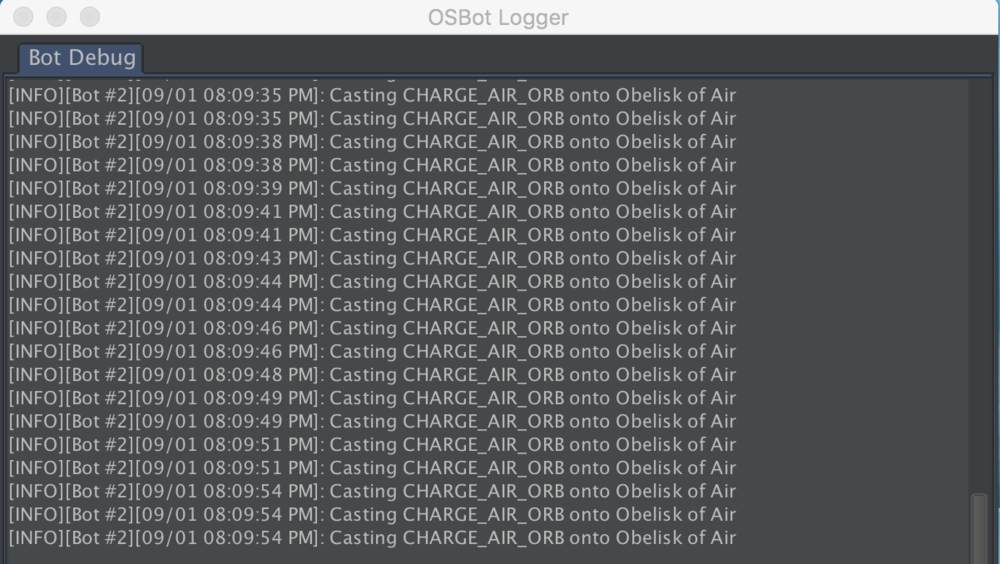
Its been freezing a ton lately
-
its been working for an hour or two now, ill let you know if it freezes again. Thank you
-
theres no Rogues outfit script out or any rev scripts, idk about the rev script being free but I could see rogues outfit being a free script
-
I have many scripts for some reason this script is always freezing the application, haven't had it able to run for more than 10 minutes in one session
-
-
a rev script or rogues mini game would be nice
-
would you ever consider adding rogues equipment to the script?
-
do you know if theres any scripts that get the rogues outfit for you? And would u ever consider adding the Wilderness rogues chest?
-
Great script, your scripts never fail me 😁
-
got 95 thieving on one account and 86 on other, this script has gotten much better since last time I used it, great work
-
What are the requirements to run in the abyss?
-
is there anyway I can get a refund? ive ran it barely any time and received a ban. if not its straight. I love the majority of ur scripts probably would've just ended up buying your Perfect Pest Control instead
-
Same with me, this script not really working Id much rather get refund then buy your Legendary Lava Dragons, now im having doubts whether or not that one will be worth it since this script was so unappealing your Legendary lava dragons gets much attention tho anyone I see that runs this script gets a permanent man and "thats unfortunate"
-
Seems to be working perfect now, Thanks!
-
Doesn't craft normal altar Lava Runes, Goes in bank and stays there