






nz420
Members
-
Joined
-
Last visited
-
Anywhere from 70-90m. I was selling them at 77m, but stopped as i couldn’t end up selling them all
-
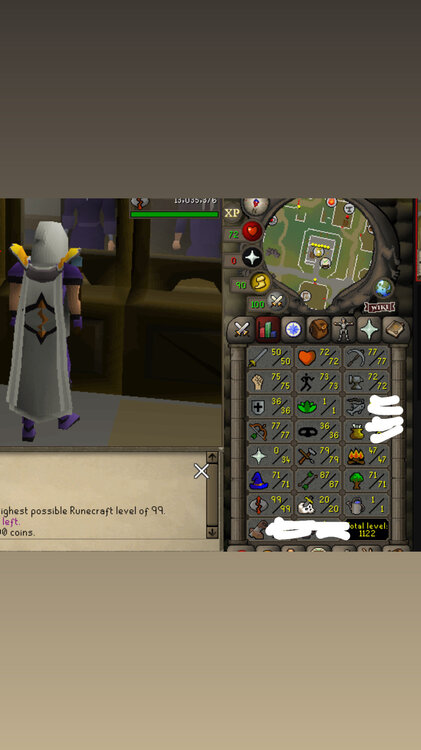
Log in username, won’t have gp but does have a full set of void. I’m the oo and it is registered
-
Didn’t even know about the competition. Congratulations anyway man, hope you enjoy/enjoyed it
-
This doesn’t make sense. So you got banned using what script? Never bot accounts you don’t want to lose
-
-
The script factory idea will work well if you wanna go that way. I got a simple splasher that I use on monks. It attacks the monk, moves mouse off screen and then comes back and clicks on the monk after the random timings I have set. I’ve used this to get 70 magic with just mind runes a few times. No bans what’s so ever and I would run the account for 20 hours with a 4 hour break, but I reckon I could skip the 4 hour break tbh
-
20m ish
-
Could I please have a trail on this, just wanna see if I’m gonna run into that reported bug on the last two pages before buying. Cheers bro
-
Hey bro. could i have a trial on this script?
- 1037 replies
-
- premium
- moneymaking
- combat & slayer
- ranged
-
Tagged with:
-
I should win so I don’t have to worry about making sure I have money when I forget my vip runs out 😂
-
all i see is free trials haha. this script is good ive been making heaps from it. easy to make blood rc accounts
-
Try sf, should be pretty easy to set something up
-
Around 30m ish I believe
-
Gonna give this a try tonight
-
Could probably push 100m for it





