






Nas
Members
-
Joined
-
Last visited
Everything posted by Nas
-
-
-
Yeah, you're a BIG FAT PHONY.
-
-
-
Child porn, 20 years
-
Stare at butts
-
-
get f00kn rekt m9.
-
10/10.
-
-
Welcome to the forums.
-
Yeah I noticed that. Google ain't working so well..
-
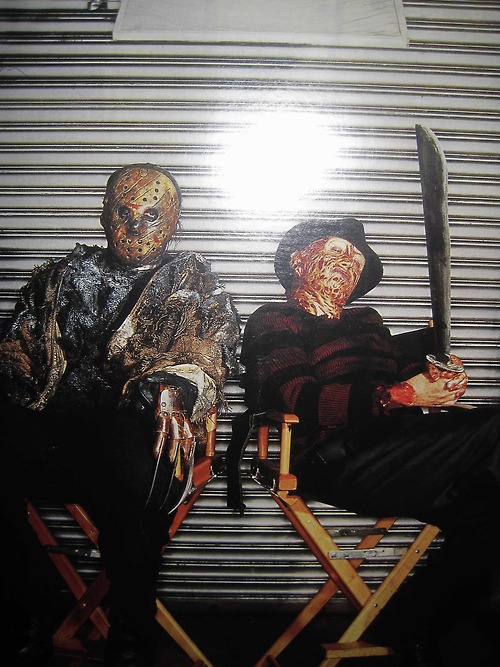
10/10Need help determining the size of this photo. Like if it's a 6 x 4 size or 8.5 x 11 . I'm trying to have this made into a sticker and the guy won't tell me the size.
 I'm not flaming lol and didn't read first sentence just read stepsGrats!Didn't know they stopped supporting " THE NPAPI PLUG-IN" Asshole



Account
Navigation
Search
Configure browser push notifications
Chrome (Android)
- Tap the lock icon next to the address bar.
- Tap Permissions → Notifications.
- Adjust your preference.
Chrome (Desktop)
- Click the padlock icon in the address bar.
- Select Site settings.
- Find Notifications and adjust your preference.
Safari (iOS 16.4+)
- Ensure the site is installed via Add to Home Screen.
- Open Settings App → Notifications.
- Find your app name and adjust your preference.
Safari (macOS)
- Go to Safari → Preferences.
- Click the Websites tab.
- Select Notifications in the sidebar.
- Find this website and adjust your preference.
Edge (Android)
- Tap the lock icon next to the address bar.
- Tap Permissions.
- Find Notifications and adjust your preference.
Edge (Desktop)
- Click the padlock icon in the address bar.
- Click Permissions for this site.
- Find Notifications and adjust your preference.
Firefox (Android)
- Go to Settings → Site permissions.
- Tap Notifications.
- Find this site in the list and adjust your preference.
Firefox (Desktop)
- Open Firefox Settings.
- Search for Notifications.
- Find this site in the list and adjust your preference.