Leaderboard
-

Czar
Global Moderator2Points23787Posts -
A Slayer day
Members1Points181Posts -
Khaleesi
Developer1Points27843Posts -

Apaec
Scripter III1Points11174Posts




Popular Content
Showing content with the highest reputation on 02/19/24 in all areas
-
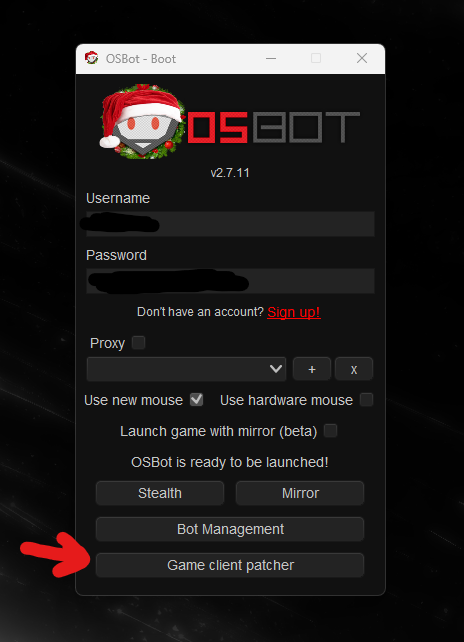
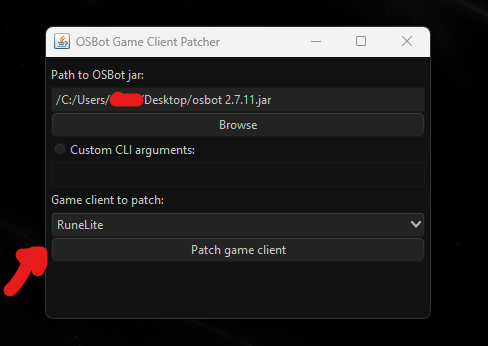
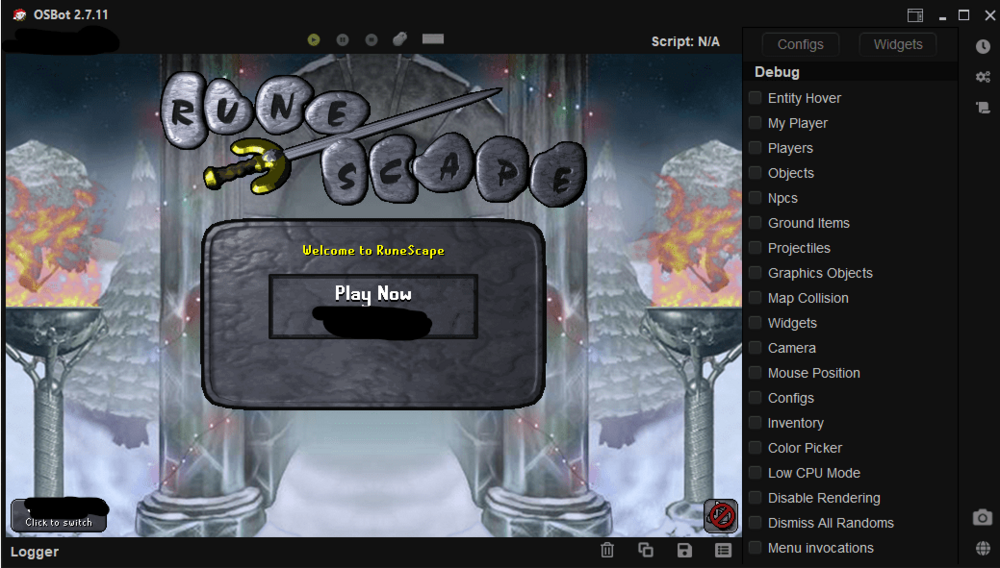
1 point1 pointPRICE NOW 24.99$ LIFETIME, NO MORE MONTHLY! NEW! ADDED GRAND EXCHANGE BUYING/SELLING ADDED FIGHT BACK TO PKERS Screenshots BEST RECORD: 121 HOURS! Disclaimer: We cannot guarantee that you won't be pked ever. Setup Preview: Features coming soon: Muling Auto-bonding Imbuing MSB After Death Progressive Levelling1 point1 pointProgamerz Abyss Runecrafter Buy now($5.99): Store Or Like the post and comment below to get 24 hours trial Discord Support Server Current script features: Screenshots: R1 point1. open OSB.jar then select "Game client patcher" seen below. After clicking on the game client patcher select "runelite" as the client you'd like to patch. (seen below) then select "Patch game client" after all your options are selected. You can now use your favorite 3pc with a jagex account, enjoy. -sanc
 1 point1 point1 point1 point1 point1 pointAll, There has been some miscommunication on our part in regards to Jagex Accounts working with our Bot Manager. This is a video guide made by @Bjotorsflav showing you how to use Jagex accounts with our bot manager. If you've heard from someone that we don't support Jagex accounts, that is 100% wrong. If any of you encounter the 'Failed to login to Jagex account for input string "Null"' error, please utilize Developer Version 2.16. This version now prompts for a Jagex verification code (which is sent to your email). Simply type it in, and voila, everything works smoothly.1 point1 pointWorking on update v19.0 it will have better walking and banking patched, I think I made the banking code too quickly, update coming up EDIT: Just submitted new update (v19.0) - Walking/running is now working a lot better, even when running away from pkers - No longer spam clicks the bank (open/close thingie) Update will automatically go live within 24 hrs, enjoy!1 pointNice layout fren, i wonder where you got it from1 point1 pointwait i was in the middle of writing one of these xD Oh well i'll think of something else x) Good luck! Apaec1 point