ThatGamerBlue
Members
-
Joined
-
Last visited
Everything posted by ThatGamerBlue
-
Small 1 hr proggy using mithril darts and 60 ranged level up
-
"Small" suggestion: Add a notification popup for the message you get when you finished your slayer task.
-
-
bug at west fally crumbling wall
-
I love you. For PPL googling, I used the plugin.
-
Been googling for about 4 days now, but everything I find points to Group Formatting which only formats the group name, not the user name. Screenshot of what I mean: https://i.imgur.com/xh2AQvC.png Am I just dumb or is this just impossible? Also IDK if this is the right section so if an admin/mod wants to move it to the right one pls do :p
-
I think the recent update broke banking, for some reason it's not closing the bank
-
You can use the bot but I'd be careful and not bot for 24 hrs after an update just to be sure
-
bump still looking for price check
-
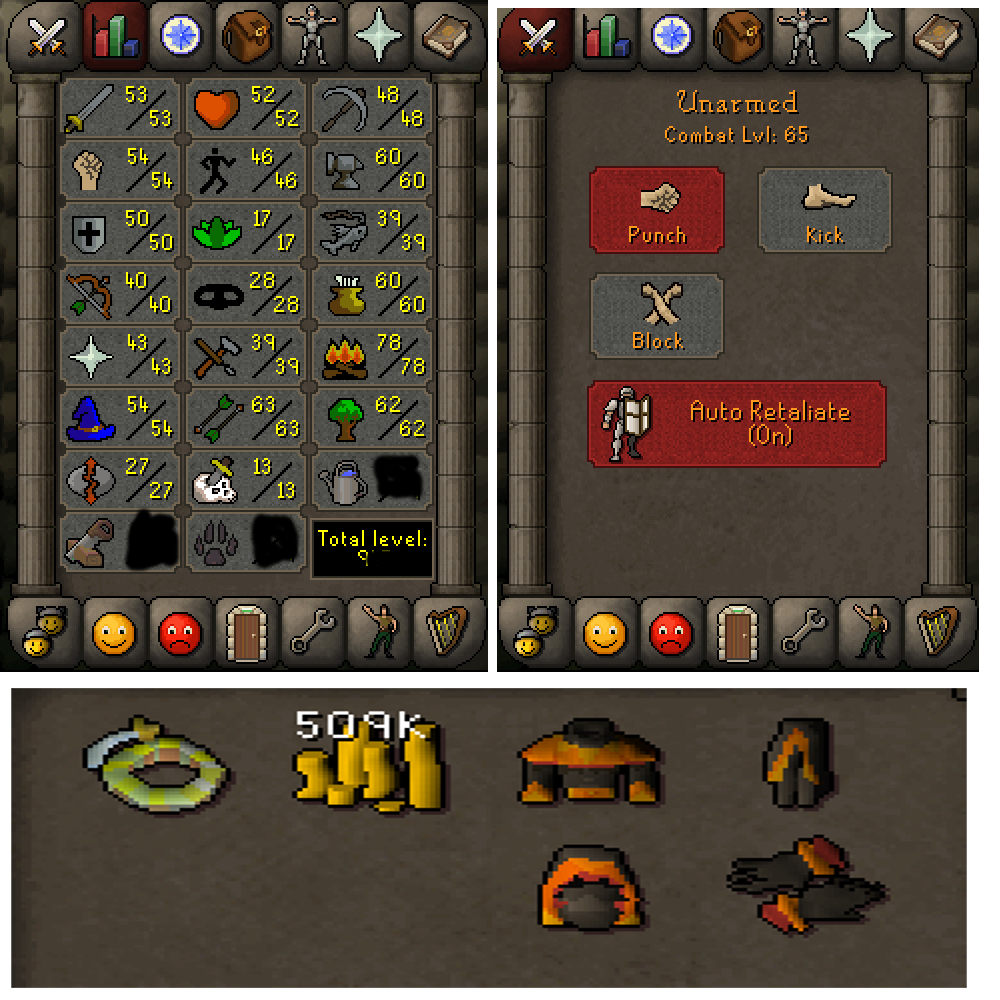
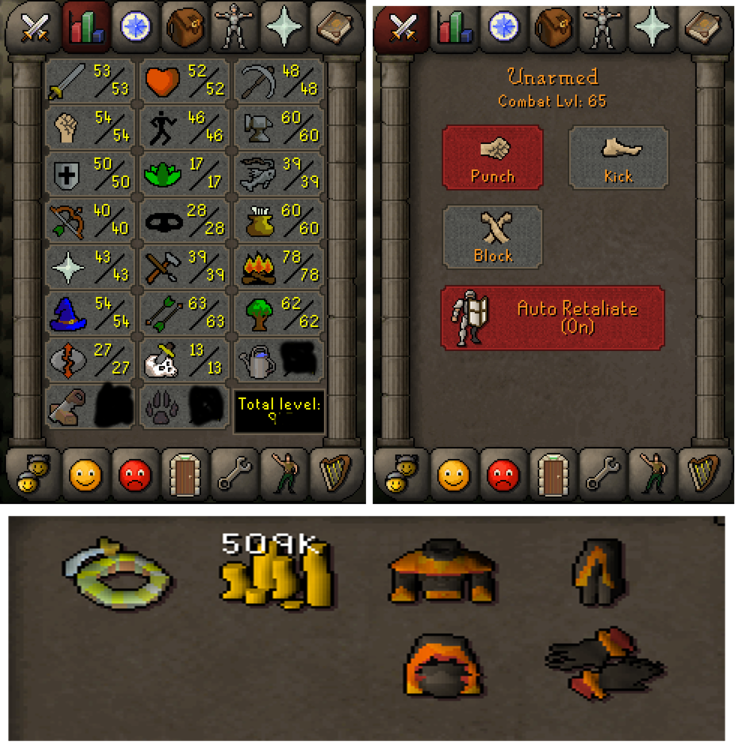
cant sell yet coz of post count but just wondering what it'd be worth quests: iron gloves 1 ban on record (2 day)
-
if u want it to be
-
-
-
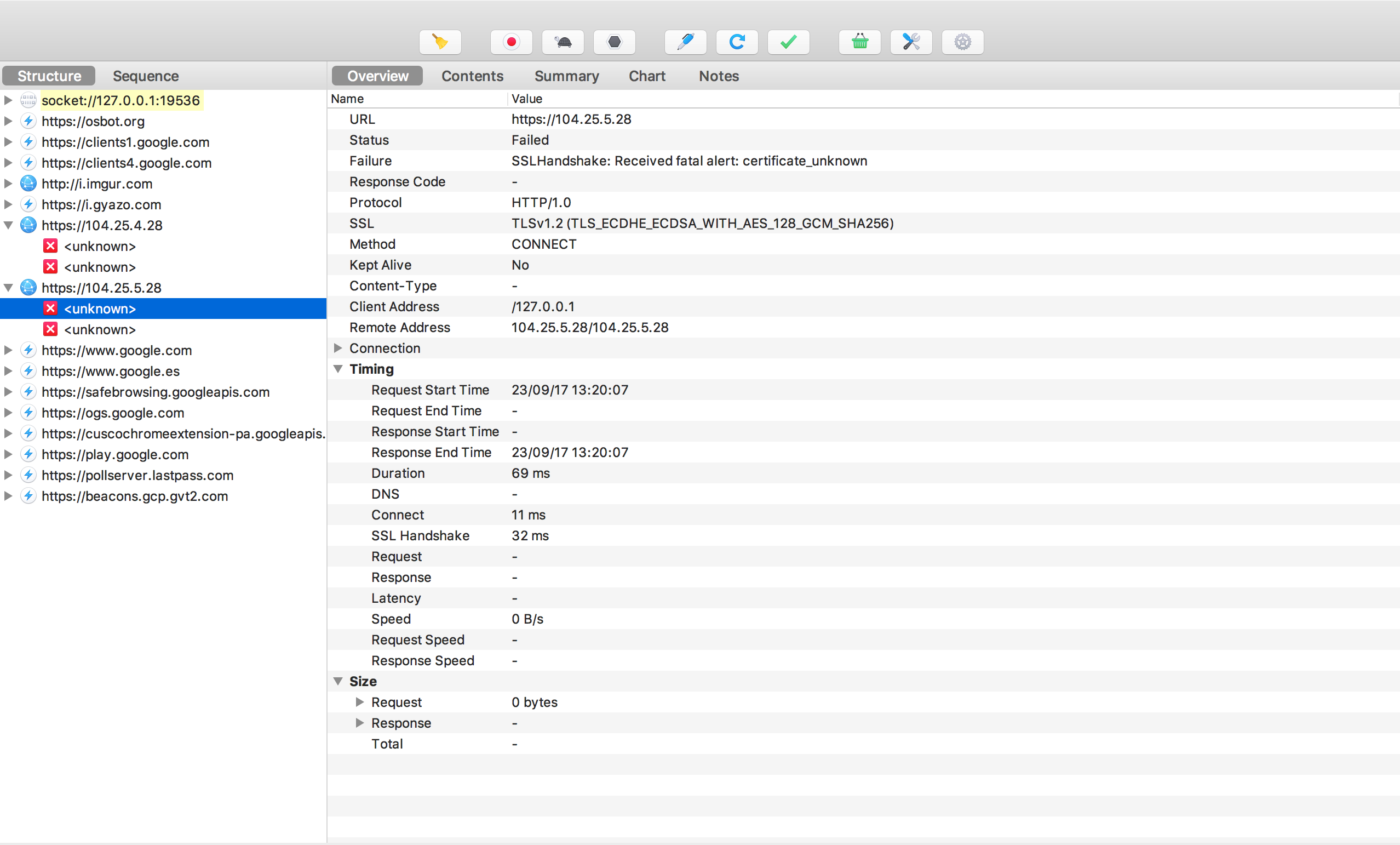
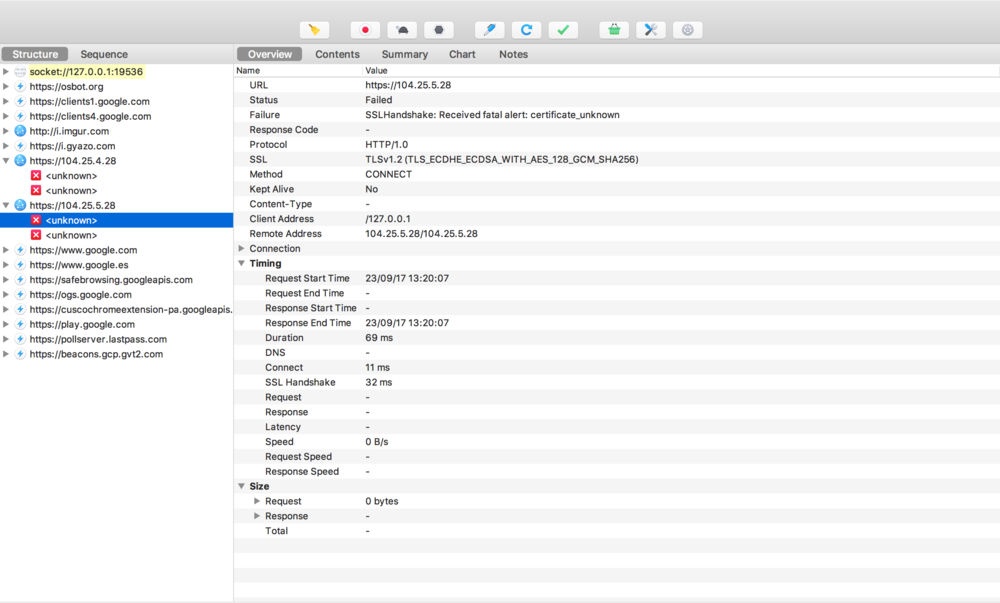
@Alek any black magic trickery i can do on the command line or with a wrapper? i noticed that the trust manager is being specifically set by osbot so any wrapper i made got overwritten with your manager
-
Does this work for socks proxies/https?
-
Nope
-
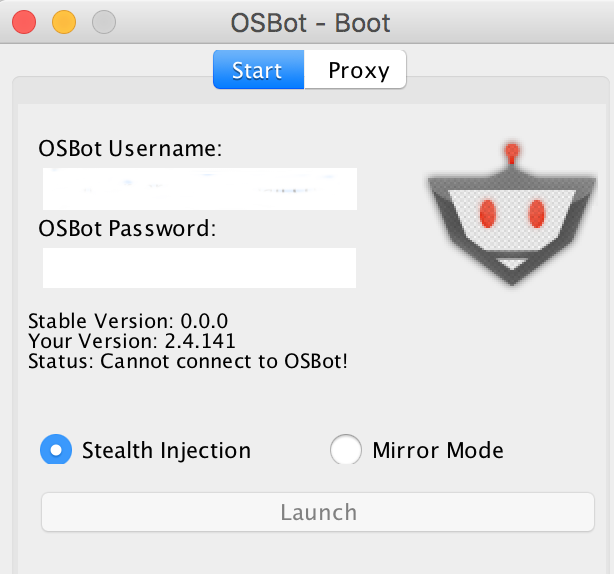
The network I'm on has blocked OSBot, but I can access it using a proxy. However when I launch OSBot client I get "Server-client communication security breach 2." in java console and "Cannot connect to OSBot." on the login screen. log.txt
-
because thats unreliable. @HunterRS you can use Explv's sleep class here: https://hastebin.com/izebukinep.java (drop it under your main class) and use Sleep.sleepUntil(() -> !myPlayer().isAnimating(), 3000); as an alternative to using ConditionalSleep, it makes the code more readable imo
-
solved public class PaneRemover extends Thread { public void run(){ boolean pane = false; while(!pane) { try { Window[] windows = Window.getWindows(); for (Window window : windows) { if (window instanceof JDialog) { JDialog dialog = (JDialog) window; if (dialog != null && dialog.getTitle().equalsIgnoreCase("Override Warning!")) { Main.main.log("found pane"); pane = true; dialog.dispose(); } } } } catch (Exception e){ } } } } messy but it works
-
I read it but I was thinking burying it in the CLI would stop the false reports because the only people who'd use it are people who knows what it does. edit nvm im retarded, it'd still be a nice thing tho
-
@Alek damn, maybe you could add an override as a cli option? maybe -allow randomoverride or similar
-
I'm implementing a custom break manager into my script, is it possible (using any way needed) to remove the JOptionPane from showing when you override it. I wouldn't mind but it's blocking until you close it which is annoying for automation purposes.
-
and it's done, very fast and cheapmy mans doing 1-40 ranged for 1m f2p