






mithrilman
Members
-
Joined
-
Last visited
Everything posted by mithrilman
-
'stop after' setting doesn't seem to work?
-
Free scripts would be a good start so you can practice to make some really good ones
-
-
-
-
-
-
-
-
-
Yeah stop using until it's fixed imo
-
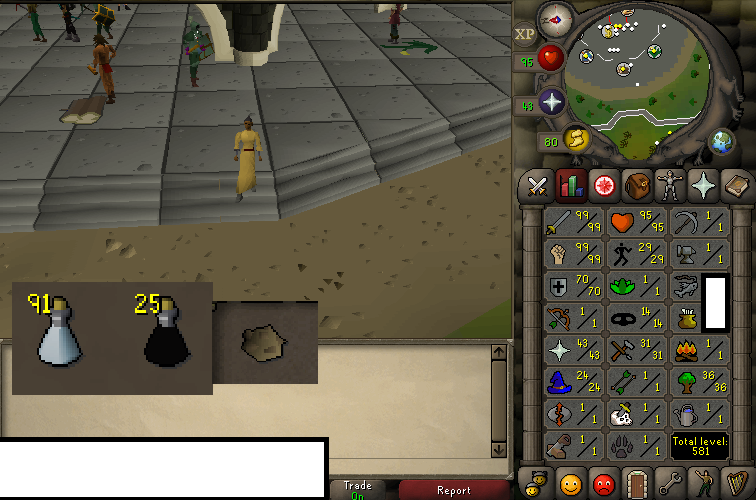
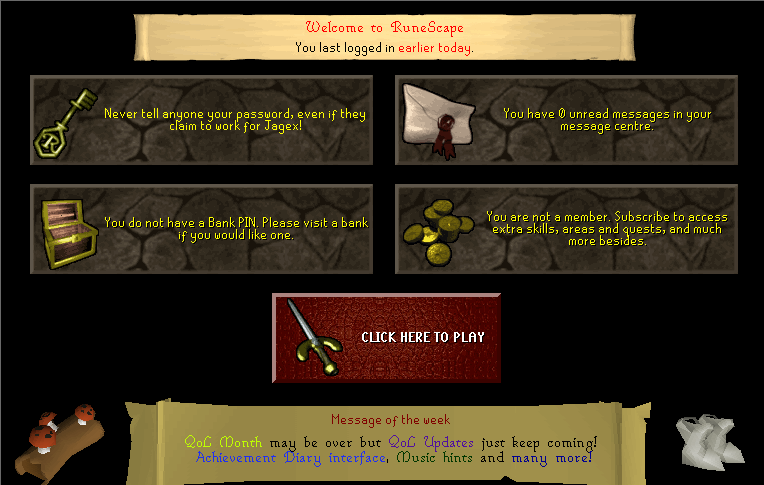
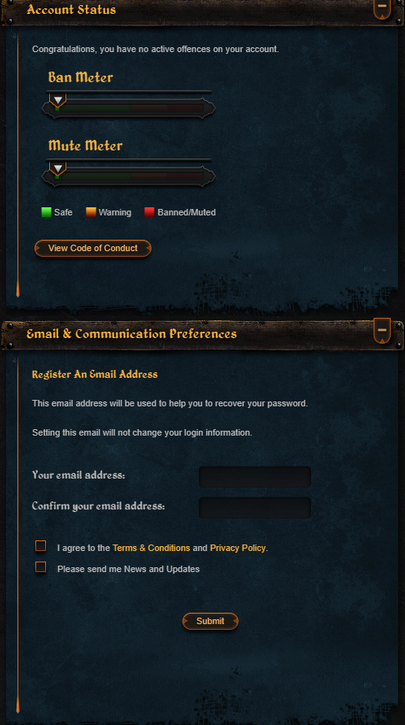
1. Pictures of the account stats 2. Pictures of the login details 3. Pictures of the total wealth (if there is any) 4. Pictures of the quests completed 5. The price you will be starting bids at 50m 6. The A/W (Auto-win) for your account N/A 7. The methods of payment you are accepting Paypal/OSRS 8. Your trading conditions Depending on buyer 9. Pictures of the account status 10. Original/previous owners AND Original Email Address I'm OO, the email address is random and hasn't ever been created or registered.

-
Definitely rare imo. I never get 2 day bans.
-
Seen these go for around 170
-
Honestly I've been botting for years and unless I botted the said account, it'll never get banned. I'd say not to worry about this.
-
He did state using an MM so shouldn't be an issue
-
The way the EU is going you could've fooled me...
-
Or just stop account sales x)
-
-
Hasn't been posted on for ages, i'm sure it'll be well outdated
-
-
Gz, whats ur next goal then?
-
Look's promising, planning to do a couple accounts with mage soon. I'll have to keep an eye out here.
-
he's mentioned many times he will
-
i'll take all $1/m


