

Buttons
Java Lifetime Sponsor
-
Joined
-
Last visited
Everything posted by Buttons
-
You guys don't need a trial, trust me this script works wonders if you listen to Czarlords advice
-
-
Hey man you're right, this script is fantastic. Apologies for before.
-
you gotta post your feet too
-
Don't worry about bonding a whole new account to check it, I like to run the quiz on every new account anyway, give me a few days and I can try and replicate the error and upload the logger.
-
I never checked, I just manually started it and then it did the rest for me, sorry bud.
-
Doing the history quiz he forgets to talk to Orlando to start it. Not sure if this is a reoccuring bug or not but it happened with me.
-
then im sorry for being an asshole
-
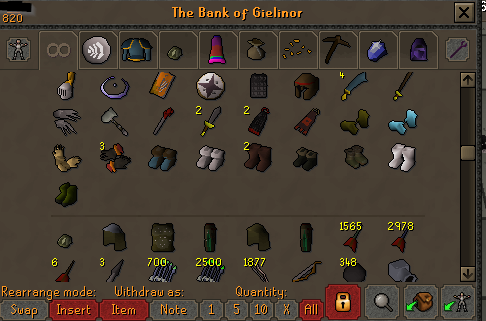
I've seen some complaints but I am still curious and this dev does great work, so I am keen on it anyway, I will update with my findings for people still curious Edit: It works really well, took about 20 minutes to go through almost 600 items, and I used the default settings but it offers a lot of customization, remove all placeholders before you run the script!
-
Never tried a fugashi script but I'm curious on them now
-
Got it working and within minutes both accounts it was running on got banned. Unfortunate..
-
-
-
This script sucks ass, it barely works, requires baby sitting for every third log, doesn't click the logs. I'd request a refund but I just expect better work for something so fucking basic.
-
It just stands at the GE for me.
-
To anyone that reads this: This is by far the best GOTR script on the market, I have tried multiple from Runelite plugins, colorbots, and other clients. This is the best, it even has a built in account builder for fresh accounts. I've had a disagreement with Khal on a different script of theirs but regardless this script is the shit.
-
Fuck trials I'm just going to buy this, thanks homie.
-
ah its a script thing, not a client thing. Thank you for the clear up in the confusion.
-
Anyway to make it say runelite again?
-
The other day it was saying Runelite when I was using OSBot, now it says OSBot 2.6.67 I'm assuming this will probably have an impact on ban rates etc?
-
Educate me then.
-
You could ask the script writer but chances are low
-
Before in the program title it would have "Runelite - XXXXXX" Now it's OSBot. Is this going to be an issue for detection?
-
Just saying my experience with your scripts, I will still continue to support and purchase your scripts but just thinking that this may not be a coincidence.
-
hahaha fair enough I was thinking the same thing after I read your reply