






coltonjbelk
Members
-
Joined
-
Last visited
-
any way to make it ironman friendly so it only picks up from thing u kill?
-
keeps breaking keeps walking into melee range and just stand there turns its prayer and eats till it out then runs away wont select right spell.mp4

-
why does my account go up to lvl 26-27 wildy when script say 20-25 why does it got to 26 wildy when fighting and it wont walk back to reatk after kill
-
any chance there will ever be a ironman mode for black chins
-
-
great script got for 1-92 farming and 9-75 hunter with no problems
-
does anyone else have a problem with it to keep walking into the smoke and just stands there till you die
-
Is there anyway you can add cricket moblie to txt notifications?
-
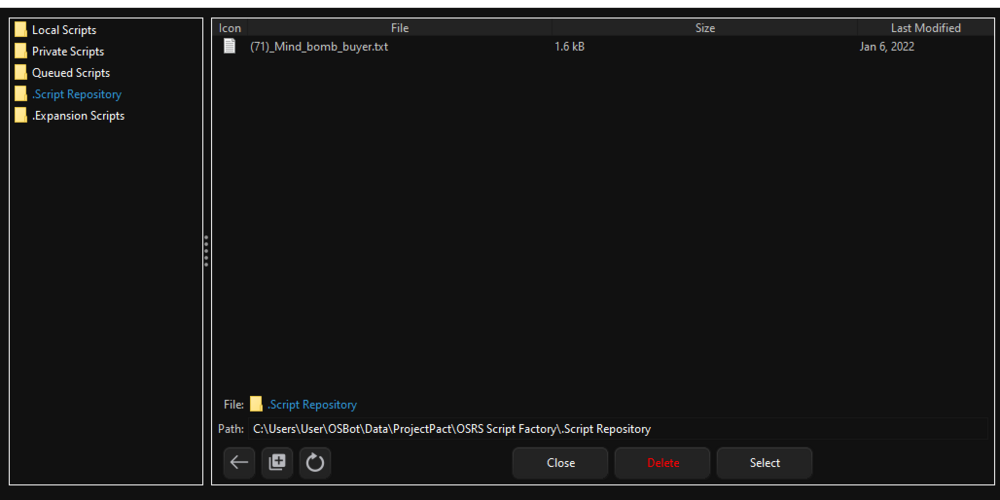
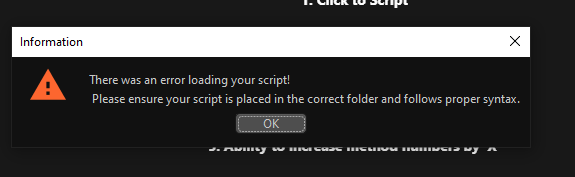
Why it this happening
-
i have no one will reply
-
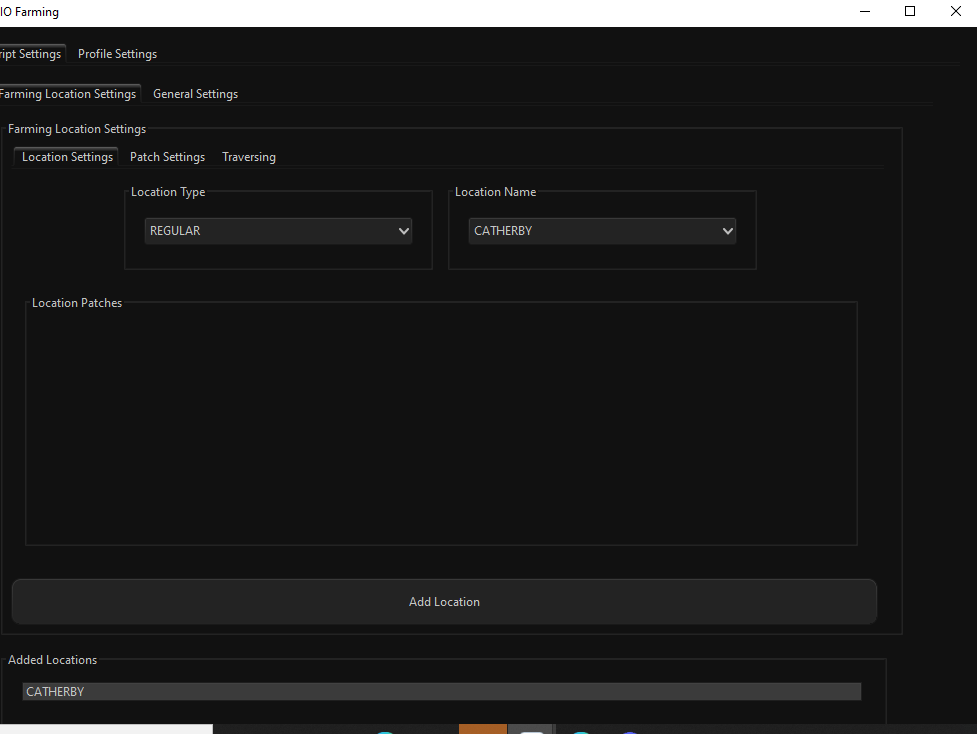
everywhere i add says there no farming patch there plus cant see the start button Reuesting refund
-
was does it keep logging me out I start at the mounds with everything equipped or in my invo then it using ring of dueling to clan wars goes to bank and loges out
-
great script will definably buy when I get paided tomarrow
-
can I get a 1 day trial before I buy
-
I would like a refund I can not figure out how to get anything to work



