Leaderboard






Popular Content
Showing content with the highest reputation on 01/18/24 in all areas
-
👑CzarScripts #1 Bots 👑 👑 LATEST BOTS 👑 If you want a trial - just post below with the script name, you can choose multiple too. 👑 Requirements 👑 Hit 'like' 👍 on this thread1 point
-
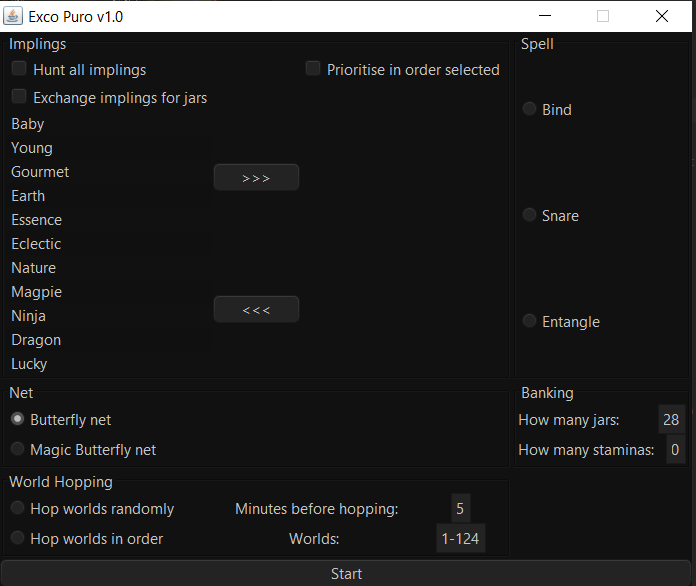
1 pointCurrent version: 1.0 Features: Custom path finding to handle all types of wheat and whiltering areas inside Puro Puro Catches all implings Prioritises implings by reach-ability instead of raw distance Banking for jars, butterfly net, runes and staminas Snare/Bind/Entangle support Stamina support Trade in caught implings for more jars World hopping Requirements: Changelog: Screenshots Pricing: Bug Reports:

 1 point
 -
1 pointBrought to you by the #1 most sold script series on the market. Come and see why everyone's choosing Czar Scripts! This is the most advanced Agility bot you will find anywhere. BUY NOW $9.99 NEW! Added Both Wyrm Courses! SCRIPT INSTRUCTIONS Optimal Setup for the bot: Please set the mouse zoom to far away (to the left, like below) so that more obstacles can be seen in the view, and so the script can be more stable and reliable Also, make sure to have roofs toggled off (either go to settings tab or type ::toggleroof) for optimal results1 point
-
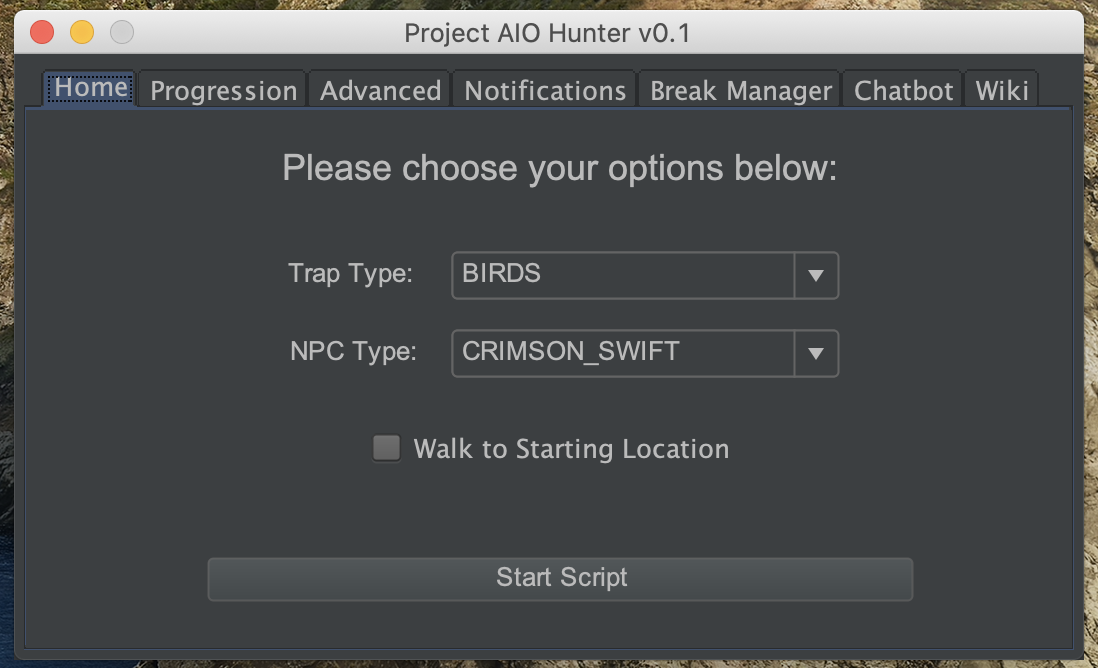
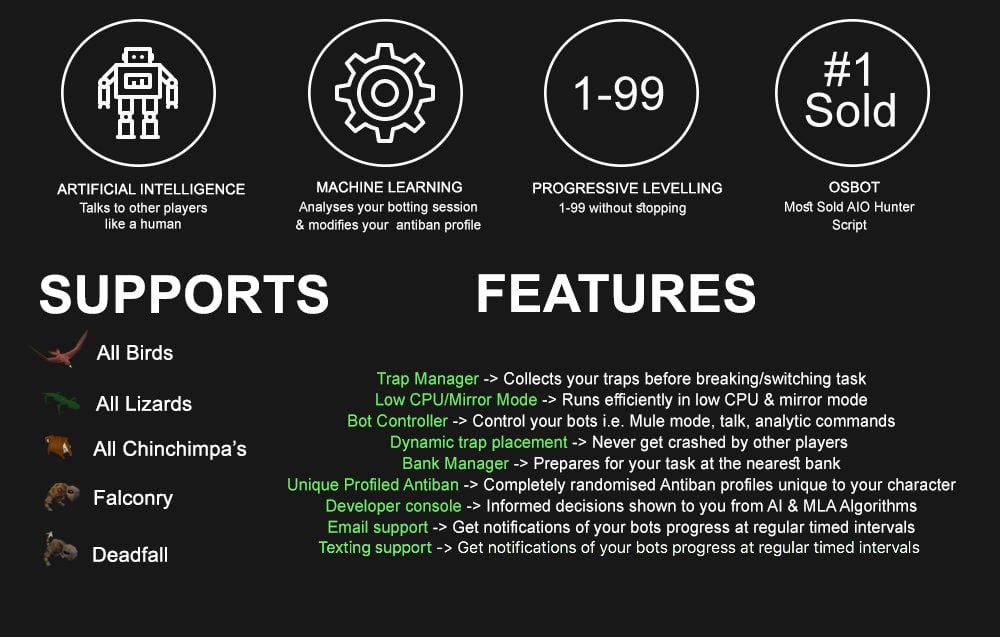
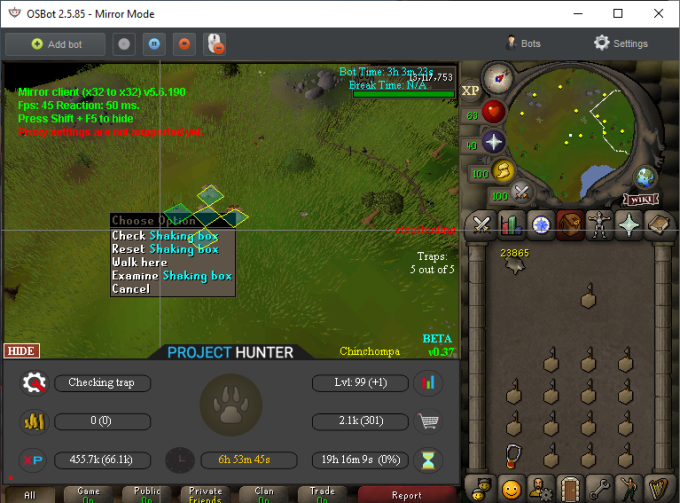
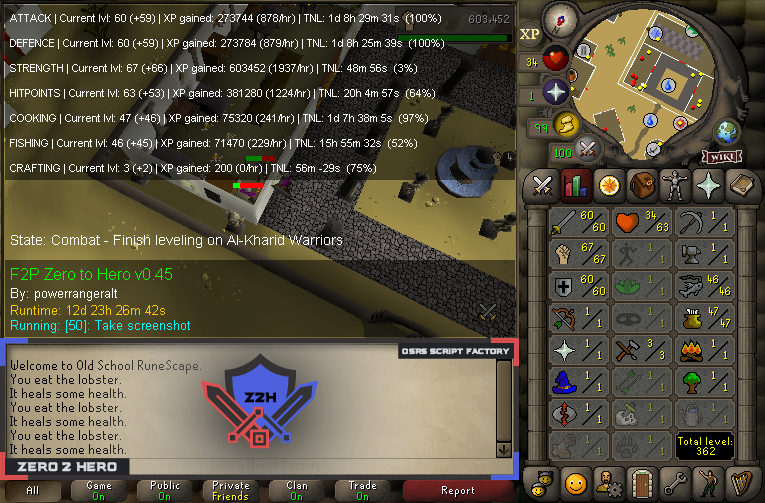
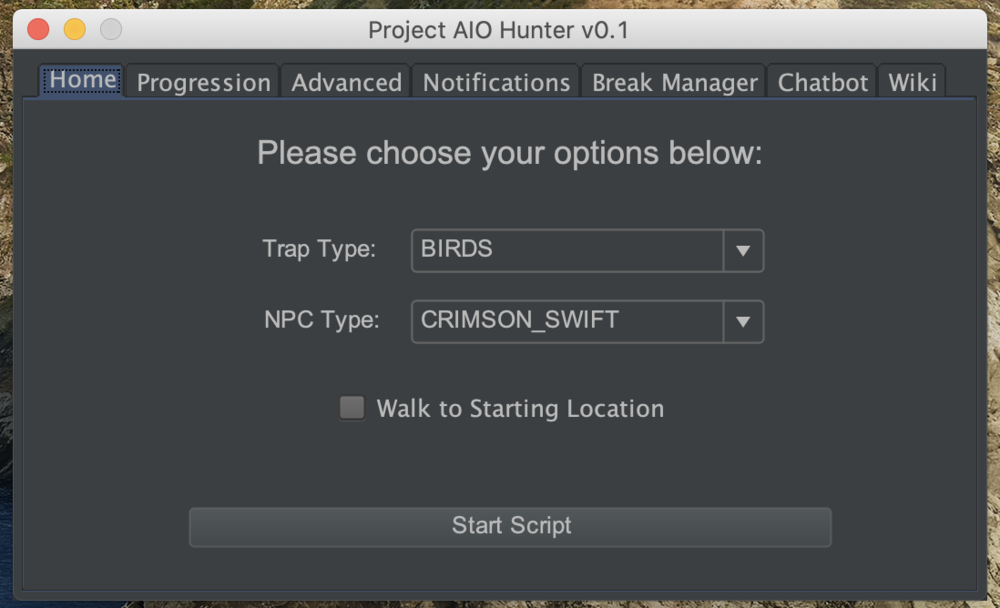
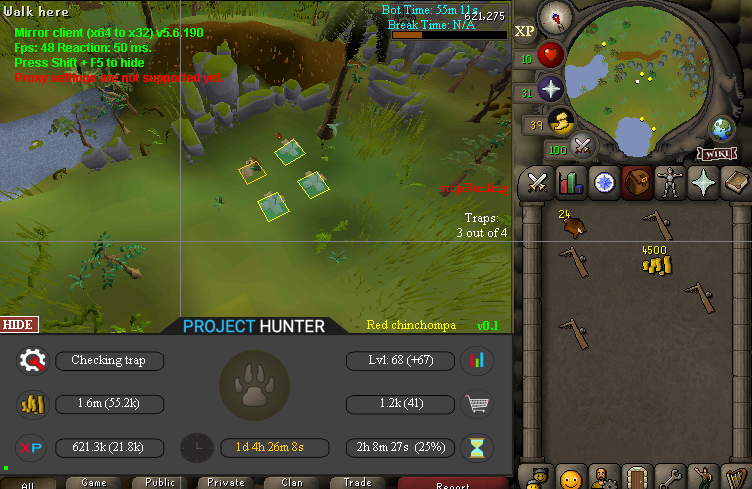
1 pointPPOSB - AIO Hunter Brand new trapping system just released in 2024! *ChatGPT Supported via AltChat* https://www.pposb.org/ ***Black chinchompas and Black salamanders have been added back*** Supports the completion of Varrock Museum & Eagle's Peak OR CLICK HERE TO PAY WITH 07 GOLD! The script has been completely rewritten from the ground up! Enjoy the all new v2 of the script JOIN THE DISCORD CHAT FOR QUESTIONS/ SUPPORT/ CHATTING/ UPDATES! New GUI: Features: Click Here Current functioning hunter tasks: (green - complete || yellow - started || red - incomplete) Screenshots: Progressive Leveling: 1-19 --> Crimson swift 19-43 --> Tropical wagtail 43-63 --> Falconry 63+ --> Red chinchompas Updates How to setup Dynamic Signatures Report a bug CLI Support - The script now supports starting up with CLI. The commands are given below. Please put in ALL values (true or false) for CLI to work properly. Make sure they are lowercase values, and they are each separated with an underscore. The script ID for the hunter bot is 677. Parameters: EnableProgression_EnableVarrockMuseum_EnableEaglesPeak_EnableGrandExchange Example: -script 677:true_true_false_true ***Don't forget to check out some of my other scripts!*** OSRS Script Factory Click here to view thread LEAVE A LIKE A COMMENT FOR A TRIAL The script is not intended for Ironman accounts. It still works for Ironman accounts, but you must have all equipment, gear, and items.


 1 point
 -
1 pointHey I am currently looking for 40 accounts with full GOTR outfit and colossal pouch all of them need to have lunars done for NPC contact and 82 mage.1 point
-
1 pointHey I was wondering if you offer trials I want to see how it works before buying1 point
-
1 point
-
1 pointThis script works awesome! I let it run all day at work. I usually run for 2-3 hours and I'll put in anywhere from 19-32 minute breaks. Always consistently changing playing and break times.1 point
-
1 point
-
1 pointcurrently having an issue with the last obstacle on varrock roof top was working fine few days ago, just keeps searching for it cheers =D1 point