tru3n1gma
Members
-
Joined
-
Last visited
Everything posted by tru3n1gma
-
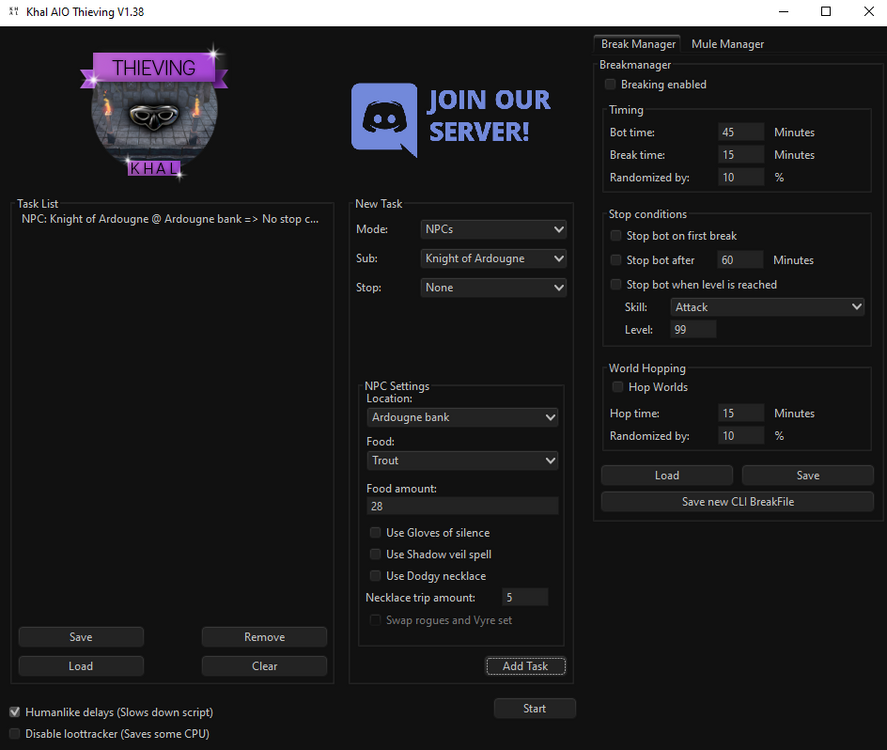
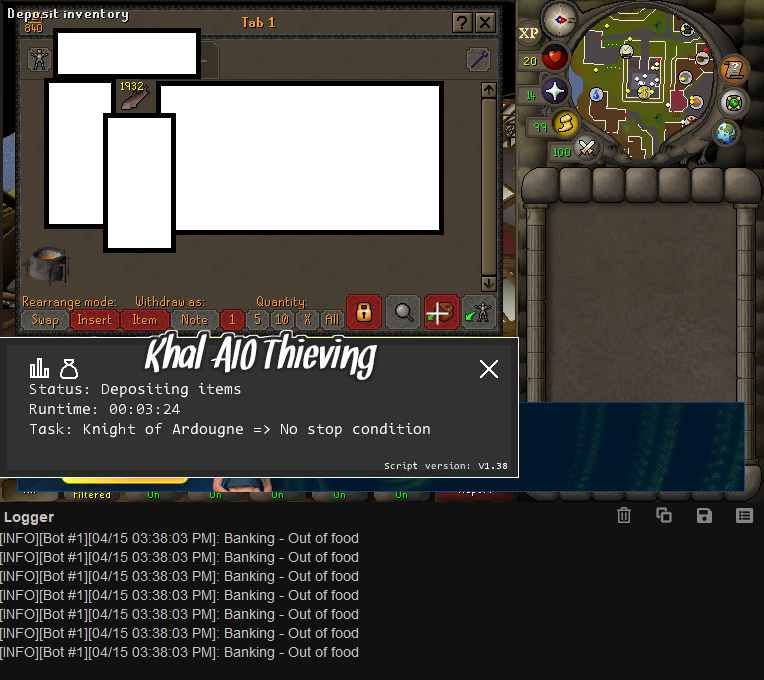
here is the log while its happening and my settings
-
just bought this and for some reason whenever i start the script, it just keeps on trying to deposit an empty inventory. if i manually setup the inventory myself then the script works until it has to restock and then it just keeps depositing an empty inventory on loop.
-
does playing normal sessions (non-botting) on the osbot client and also adding in short botting sessions in between help with anti-ban?
-
is this script any less "HCIM death-proof" as the Night windertodt script?
-
is this script any less "HCIM death-proof" as the Khal windertodt script?
-
hello can i please get a trial to test this out?
-
hi Khal i am a user and owner of a few of your other scripts, may i please trial this one? thanks.
-
hello sir, can you provide me with a trial please? much appreciated
-
Script name Khal Pest Control - trial length - 4-6 hours - i have purchased your warrior guild barrel script and may be interested in purchasing this one as well for the elite knight armor. - Are you going to give feedback on the script? yes
-
hi its me again, can you please provide me with a trial? I have purchased some of your other scripts too (khal barrel)
-
hello may i please try this script out? thank you
-
-
hey man can I have a trial please? thank you
-
hey Czar it looks like you gave me a trial for the Rock Crabs script, and not the Sand Crabs script. Can you modify this for me please? Thanks
-
hey Czar can I get a trial for Perfect Sand Crabs please? thank you.
-
why does this keep happening man... please help. all the other scripts on this forum work except for this
-
heres a prog of my first run with this bot: edit: not sure if this is related but i just got disconnected saying "the number of connections on this account has been exceeded" or something. then the message changed to "this account is already logged in, please wait 60 seconds". luckily I was able to log back in but I was truly scared for a moment that my account got hacked or something.
-
Great script man! Has been running for one hour with no problems and solving more randoms than I could have imagined!
-
Hey man, just started using OSBot today and it is great so far. However, I am having quite alot of trouble getting this script to work. 1) Is it supposed to login for me? When I have the login screen up and press play to load your script, some error in the console pops up and nothing happens. 2) Also, when I manually login and start the script by pressing the play button, the interface for the bot pops up but it does not do anything except say "Idle" or "No Yew Trees nearby" when I am clearly next to a yew tree. I have even tried chopping the tree myself and the interface actually updates with the logs that are being cut, but when the tree is cut down, it starts to say "Idle/No Yew Trees Nearby" even when there's another one nearby. I have tried other scripts in the Local script section and they work just fine but this one for some reason gives me so many problems. I have deleted OSbot and reinstalled it twice now as well as redownloaded your script multiple times but everything stays the same. edit - It appears as if alot of people are saying that the script works with the older version of OSbot 1.6.12, however since I have just started today, I only have the newest version of 1.7.1. Can anyone please upload the older version so that I can test this script out?