




Jump to content
View in the app

A better way to browse. Learn more.

OSBot :: 2007 OSRS Botting

A full-screen app on your home screen with push notifications, badges and more.

To install this app on iOS and iPadOS
  1. Tap the Share icon in Safari
  2. Scroll the menu and tap Add to Home Screen.
  3. Tap Add in the top-right corner.
To install this app on Android
  1. Tap the 3-dot menu (⋮) in the top-right corner of the browser.
  2. Tap Add to Home screen or Install app.
  3. Confirm by tapping Install.

jr2319

Members
  • Joined

  • Last visited

Everything posted by jr2319

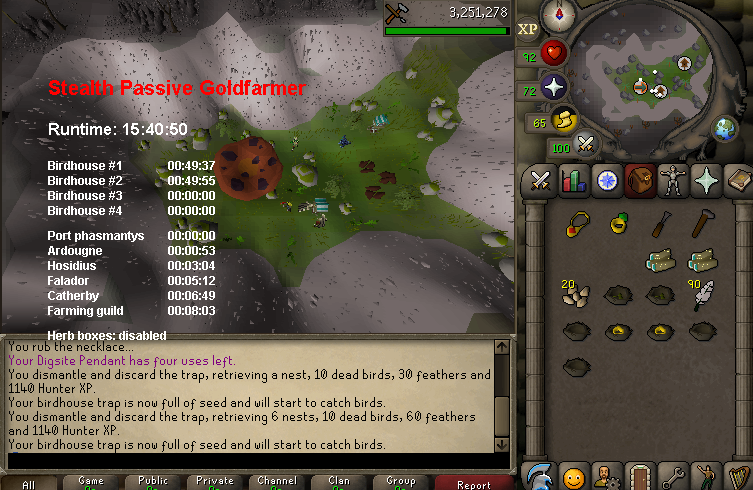
  1. been running on my iron just make sure have all supplies needed
  2. trial plz
  3. works good with iron im already at 92 rc
  4. script runs great didnt have an issue very easy menu to work with great job
  5. jr2319 replied to Apaec's topic in Money Making
    just realized i had my diaries lmao
  6. jr2319 replied to Apaec's topic in Money Making
    Ops think I missed it lol it's a 24hr trail?
  7. trail plz ty :)
  8. jr2319 replied to Apaec's topic in Money Making
    trail plz
  9. I use this script on my Ironman it would run much smoother if I managed to get a bottomless bucket but still runs pretty good with doing either allotments or herb and flower patch I switch from time to time
  10. jr2319 replied to Token's topic in Minigames
    Trail?
  11. Could I get a trial?
  12. trial?
  13. jr2319 replied to Patrick's topic in Combat & Slayer
    hey bud could i get a trail.

Account

Navigation

Search

Configure browser push notifications

Chrome (Android)
  1. Tap the lock icon next to the address bar.
  2. Tap Permissions → Notifications.
  3. Adjust your preference.
Chrome (Desktop)
  1. Click the padlock icon in the address bar.
  2. Select Site settings.
  3. Find Notifications and adjust your preference.
