Naked
-
Joined
-
Last visited
Everything posted by Naked
-
y u ask for wrong thing
-
No. Add it as a script parameter.
-
-
I feel naked without my pretty blue name
-
Bad. RAM won't be an issue it'll be that snail of a CPU.
-
Locks/Bans are flagged because: 1) You need to use decent proxies. Your VPS is likely on a known datacenter subnet. 2) Don't immediately do bot-like behavior. For example, Romeo and Juliet. Solutions: 1) Use proxies. This takes a bit of testing to find decent ones. Again, flagged datacenter subnets 2) Make an unlocker for your accounts 3) Buy tuts from a nudist that has a fancy unlocking tool
-
Edited dispute and thread title to reflect this, thanks.
-
He said he'd double my money but I think his mom made him get off after I traded him. seriously tho wat he do
-
Disputed member: [member= @storm321 ] Thread Link: Explanation: User purchased accounts through the automated checkout on the website. User had issues with the automated unlocking service available on the website and reached out of the live chat, to which the matter was investigated and the user was given replacement accounts + 6 additional accounts due to the problem they faced with the service. The user then disputed the transaction the next day without providing any other feedback (our logs don't show any additional failures after a fix was pushed). We tend to have a very lenient replacement policy, however, the user never reached out expressing additional issues or complaints after the accounts were replaced. Evidence: Please hide all evidence due to sensitive information. <HIDDEN> <HIDDEN> <HIDDEN>
-
-
-
You can use -debug (random number between 5000 and 10000) in the cli command which will then close the client when you close the terminal (or us CTRL + C)
-
So you want to manually close it? Does it become unresponsive (spamming NPEs and such)?
-
1) System.exit(0) inside the script to kill it 2) A database is the best backend. Otherwise, a .csv file with email, pass, proxy ip, proxy port, etc and parse that. Then use Runtime to launch with the arguments. 3) CLI allows full automation. A huge impact. The number of bots you can run depends on specs, as CLI just launches an instance.
-
Oh damn. You should post a copy-paste tutorial sometime.
-
How do we begin impeachment proceedings for Decode? Asking for a friend.
-
Can confirm this. Anti-captcha won't load on some proxies. Had a hell of a time figuring this out.
-
Definitely recommend!
-
So you're sharing accounts? Also against the rules.
-
Alt accounts are against the rules too
-
Hard to test at scale when you're gray ? Correlation doesn't imply causation blah blah blah small scale tests mean nothing.
-
Have sold him 45m or so + some tuts pp & no issues
-
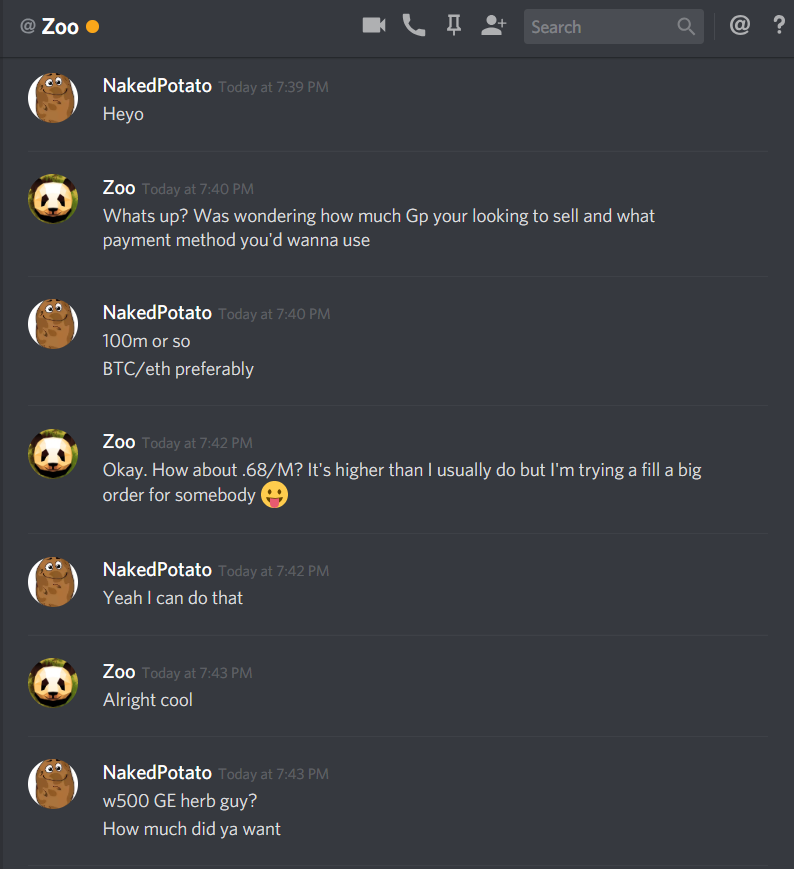
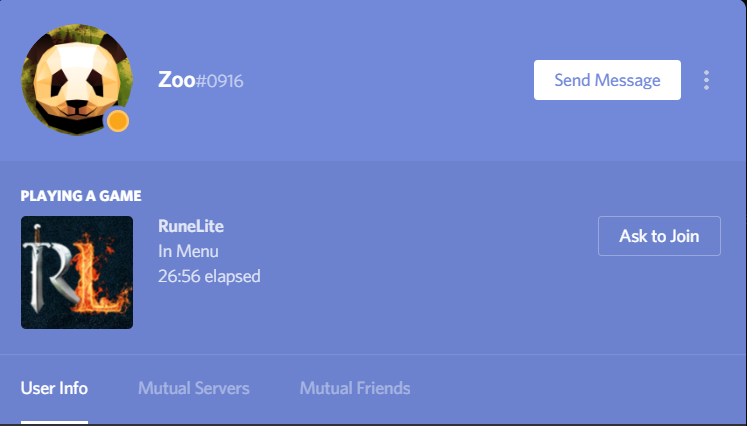
Disputed member: [member= @Zoo] Thread Link: Explanation: Sold him 100m gp. He said he would pay with BTC, which didn't go through. Claimed to BTC didn't go through. Gave him my PP and he stopped replying. Evidence: <HIDDEN> <HIDDEN>
-
-
Even with advertising rights? I thought the issue with discord servers was trust.