childrenfirst
Java Lifetime Sponsor
-
Joined
-
Last visited
Everything posted by childrenfirst
-
i can but not right now, its like 20 farming though if you have an account with that if you dont i'll help out later when i can
-
@Eagle Scripts yo, can you add limpwurt seed support?
-
if it isnt too much hassle, can you add banking support on neitznot and jazito? for ice troll tasks, that is
-
GAMERS RISE UP
-
you're going to bot on it dont lie
-
mirror mode wont help you not get banned when you're botting a huge gp maker for 6 hours a day
-
hey, can i get a trial? im considering buying
-
alright, thanks for your quick response
-
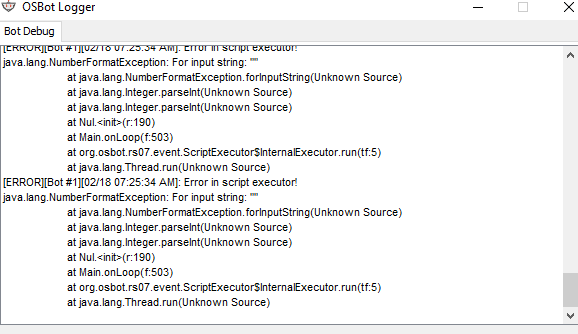
@Juggles I got a picture of the prayer pot log, i have to screenshot it because its not letting me copy it
-
this happened to me at ice trolls and firegiants, doing slayer with them first it will turn off prayers, then it will try to bank but when it opens the bank the client freezes i can try to replicate it next time im cannoning, not sure if i can get the logs though because the client freezes
-
got some more issues 1. if prayer potions run out, it will turn prayer off 2. if you turn prayer on manually, it will bank then crash id give you logs but the client is completely frozen, using stealth injection
-
thanks bro
-
@Juggles yo when it banks stackables, in my case rune arrows, it will deposit them one by one instead of sending them all away
-
yeah but i click again and it comes back
-
@Juggles how do i disable this box over the inventory?

-
your entire argument is a fallacy anyway, it has nothing to do with this script. also if all your accounts get banned its you not stealth injection lol
-
ban rate hasnt changed because mirror mode doesnt do anything to effect the ban rate, why would it? thats not even the point of mirror mode
-
never been any proof that mirror mode is more safe
-
run it without mirror mode mirror mode is a bunch of silly business anyway
-
experience has been poor bans are non existent 3 minutes because it stops working after
-
im interested in buying this, primarily for slayer why should i use this over perfect fighter?
-
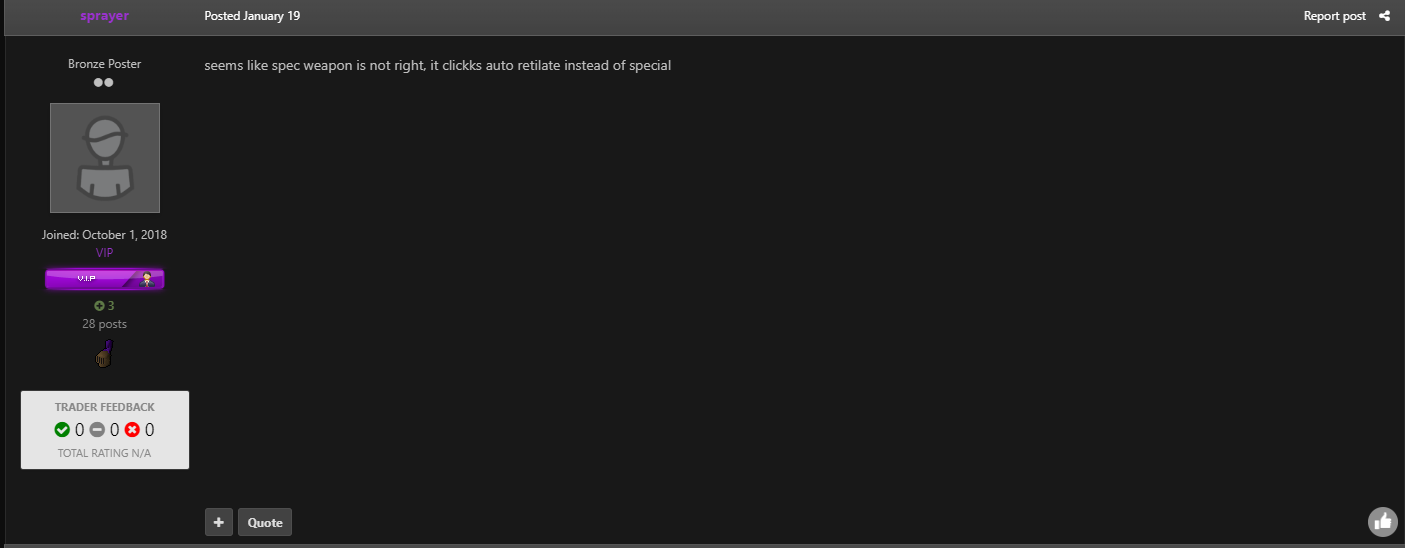
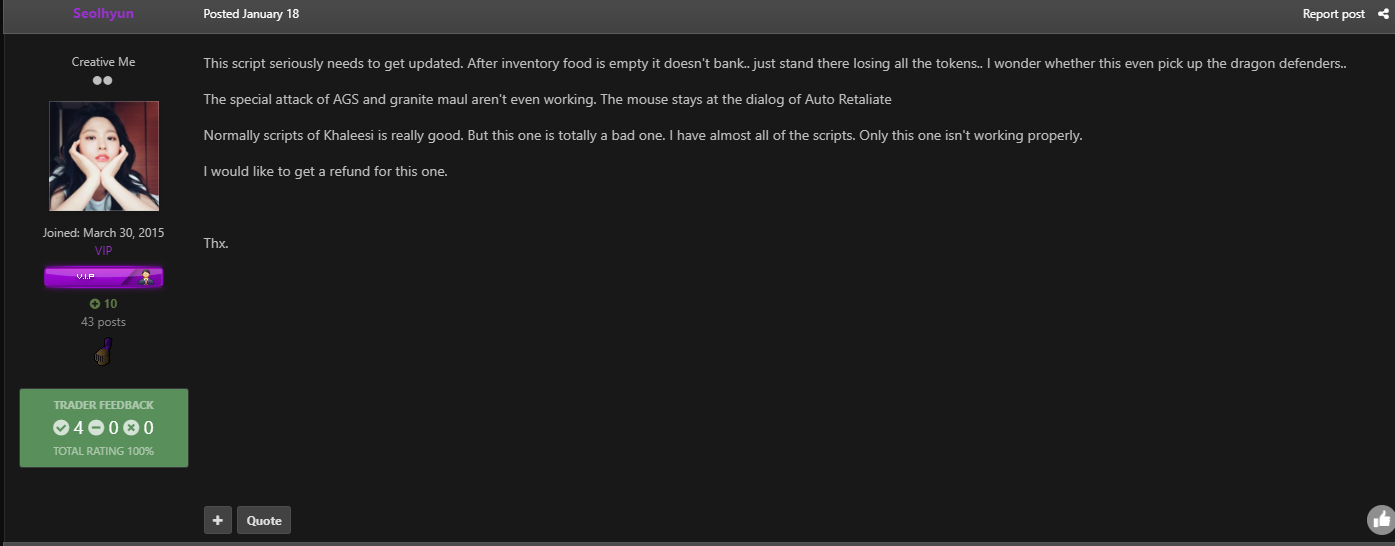
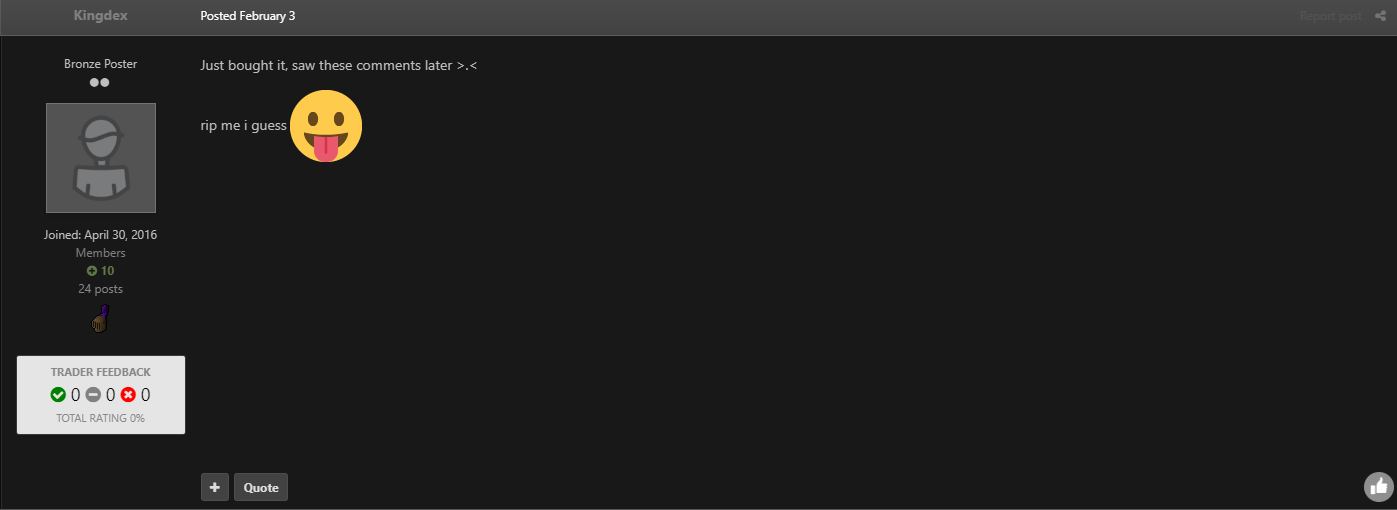
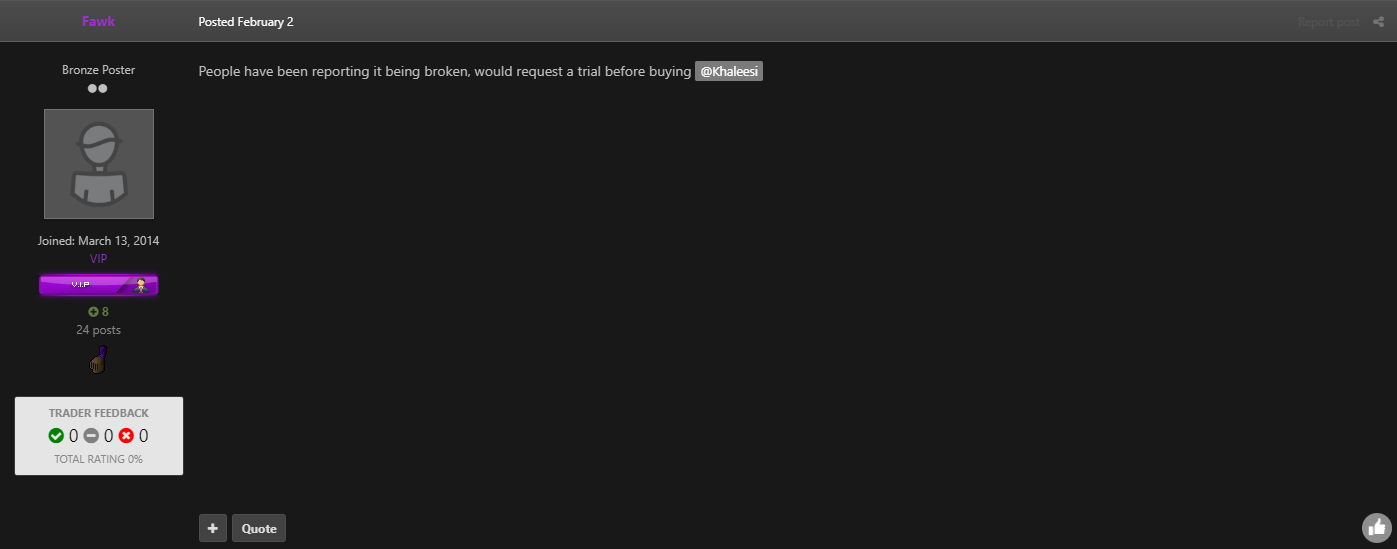
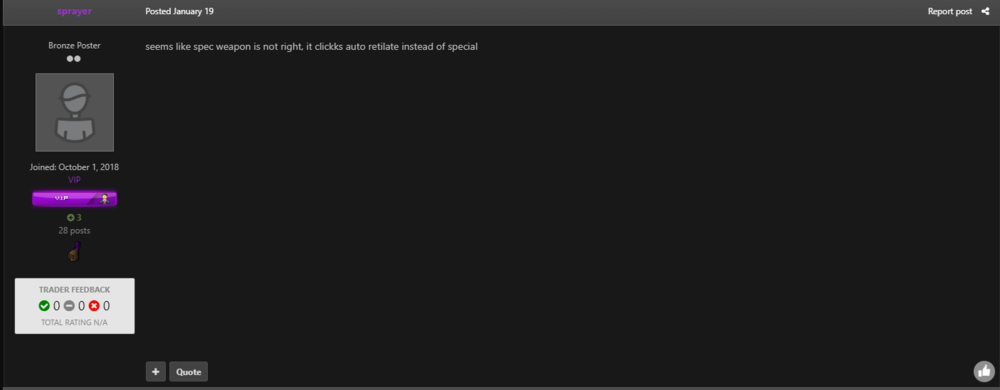
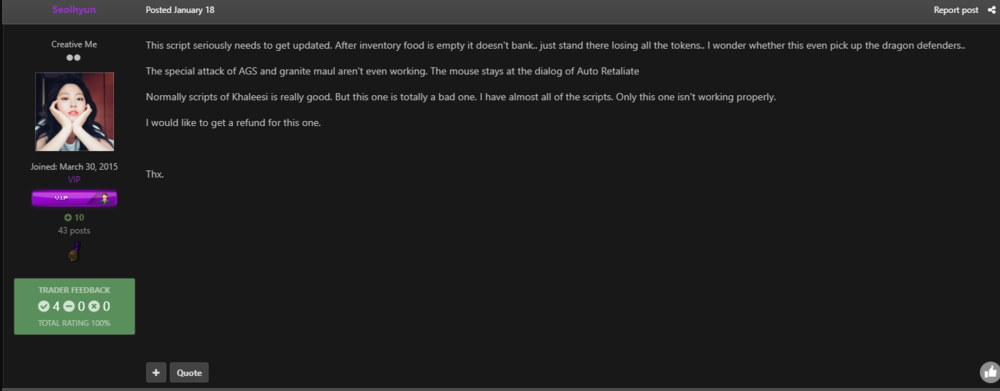
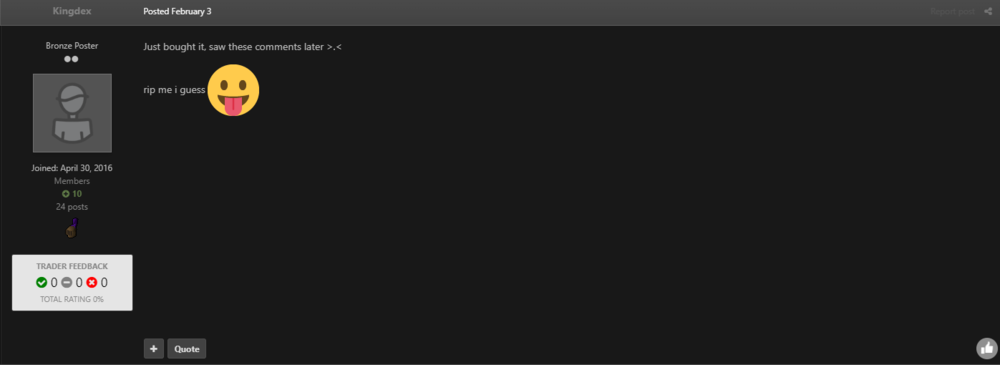
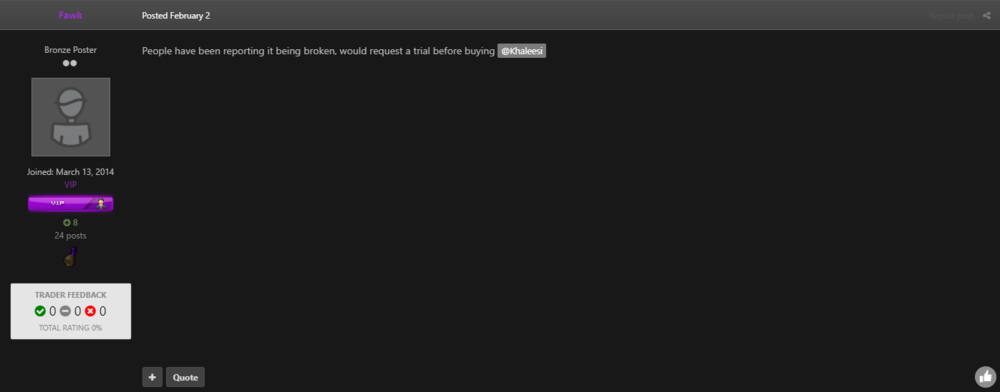
Disputed member: @Khaleesi Thread Link: Explanation: The script doesn't function as intended anymore. There have been reports dating back to January that the script doesn't function properly, mainly that it doesn't pick up items that it claims it does. I'd really like if the script functioned instead of being refunded or compensated, since its been requested over a month ago to be fixed I figure going through the dispute system is the only way to get attention on the matter. I've tested this on numerous settings in the script, I've tested it on stealth injection, mirror mode and mirror mode on dev client with no success what so ever. I don't know what to put for evidence, so I'm just going to screenshot requests and talk about the script being broken, these requests being ignored of course. Evidence: Please notice the dates of the comments, how some of them are a month old and how there has been no communication from Khaleesi, despite being tagged numerous times.
-
can i get a refund on this, or can it be fixed? it never loots rune drops in the basement
-
hey, can i get a trial for this?
-
why are the bans so frequent