siilentalk
Trade With Caution
-
Joined
-
Last visited
Everything posted by siilentalk
-
Yep I got it Telling to prepare to download an app/get used to it etc. Released on Thursday. Not bad
-
-
Just bought, love the khal scripts. I'll post how it goes. If I remember.
-
-
Left positive by accident as well as neutral if you could remove the positive one. https://osbot.org/forum/feedback/
-
Didn't quite go down as he explained but I think a negative feedback is highly warranted myself. 1] I paid him more than he wanted 2] He started 2 hours after the time he suggested he would 3] He said 'I will do it tomorrow, i'm not doing it tonight' (something along those lines, I can find the quote if requested) because I forgot an item that takes 2-3mins to get (the wikis aid recommended item and not item required). 4] He then refused to refund and acted childish until a mod TOLD him to refund it by putting in 1gp at a time for 5/6 minutes. This is clearly a negative transaction. I don't see how it's neutral. He was also rude throughout and it was a huge negative experience. If you still think it warrants removal, i'd like a second opinion with the greatest of respect. @Mio
-
-
This is from 2017? Are you crazy
-
Update- Finally decided to pay me after he was struck with the 1 day ban. The guy is clearly 13 with some sort of disorder. Paid him more than he wanted, waited longer than he promised and he treats a customer like this. Disgrace
-
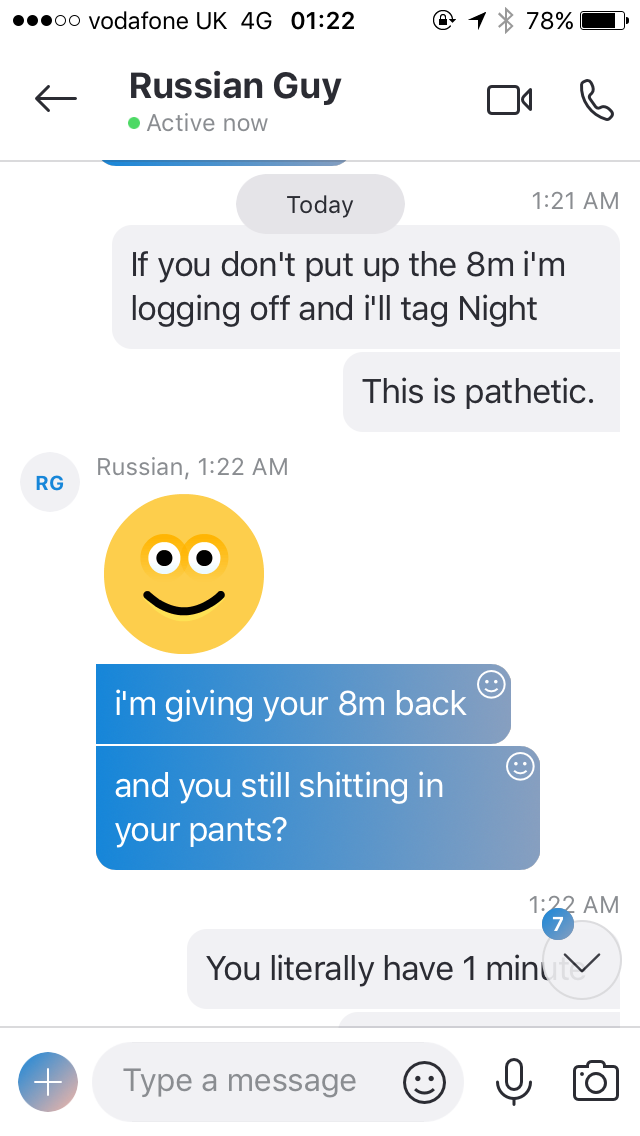
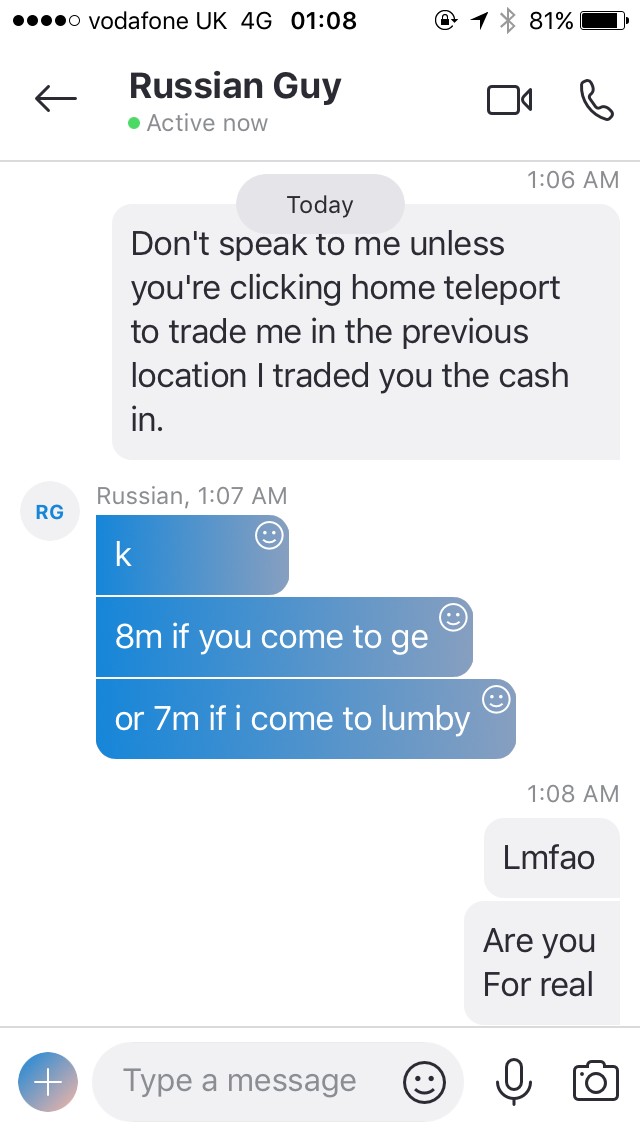
Edit - He's declined the trade and started going up 1gp at a time again. Please just ban this idiot. I'd rather lose 8M and see him banned.He's in lumbridge atm. Refusing to pay 8M, said I must pay for his varrock teleports. He's currently putting GP in coin by coin, 1 gp at a time. I've got all night, expected to be doing better things than dealing with a child though. I'll keep you updated @Night Currently on 163gp. Can you please speak with this childish imbecile.The accounts are F2P, I don't have teleports to varrock. He refuses to teleport to lumbridge because I wanted a refund. Lumbridge was the place he accepted the cash initially (not even sure why I went first), so lumbridge is the place he can come.Quoted me 5M for lunar + dream mentor, told him i'd pay him 8M as 5M seems too cheap. He told me 1 hour till he can begin; 3 hours later he begins and I forget to make an oil lamp. He said 'I've logged off the account and will do it tomorrow, i'm not doing it because you don't have right items'.... So 2 hours later he decides he doesn't want to do it. I said ok then, refund me at the spot we met at previously. He refused.Would recommend ^addedPM me ur discord. I want some too@Account Merchant is doing this for meNo thanks. Still looking.Title says it all. It's a hardcore iron man so you must not die. HAND DONE Want 300 cakes. PM for discord. Skype : live:siilentalkHave someone doing this. I've done it before in 6-7 hours gameplay barely paying attention. So would've passed anyway ? Thanks but no thanks