







Imagine
Trade With Caution
-
Joined
-
Last visited
Everything posted by Imagine
-
can sell, not going first there is not coinbase fees is you xfer through gdax so
-
if balance Skype: OfficialImagine60-80M, quashed bans are still bad. Especially if already quashed twice.time will tell, watching you bubba Im the defensive one? whats ur offisite account with 80 fb im curious
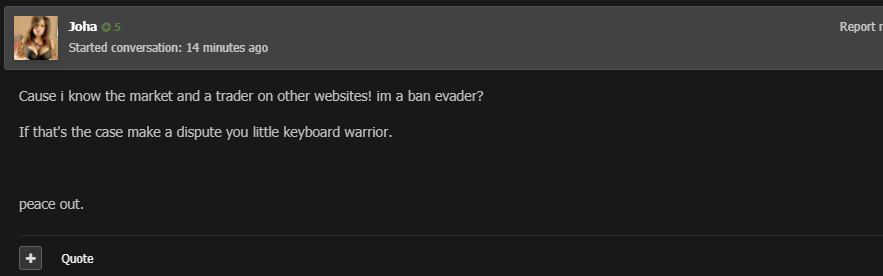 you sketchy asf, ban evader? now stop spamming that post countwhy you so triggered, I was just making a point? but yes having 100+ feedback does make me better than new users to this website?if it were only that easy, no one is going to buy from 0 feedback users, and if they do it will be dirt cheap."you have correctly entered you Pin" fucking asshole, the guy is pouring it out!That was a friend selling his osrs gpscreenshot maybe 25M 2nd option maybe 35-40m and lastly 50M maybe@dazeldo I see you reacted with "". Anything I can clear up for you?mm is irrelevant if you're using paypal, you can still chargeback .$.80 for a mill, paying paypal and you want the seller to be trusted? lol.sick formating man




Account
Navigation
Search
Configure browser push notifications
Chrome (Android)
- Tap the lock icon next to the address bar.
- Tap Permissions → Notifications.
- Adjust your preference.
Chrome (Desktop)
- Click the padlock icon in the address bar.
- Select Site settings.
- Find Notifications and adjust your preference.
Safari (iOS 16.4+)
- Ensure the site is installed via Add to Home Screen.
- Open Settings App → Notifications.
- Find your app name and adjust your preference.
Safari (macOS)
- Go to Safari → Preferences.
- Click the Websites tab.
- Select Notifications in the sidebar.
- Find this website and adjust your preference.
Edge (Android)
- Tap the lock icon next to the address bar.
- Tap Permissions.
- Find Notifications and adjust your preference.
Edge (Desktop)
- Click the padlock icon in the address bar.
- Click Permissions for this site.
- Find Notifications and adjust your preference.
Firefox (Android)
- Go to Settings → Site permissions.
- Tap Notifications.
- Find this site in the list and adjust your preference.
Firefox (Desktop)
- Open Firefox Settings.
- Search for Notifications.
- Find this site in the list and adjust your preference.