extatus
Trade With Caution
-
Joined
-
Last visited
Everything posted by extatus
-
-
-
yes primed accs are not allowed
-
-
-
-
-
-
noted and thanku up!
-
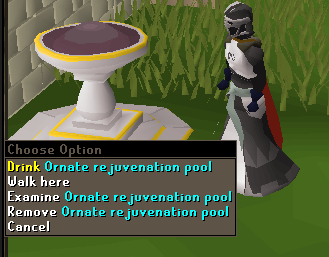
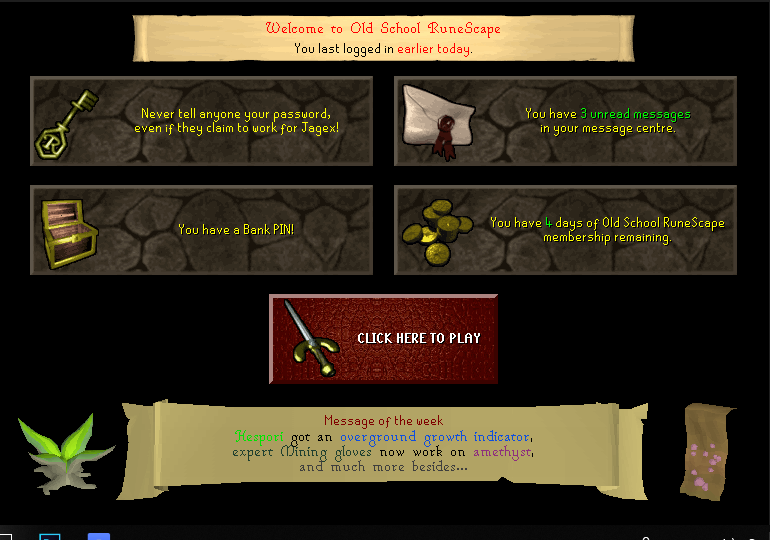
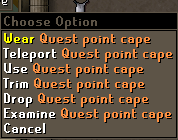
1. Pictures of the account stats 2. Pictures of the login details 3. Pictures of the total wealth (if there is any) 4. Pictures of the quests completed 5. The price you will be starting bids at 450M 6. The A/W (Auto-win) for your account 650M 7. The methods of payment you are accepting RSGP 8. Your trading conditions You first or MM. 9. Pictures of the account status 10. Original/previous owners AND Original Email Address I am the original owner. Login e-mail is too valuable to hand out (related to previous school projects/ family/ business). All other recovery information will be handed out upon purchase. ______________________________________________________________________________________________________________________________________________________________________________________________ Description: Originally a Slayer alt. The account was made in 2015. Played mostly during years 2015-16. Ideal account for PvP/Staking/PvM. FEATURES: QUEST CAPE 99 SLAYER! ALL NEW GOD CAPES UNLOCKED! AUGURY UNLOCKED BABY MOLE PET RC PET SKOTOS PET
-
a magical force prevents you from selling this item
-
rip to anyone who got lucky at sand casino xd
-
-
with ddos attack
-
-
-
-
-
3rd party clients havent worked since like october, broke with update afaik official client is fine either way
-
-
nobody knows
-
-
-
-