Jump to content
View in the app

A better way to browse. Learn more.

OSBot :: 2007 OSRS Botting

A full-screen app on your home screen with push notifications, badges and more.

To install this app on iOS and iPadOS
  1. Tap the Share icon in Safari
  2. Scroll the menu and tap Add to Home Screen.
  3. Tap Add in the top-right corner.
To install this app on Android
  1. Tap the 3-dot menu (⋮) in the top-right corner of the browser.
  2. Tap Add to Home screen or Install app.
  3. Confirm by tapping Install.

hard2

Members
  • Joined

  • Last visited

Everything posted by hard2

  1. 99thiev + rogue set original owner
  2. I have 99 thieving acc Discord:. hardest2#8960
  3. hard2 replied to javidamme's topic in Requests
    5m for work
  4. hard2 replied to Ole20's topic in Requests
    25m
  5. hard2 replied to hard2's topic in Accounts
    Sorry I can't give this email
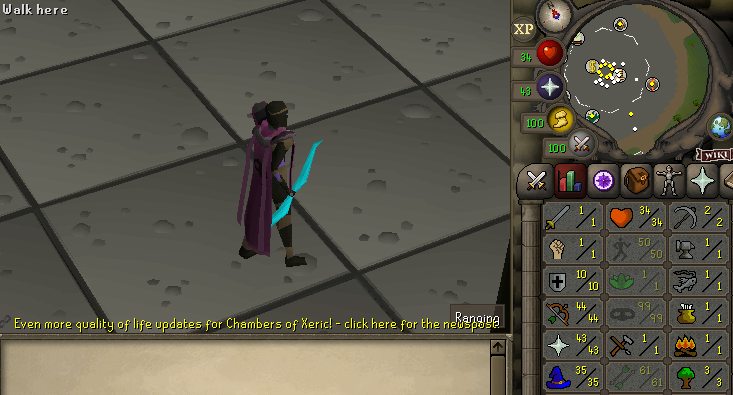
  6. Stats Value Quest point NO BANS Accepting osrs gp or paypal, I can go first or mm I'm original owner Price 40m
  7. 99thieving acc offer
  8. hard2 replied to jlr8588's topic in Requests
    hardest2#8960 i can do it for free
  9. 65m discord: hardest2#8960
  10. hard2 replied to daweed's topic in Requests
    1day 25m discrord: hardest2#8960
  11. hard2 replied to Affray's topic in Requests
    15m can start now discord: hardest2#8960
  12. hard2 replied to Fearsy's topic in Requests
    10m discord hardest2#8960
  13. hard2 replied to Fruity's topic in Requests
    hardest2 #8960
  14. hard2 replied to Fruity's topic in Requests
    can make 1 acc for 20m
  15. hardest2#8960
  16. i can do this quest
  17. hard2 replied to Larsen's topic in Requests
    i can start today and finish tomorrow for 15m
  18. hard2 replied to KevinOG's topic in Requests
    5m 3h
  19. hard2 replied to dubeam's topic in Requests
    have acc with 99 thieving and pet

Account

Navigation

Search

Configure browser push notifications

Chrome (Android)
  1. Tap the lock icon next to the address bar.
  2. Tap Permissions → Notifications.
  3. Adjust your preference.
Chrome (Desktop)
  1. Click the padlock icon in the address bar.
  2. Select Site settings.
  3. Find Notifications and adjust your preference.