ZzzDaddy
Members
-
Joined
-
Last visited
-
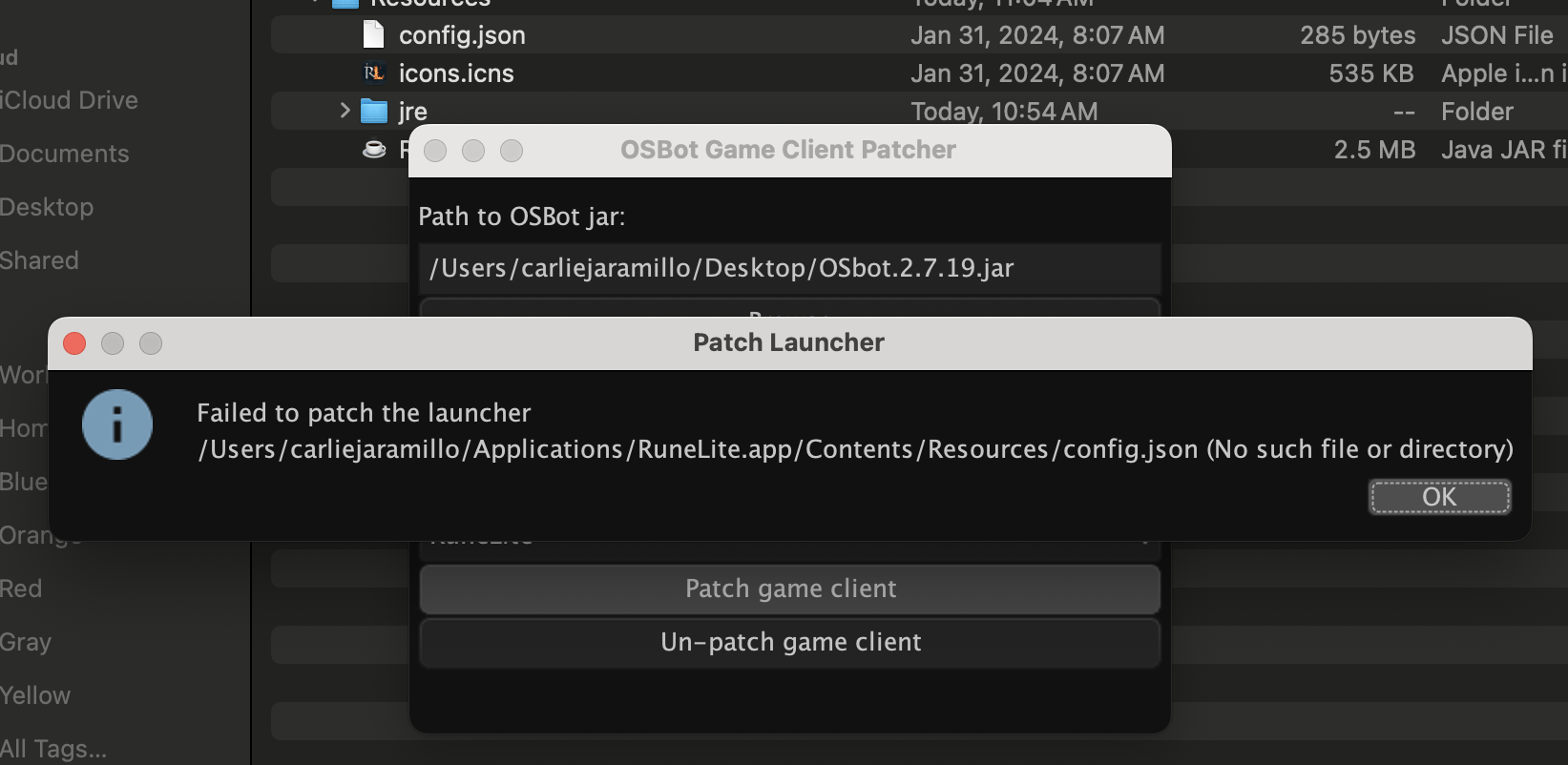
I'm having troubles patching the game client. I have the most up to date Java. I have uninstalled and reinstalled both Runelite and Jagex Launcher. I cannot get it to work. Any input would help. Thank you in advance! V/r Dallas
-
Can someone help me? Thank you in advance. I am on Mac as well.

-
Could you possibly share the photos of the application folder with the osbot file. I tried doing this and it was saying Runelite is damaged. Thank you in advance.
-
How do i become a VIP member to do this? Thank you in advance.
-
Does this work for Mac too? I've tried this method and it will not work for me. What is the path to osbot jar? Thank you in advance.
-
Does this support forestry? Thank you in advance. V/r Dallas
-
I'm new to Soul Wars, could I get a trial please?
-
I am having an issue where it is telling me OSBot cannot connect and I need to restart my client. I have done this several times and it is not working. Help please? Thank you in advance. V/r Dallas