jq1
Members
-
Joined
-
Last visited
-
Is it possible to know the ban rate?
-
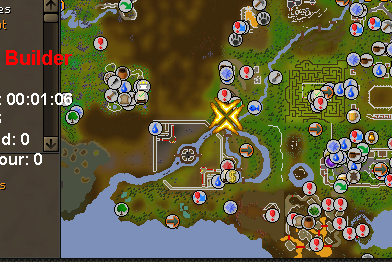
so i got it working but now it randomly stops, and now i start it the same way but it deposits the inventory, goes to clan wars and starts running around the map.is there anyway to get support for this??not sure if i ever updated but ran for 4 hours with break and got bannedonce it finishes with inventory it just stands like this
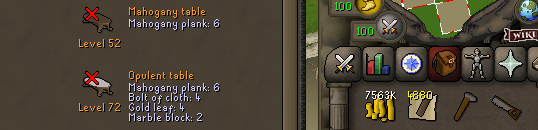 Ill go in with a full inventory of planks and it makes the table, after that it just stops. does not swap notes.
it keeps stopping after it runs out of planks, instead of telling the servant it just stands there.got banned after 2 uses catching lobstersHey, i have 40 fishing and just purchased this bot, i have 7 more days of membership and wanted to know where i can go to fish and try to make money. I was thinking lobsters but all my stats are lvl 1 except my att thats lvl 5. Help please.tried this but does not work.Does this bot still work? ban rate?
Ill go in with a full inventory of planks and it makes the table, after that it just stops. does not swap notes.
it keeps stopping after it runs out of planks, instead of telling the servant it just stands there.got banned after 2 uses catching lobstersHey, i have 40 fishing and just purchased this bot, i have 7 more days of membership and wanted to know where i can go to fish and try to make money. I was thinking lobsters but all my stats are lvl 1 except my att thats lvl 5. Help please.tried this but does not work.Does this bot still work? ban rate?