GetYourCrackout
Members
-
Joined
-
Last visited
-
Does the script support ironmen? Or is it mainly only for mains
-
Can anyone recommend a decent virtual machine that might work on my works pc? My work pc won't let me install runelite on the system nor run it off a USB. The vm will need to be able to work on a remote desktop connection
-
I don't have a bot to do it. Or find one infact
-
Cheers mate. So me selling for $50 seems a reasonable price
-
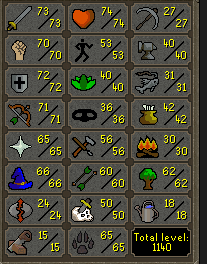
looking to buy 2 Vyre ready accounts price depending, must have sins of father quest, ideally I'd like them unregistered.can i get a free trial pleaseany chance for a free trial pleaseis it possible for a free trial?Do I need to complete the requirements in red on the first page digsite quest etc.. for the script to work. Or does it do it for me?Hi is this Ironman friendly?hey is it possible for a free trial pleasejust added you on discord, looking at buying $10 osbot voucher so i can buy vipI’m looking for 2 accounts possibly more price depending with these stats 77 rc & 73 agility ideally with 100% arceuus favour not not essential must be unregistered accountsHi is it possible for a trial for the runes crafting bot? Feedback will be provide and any screen proggies that you would also like