fittig
Members
-
Joined
-
Last visited
-
99 fishing, 99 hunter skiller level 3. thats all. how much is it worth?
-
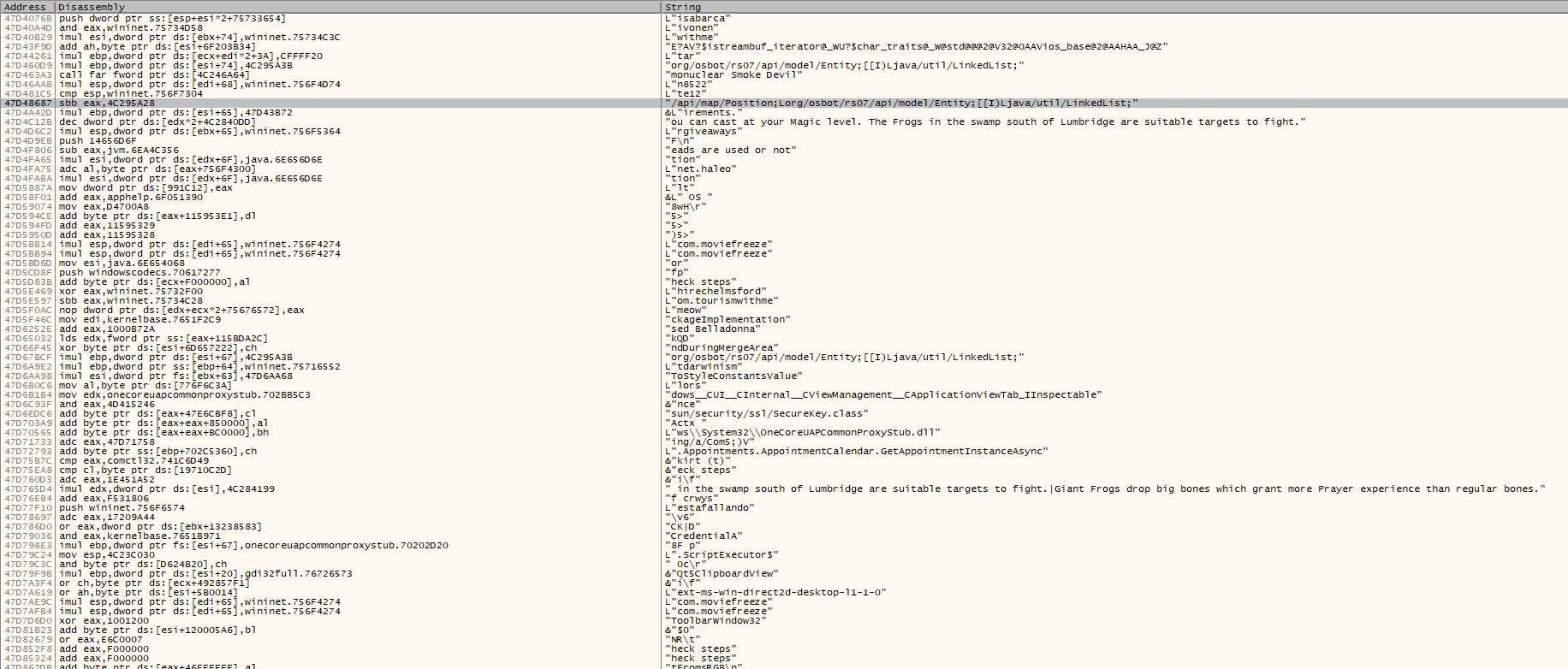
theres nothing you can do internally in-game to prevent bans. first we need to understand what it takes to be able to run the game. TCP and UDP connection, then some .dll files such as jvm, java and so on are needed. do some reserch Read and WriteProcessMemory and perform some hooks may helps. if I am to guess, what jagex uses for Anti-Cheat is something kernel-related.
-
I suggest you have a highly skilled reverse engineer to help you out,
-
they do detect all systeminfo, as a part of the Anti Cheat
-
Hey may i have a Trial please ?
- 1037 replies
-
- premium
- moneymaking
- combat & slayer
- ranged
-
Tagged with:
-
Can i have a trial please? also if i run it 2-3h/day, are ban rate low then ?
-
Can i have a Trial please? does it support tithe farming minigame ?
-
hi can i have a Trial please?
-
-
yes, i used some RPA with jagex official client, then debug it and i see suddenly my RPA was visible when simulating mouse inputs to the client. its sick.
-
Can i have a Trial please? will send proggy.
-
good stuff bro and keep going that way PM me if you want to discuss ban-related things
-
Yes they do detect osbot client. especially when you are logged in to the game.
-
For those who don't know set the reaction time to 5000 ms, this seems to work best and FPS 50.
-