delirious93
Members
-
Joined
-
Last visited
-
Hey could I get a trial on this please
-
Guys look at the bottom left and see how many clues that account has done
-
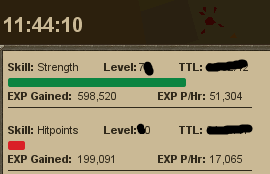
Normally play / bot 12-14 hours on weekends and its fine wouldn't advice doing anything over 6-8 on weekdays. 1st time running NMZ so left it overnight for a nice proggieLove this Script 100% worth a little to cheap atm $14.99 best way to go imo
 Bot opens my bank at sand crabs and just sits in the bank tab doesn't remove anything and I have nothing set up in the inventory.Yes need to update bot to 2.5.7Never a chance leave now!Update for shrimp worked perfectly now just getting off the boat in Karamja have to baby sit script it gets stuck on every return to Karamja and will keep missclicking the plank to get off the boat. OSBot Version:2.5.7 Mirror Mode?:no Description Of Bug: Miss clicks (clicks next to plank) when getting off the boat to KaramjaCan I get a trial for this please?Any updates on this?