mond
Members
-
Joined
-
Last visited
Everything posted by mond
-
updated autowin to 12m! u can offer lower too, this account is useless for me...
-
-
-
-
-
-
-
-
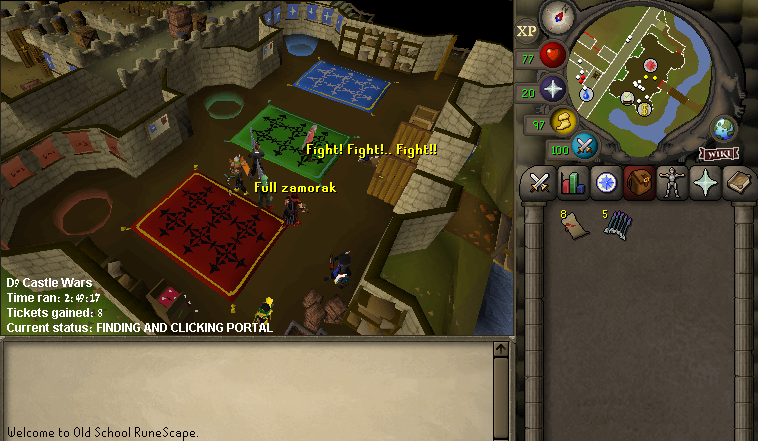
the bot is standing outside the portal and afking. people will report sooner or later.. if the bot will attack anyone coming in it will look less like a bot.
-
-
if u can make the bot to attack people in the room it will be great.
-
thanks!! start running for the halo
-
-
-
-
-
-
-
-
-
castle wars bot. couldnt find any ...
-
-
-
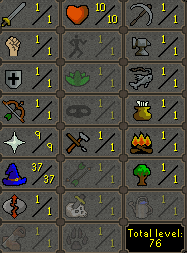
1. Pictures of the account stats 2. Pictures of the total wealth (if there is any) Nothing really. have 84 nuggets from motherlode and some meber staff, about 800k worth.. 3. Pictures of the quests completed 4. The price you will be starting bids at 8M 5. The A/W (Auto-win) for your account 12M!!! cant sell the account and nothing to do with it... 6. The methods of payment you are accepting Osrs gp only 7. Your trading conditions Can use MM or I can go first if you trusted enough. 8. Pictures of the account status 9. Original/previous owners AND Original Email Address I am the OO. I dont have enough detailes to recover the account, didnt mean to sell it and i cant remember... the original email is a fake, will switch the attached email.


-