chors
Members
-
Joined
-
Last visited
Everything posted by chors
-
-
-
Works well. I only use mirror mode.
-
-
I remember back in the day there were threads playing the alphabet game where I start with the letter a and say something that starts with a and the next will do b...c...d....e...and so on until z and start again. Rule, no using the same word A is for Apple
-
-
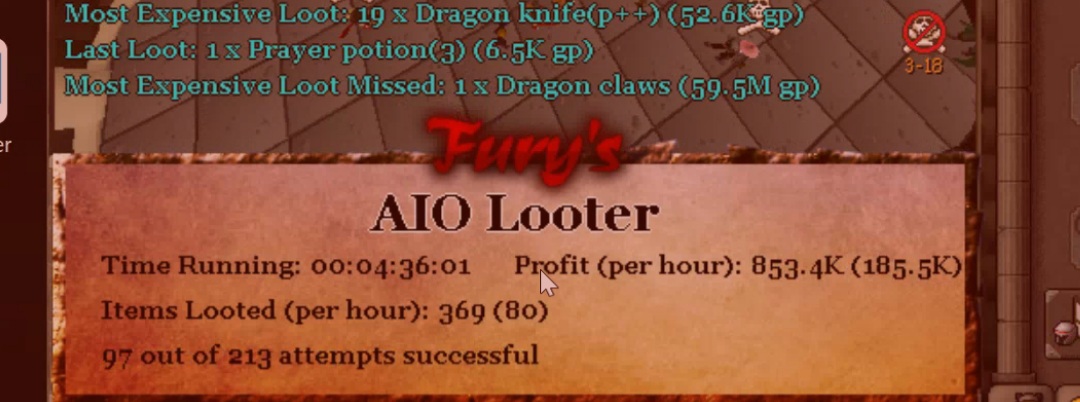
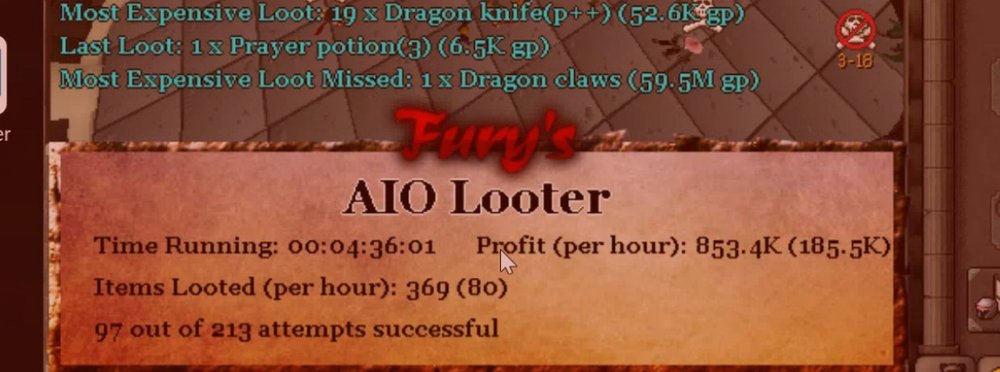
Idk what settings to make me get those d claws D,:
-
I looked the xps 15 up. There's a couple of options. Like the, Dell XPS 15 7590, Dell XPS 15 9560, Dell XPS 15 2-in-1. Is there one in particular thats "better" ?
-
need a new laptop for school. Hopefully be able to play some steam games that I bring to friends houses.
-
this video triggered my fight or flight
-
damn. I tried botting to max and didn't get half way to this. Good job. Any tips?
-
Where do you see how many posts you have?
-
Can i get a trail please?
-
-
welcome! Good luck making scripts!
-
Make sure you're opening the official rs client when you use mirror mode.
-
Was hoping it would fletch to 400 then switch to just burning logs for the rest because just burning logs is faster xp plus more of a chance of getting a crate rather then not fletching at all. But no worries, just thought I'd ask
-
Hey @Khaleesi, I'm having an issue with setting "smart calculate" I enter in 300-400 and it will still fletch more than necessary. What can I do to make it fletch like 400 and just burn the rest of the roots?
-
bank pin not being entered when i run a script that uses the bank. im on mirror mode. edit: just started working again. will have to try it again using the same script to see what happened.
-
-
hey @Czar, can I get a trial of this? edit: i ended up buying the script, however i notice when it goes from the bank to the conver belt it seems to go behind everything (not using the same path everyone else uses) im on mirror mode and zoomed all the way out
-
hey @Khaleesi, can I get a trial for this script? thanks!
-
hey @Khaleesi, im on mirror mode. When mining a vein it seems to click the same vein that its already mining. wish it would just click, afk until the vein depletes and goes to the next. seems a little sketchy, seems like something a bot would do. edit: also when im on a 3 area vein, it will sometimes start in the middle and before it depletes it will click on the one to the right of it.
-
hey @Khaleesi, what settings should I use when eating? when the brazier breaks, id like it to fix it, but it always eats before it gets the chance to fix it for that sweet, sweet construction xp.
-
Can I get a trial on 663- perfect magic Please