






Fuchsiaff
Members
-
Joined
-
Last visited
Everything posted by Fuchsiaff
-
Idk its strange ll
-
I might try that when i get money thx
-
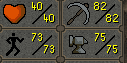
man i botted my main to these stats without a ban
-
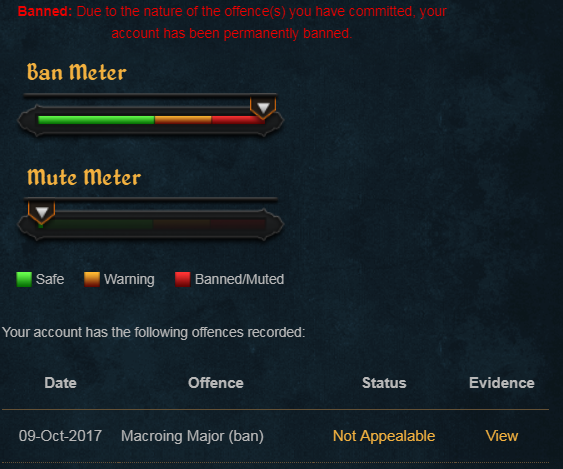
Rip turns out czars runecrafter is trash
-
Today I did a bit more than 1 hour to hit 40 runecrafting!

-
No, I will be doing lava runes till 77 and from there bloods to 90 and 91-99 astrals. I wont be doing abyss because i dont wanna bother training combat.
-
Yeah, getting to 77 with 15kxp/hr will take 60 hrs so 60 days and from 77-99 will take 290 hrs with 40k xp/hr so 290 days e.e
-
Fresh acc with 80 fishing done legit Will do 1 hr a day of rcing(bot) an after that do mlm(legit) Today i went from lvl 1 rc to lvl 30 rc will post updates daily!
-
Dang thanks! I am gonna try and go for 99 mining then
-
IF yes, how? Breaks, places, methds etc
-
I will start botting to 99 mining will post proggies here, however, I need some tips!
-
Trial plz
-
Is it possible to get a trial?
-
I know but whats the price?
-
I have a 75 mining and 72 smithing acc
-
Naah man I have it enabled, however, it's not shift dropping
-
Please implement a shift drop feature!
-
-
Works flawlessly! Thank you!
-
I cant click on the hwprofileguid to change it, help?
-
ill take it for 10 bucks
-
-
-
Nevermind, fixed it
-
The heck? IT keeps running to the bank and logger says attack style strength and ready to go?


