
Master00j
Trade With Caution
-
Joined
-
Last visited
Everything posted by Master00j
-
Can't find you on skype add my skype: drocgecacher
-
skype: drocgecacher
-
add skype: drocgecacher
-
Received 100M 07GP for this service. will be starting right now!
-
Hello, please add my skype or discord (mentioned in first post)
-
Looking for AIO workers!
-
Not used before but they are 100% trusted. They run several websites for different games where they sell gold/goods for. (included Runescape)
-
http://www.fifacoinservice.nl/
-
add skype: drocgecacher will be done straight away price 15M
-
So someone designed me a thread lay-out, But the images are seperated with some nasty lines between it. anyone knows how to fix that? its about this topic
-
skype: drocgecacher can do quests and skilling
-
skype: drocgecacher
-
-
Received the money, will start within 1hour
-
-
-
Working smooth ^^
-
Starting right away! Money will be received after i've finished it
-
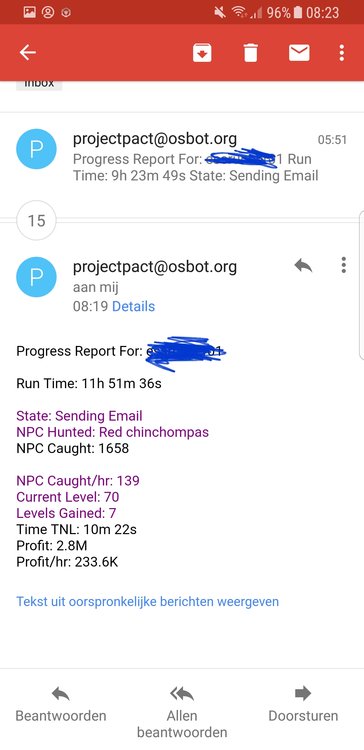
Some vouch for this script. Purchased it 2days ago and already 64 Hunter atm. Does everything as described in the first post! Switched auto from kebbits to Red chins when reached 63hunter. Also the email notification option is damn nice. Keep up the good work! some proggy: http://prntscr.com/ifrowi
-
34.2m skype: drocgecacher
-
can do this skype: drocgecacher strenght: 10.931m Range: 17.908m
-
bump
-
skype: drocgecacher 1.02/mill
-
only that specific account will be banned.
-
skype: drocgecacher