





.gif.f518a54f3ab507ccec11b709c9aa5fee.gif)
erenjwz
Members
-
Joined
-
Last visited
Everything posted by erenjwz
-
What do you think of the (way i write) code, any improvements come to mind?
-
Thanks, can i ask how do you know a script is safe. Like do you look at any memory breach or internet connections while the script is running?
-
True. I'll look into that, thanks
-
So I want to start making Blast furnace ready accounts to sell. But how would you automate Creation of these account emails? Like do accounts need to have a random email that doesnt exist or does the email have to exist which you would give alongside the account? Sorry for the noob question. Much Thanks.
-
-
looks nice
-
Works nice
-
-
Nice one, very happy with it
-
Nice one, very happy with it
-
Nice one, very happy with it
-
Eren's Basic Blast Furnace Blast furnace Script for Steel and Current version 0.1 IMPORTANT Must have a Coalbag Only makes Steel or Mithril for now Screenshot: Are coming Download: ErensBlastFurnace.jar
-
thanks
-
Hello can i get a price check for blast furnace runner with: Coalbag Ice Glove 30 smithing AND little more advanced version: Coalbag Ice Gloves 60 smithing 30 agility Thanks
-
-
-
-
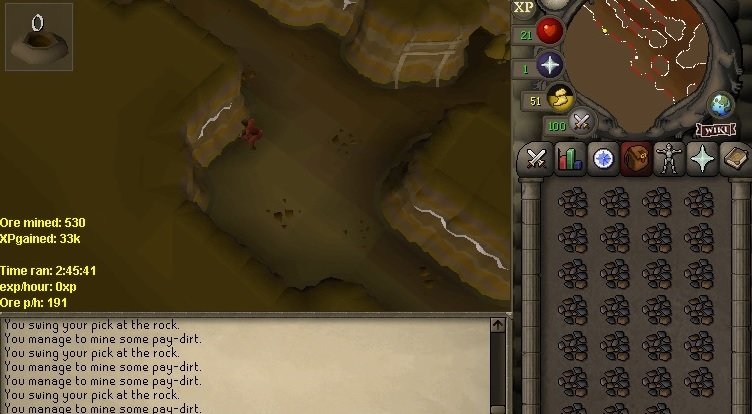
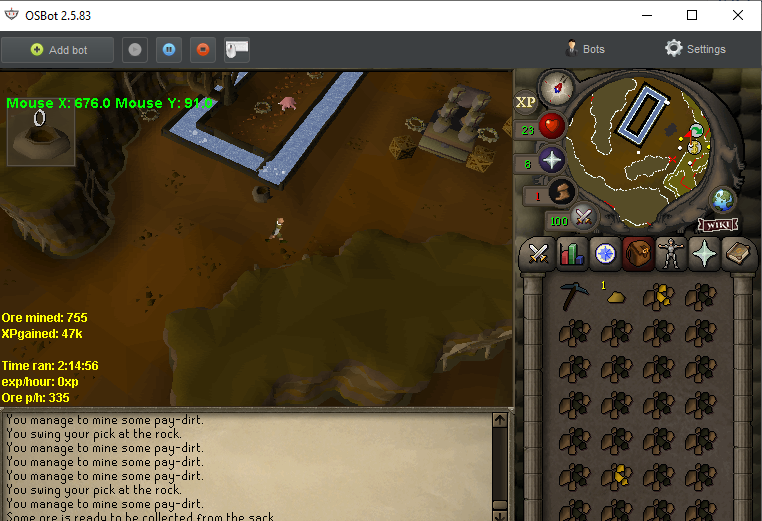
Eren's Basic Motherlode Very good for low mining levels (30-70) Banks everything Current version 0.5 Version 0.3: Faster Ores p/h Bug fixes No hammer needed anymore Version 0.4: Speed improvement (current) Version 0.5: Added a lot of antiban Improved randomness Added Idle while mining *in-the-making* 0.6 : Adding "human" like walking Adding 2 more locations IMPORTANT Only stays on the lower level Player should have pickaxe in inventory Sometime it skips a filled sack, don't worry about that it will get it one the next run It's free XP Speeds: Adamantite pickaxe: 310 p/h Rune pickaxe: 330 p/h Screenshot: Download: Motherloader.jar
-
I was soo focused on the RealID changing and trying to detect it, i didn't even see the interact changing. Thanks you very much.
-
Hello Khal, I would like to try Motherload Script: Motherload Trial Length: 24-36 hours Reason for trial:I want to test out Your Motherload mine script Please and thank you!
-
I wanted to make a simple Blast Furnace script. The Bar Dispenser changes its Real ID if there is a bar ready to be taken out.
-
Does anyone know how to get the RealID of an object that has changed. in the API it says: getting the ObjectDefinition and than the method getRealID(). but it doesnt work for me. https://osbot.org/api/index.html?org/osbot/rs07/api/def/ObjectDefinition.html Anyone know about this?
-
I think because the conveyor belt is soo big it sometimes goes over the unclickable part of the object an the mouse stay there for like 5 seconds, I can film it if you want.
-
That's really hard to capture, I can film it if you want it also has a heard time finding to Conveyor Belt. It has to run this code: At least 2 to 5 times till it clicks on the conveyor belt succesfully, weird for some reason.
-
My bot keeps missing this interaction --> Conveyor.interact("Put-ore-on"); When left clicking the object, It clicks on the 2 line. (Walk Here) not the 1 line (Put ore in) Any ideas?
.thumb.gif.8b762f98d5d11aa52fd86c0a7c8bce92.gif)


