Skinkelynet
Members
-
Joined
-
Last visited
Everything posted by Skinkelynet
-
thx for the help, but you should also add something about vpn's. Great job btw!
-
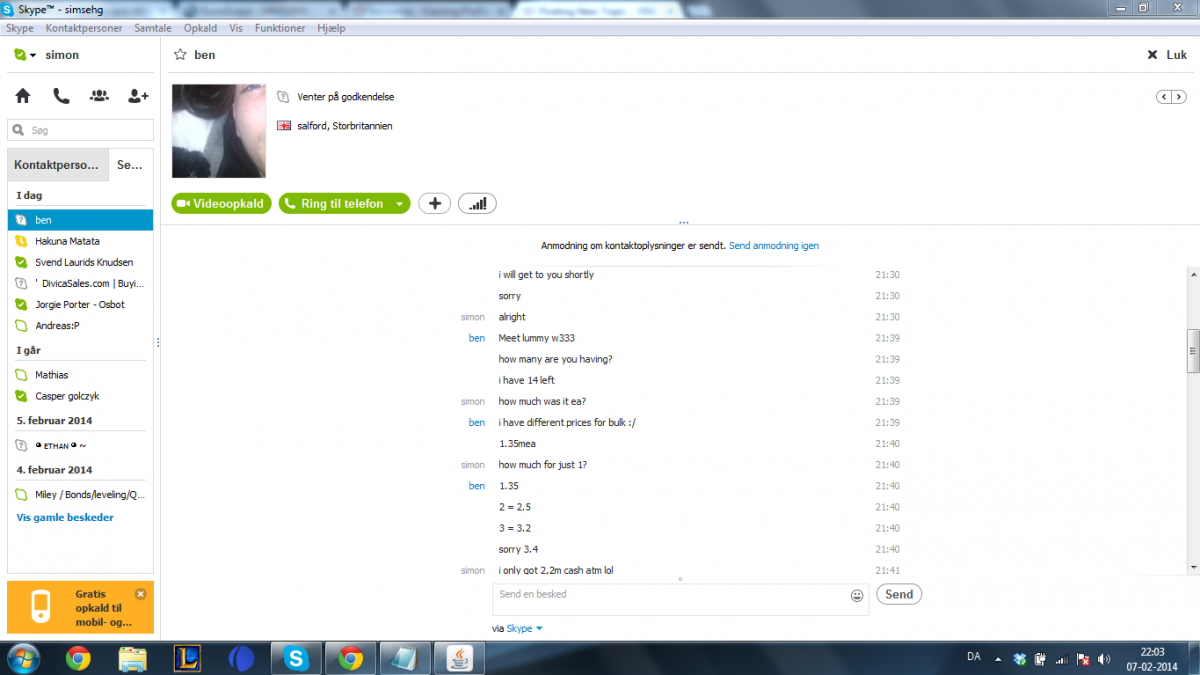
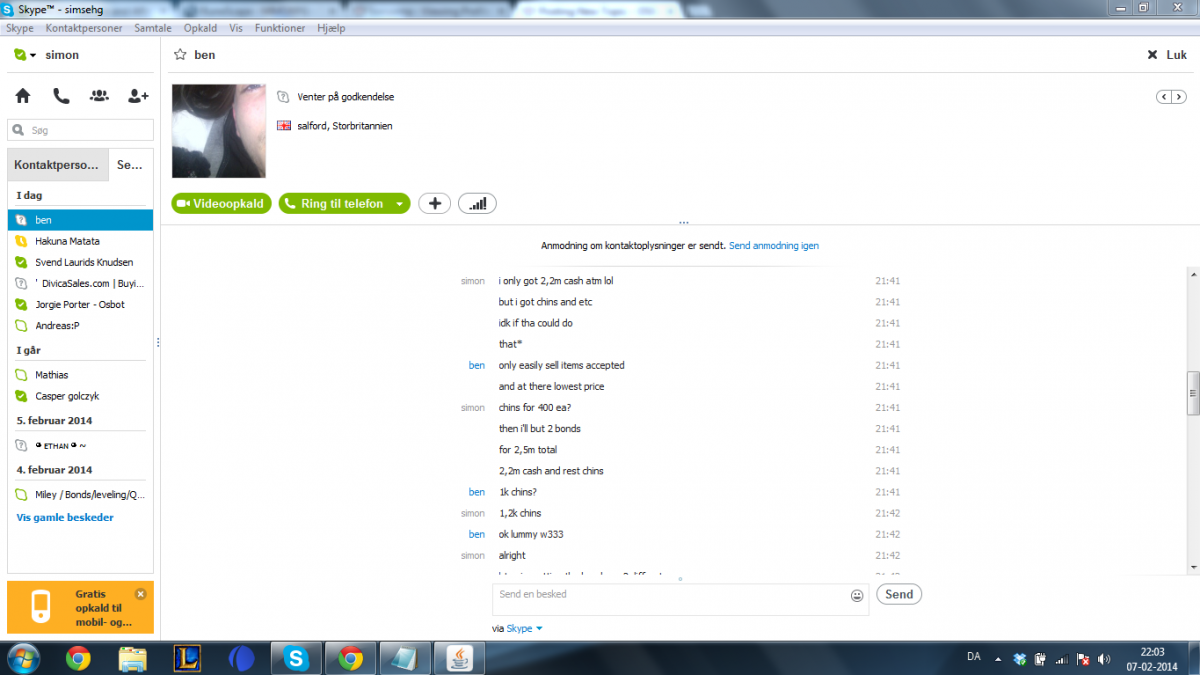
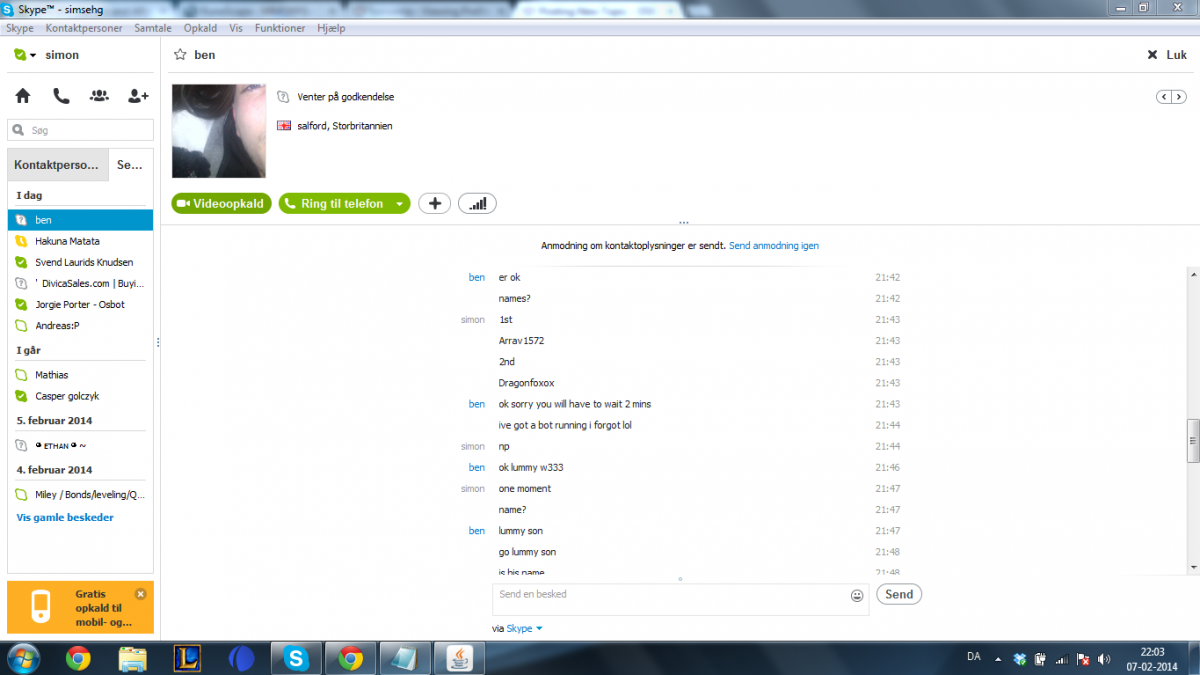
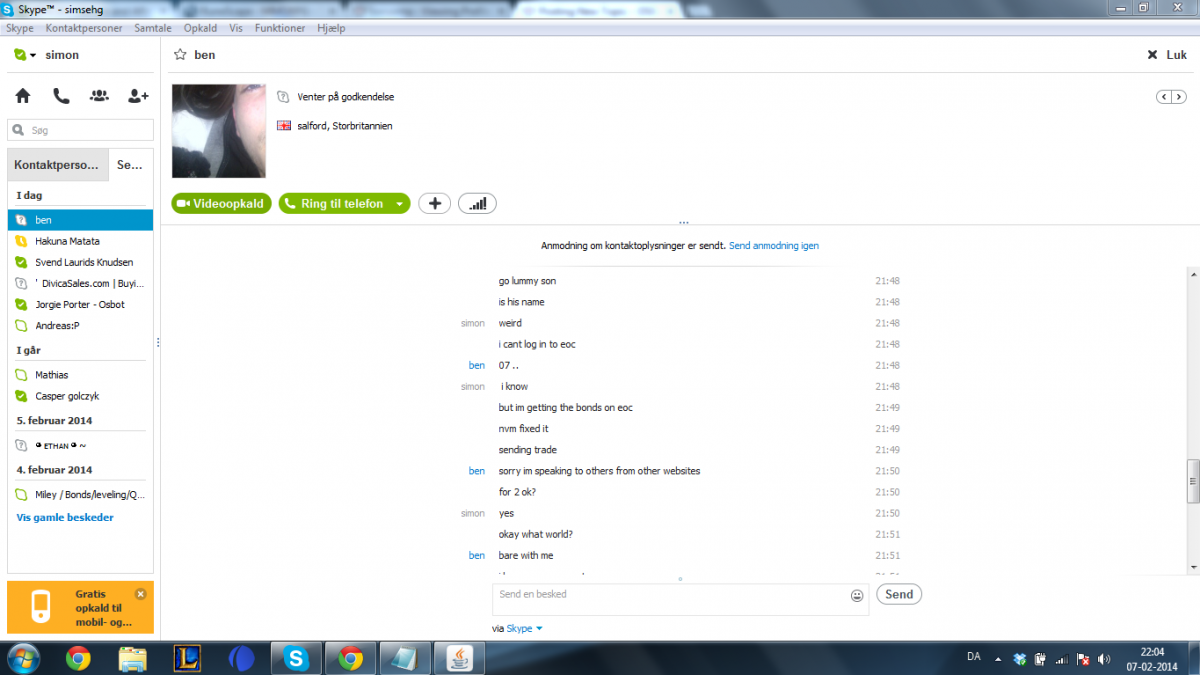
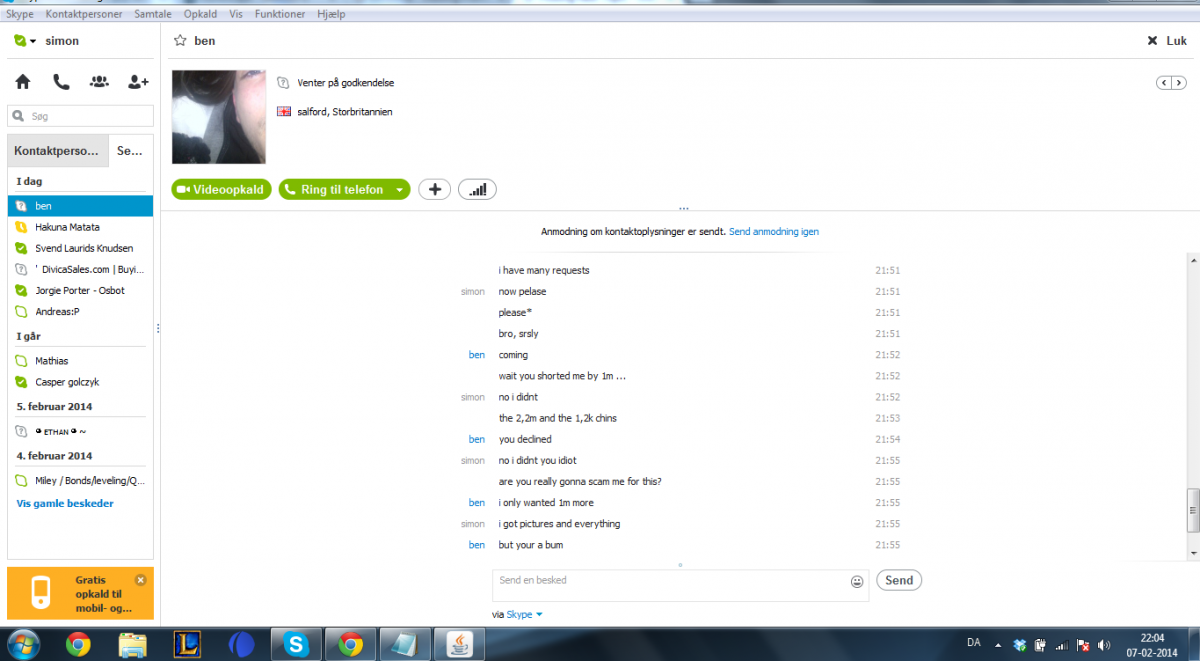
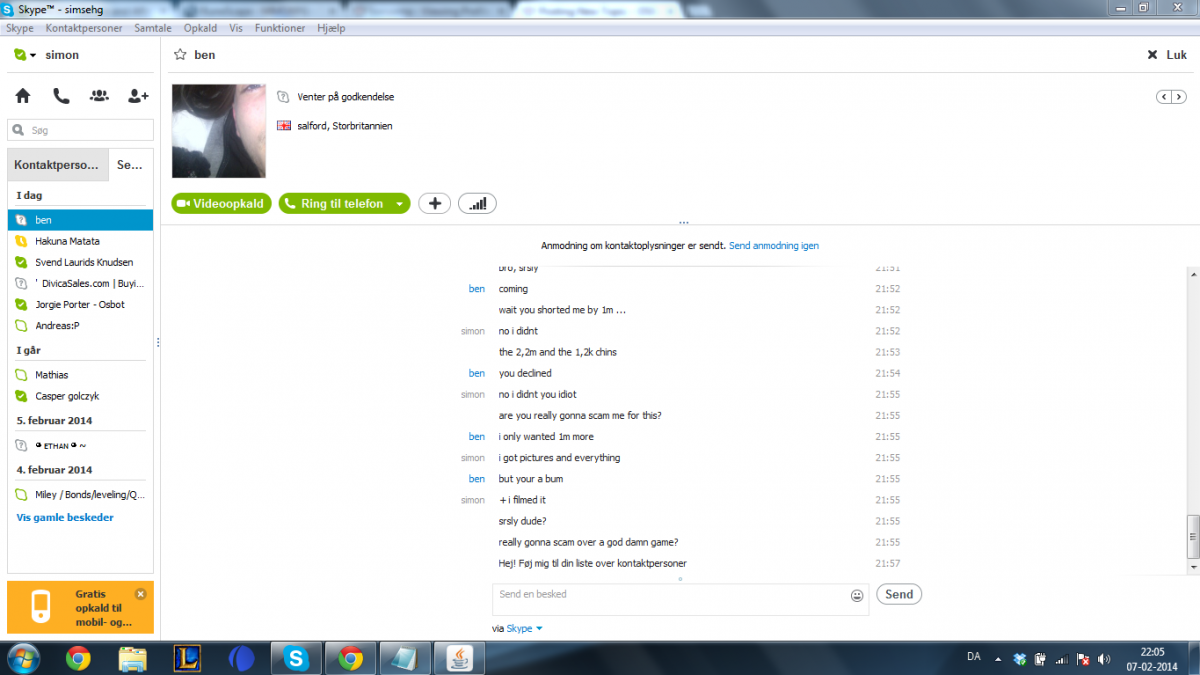
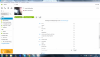
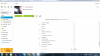
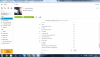
Big hands= big glovesoh, that kinda sucks lol.. but i dont think you're gonna get any kind of refunds. sorry m8100% legit. +1try updating your java, that might be the problemNo osbot #1 dey never hax memight be because of your java, try downloading java again.So, this guy just scammed me for my 2 bonds that i legitly bought from and ofcourse i expected him to be legit since, most peope in here is. This is his profile: http://osbot.org/forum/user/41991-benzema/ He simply just called me a bum and just deleted me from skype.. stil ignoring my requests. i know there is no way that im gonna get a refond or anything. But just try to avoid this guy in the future, and hopefully get him banned.. FML tho and heres some pics for the skype conversation:

 dont trade with this guy, he just scammed me for 2 bonds.. fuck you dudeLol dude, you're fucking awesome doing such a service xd +1Relaxe bro, he was just asking kindly..phr33 account pl0xxxJust bought 3 bonds from this awesome guy! 100% legit and really fast service! -He is also online most of the time and easy to get in contact with! Thx buddy!102 wuhu