





Skip to content
View in the app

A better way to browse. Learn more.

OSBot :: 2007 OSRS Botting

A full-screen app on your home screen with push notifications, badges and more.

To install this app on iOS and iPadOS
  1. Tap the Share icon in Safari
  2. Scroll the menu and tap Add to Home Screen.
  3. Tap Add in the top-right corner.
To install this app on Android
  1. Tap the 3-dot menu (⋮) in the top-right corner of the browser.
  2. Tap Add to Home screen or Install app.
  3. Confirm by tapping Install.

funster

Members
  • Joined

  • Last visited

Everything posted by funster

  1. Hey what site do you guys use to sell your to?
  2. You're a life saver thank you. And did i say soul? i meant to say a dancing ditto...
  3. I just purchased the RS 3G plan from VPS Gamers. Does anyone using this particular service willing to teach me the ropes on setting everything up? Will paypal my soul...
  4. Also is there anyway to change the Check Loot colored text? This is like unreadable, thanks for the replies.
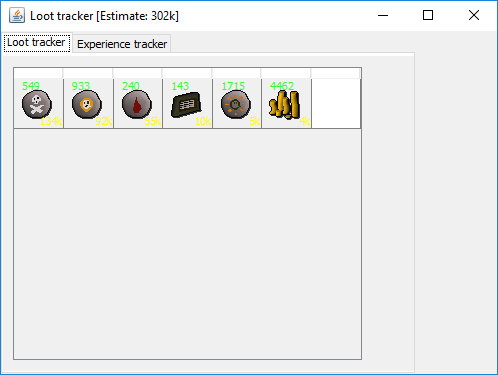
  5. Yes when it tried to combine a prayer(1) dose into a prayer(3) dose. The prayer(1) dose was a placeholder with 0 value, and the cursor/bot was stuck on top of the item.
  6. Hey frost i found a bug with the script, it seems to get stuck on trying to withdraw place holding items
  7. Hey fruity amazing job, could i get a trial to test things out?
  8. funster replied to Tom's topic in Mining & Smithing
    I'm having a problem with mining runite @ lava maze, script won't hop worlds
  9. funster replied to Czar's topic in Thieving
    ETA on when rogues chest is completed?

Account

Navigation

Search

Search

Configure browser push notifications

Chrome (Android)
  1. Tap the lock icon next to the address bar.
  2. Tap Permissions → Notifications.
  3. Adjust your preference.
Chrome (Desktop)
  1. Click the padlock icon in the address bar.
  2. Select Site settings.
  3. Find Notifications and adjust your preference.

