con m
Members
-
Joined
-
Last visited
Everything posted by con m
-
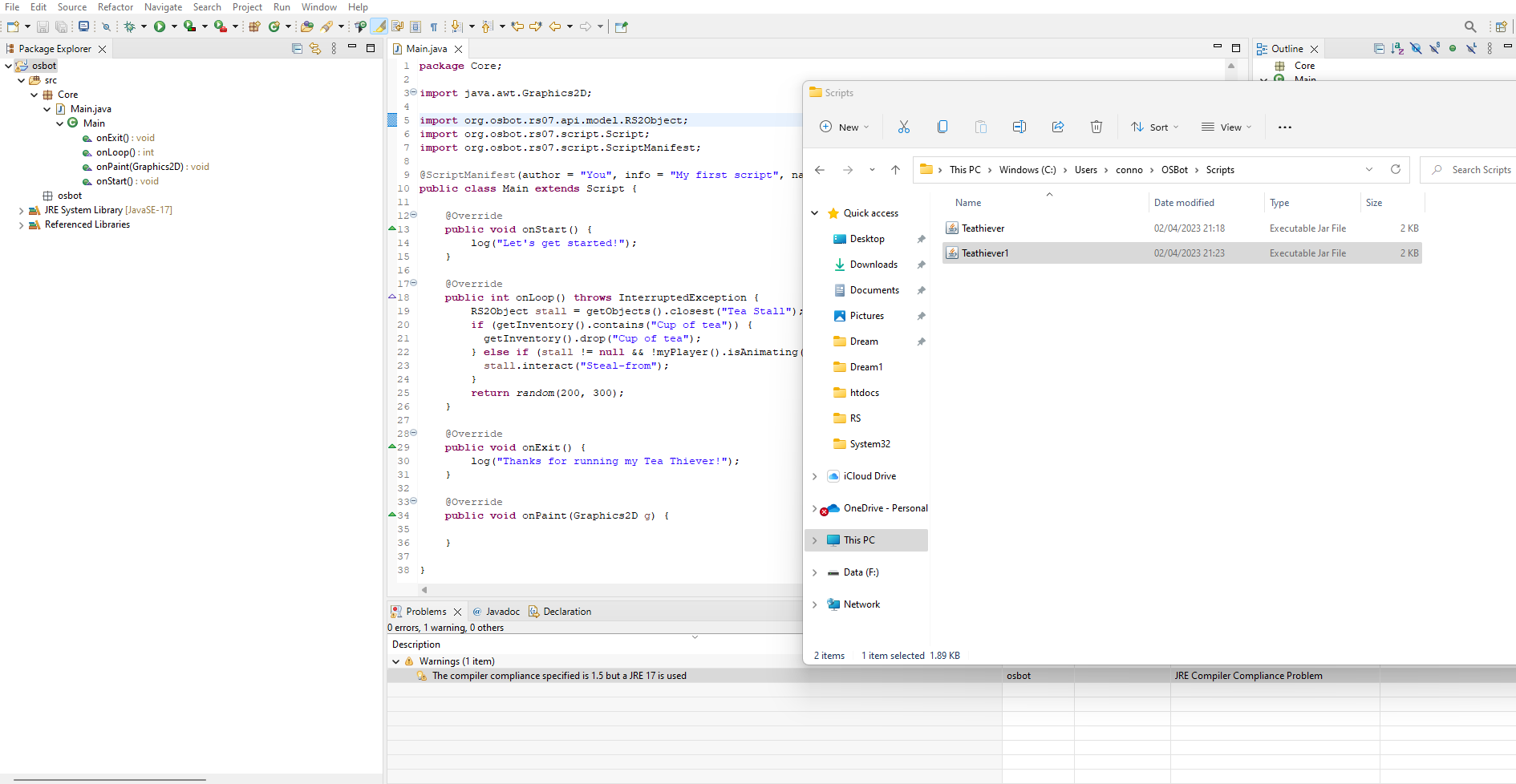
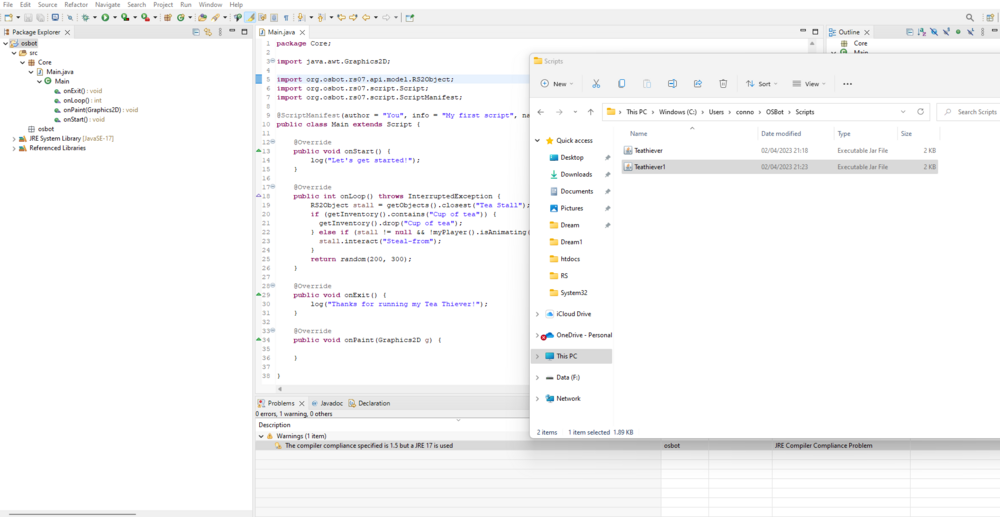
Great guide - as a noob I'm almost there I think... after exporting it as a JAR file within the OSBOT / script dir ... Nothing happens when I open the JAR file? See attached script looks ok to me, feel like I'm missing something simple. Could this be the reason why? : Description Resource Path Location Type The compiler compliance specified is 1.5 but a JRE 17 is used osbot Compiler Compliance JRE Compiler Compliance Problem Thanks man appreciate any help.
-
Looks good - can i get a trial please sir!?
-
Please may I have a trial ?
-
Looks Awesome Can i get trial please
-
Hey dude looks good - got an account with a moderate ban already so hoping to go P2P world and do a few hours a day, can i have a trial first please tho? Cheers
-
Just purchased today.... this is getting tedious hasnt worked once yet OSBot client version: 2.6.22 Mirror mode (Yes/No): Yes Detailed bug description: Script Status & Current Task (As displayed in the paint): Finds First brother then doesn't dig Screenshots (If available): Relevant logs (If available): INFO][Bot #1][03/26 02:55:00 PM]: DEBUG: --- Current state --- [INFO][Bot #1][03/26 02:55:00 PM]: DEBUG: AHRIM: 0 [INFO][Bot #1][03/26 02:55:00 PM]: DEBUG: DHAROK: 0 [INFO][Bot #1][03/26 02:55:00 PM]: DEBUG: GUTHAN: 0 [INFO][Bot #1][03/26 02:55:00 PM]: DEBUG: KARIL: 0 [INFO][Bot #1][03/26 02:55:00 PM]: DEBUG: TORAG: 0 [INFO][Bot #1][03/26 02:55:00 PM]: DEBUG: VERAC: 0 [INFO][Bot #1][03/26 02:55:00 PM]: DEBUG: Found next (VERAC) by getBest(TODO) [INFO][Bot #1][03/26 02:55:00 PM]: INFO: First enemy: Verac the Defiled
-
Script isnt working currently - is this due to system update yesterday? Unknown source in logs
-
Excited to use this may i have a trial first please
-
Can i get a trial please looks decent