.jpg.9eff6fa3208ea4267efcf562c04df967.jpg)
Cyber_Hawk
Members
-
Joined
-
Last visited
-
Hello, again! I've been on OSBot a long time ago. I used to buy them at Virmach. But it seems it died a bit down? And I'm wondering what kind of site or service gives a good proxy service? Thanks in advance!
-
Awesome!
-
Thanks for having me!
-
Hello everyone, I took a long break. Just saying hello!
-
Good luck!
-
What is the estimated account value? I didn't bot on it, and it's currently ftp
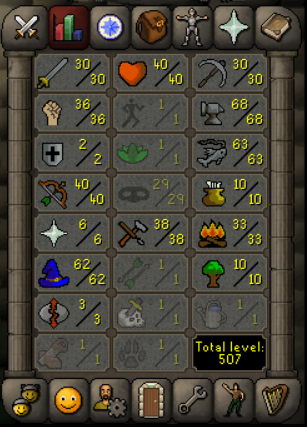
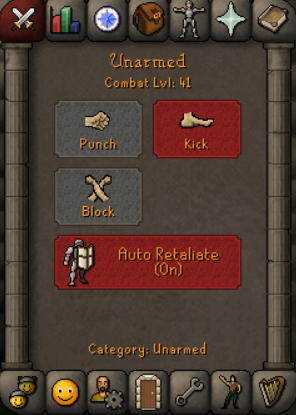
-
Hello! Welcome to the forum! I'm learning to script/code bots too! Maybe we can help each other?
-
Thanks for the information, I didn't know that.
-
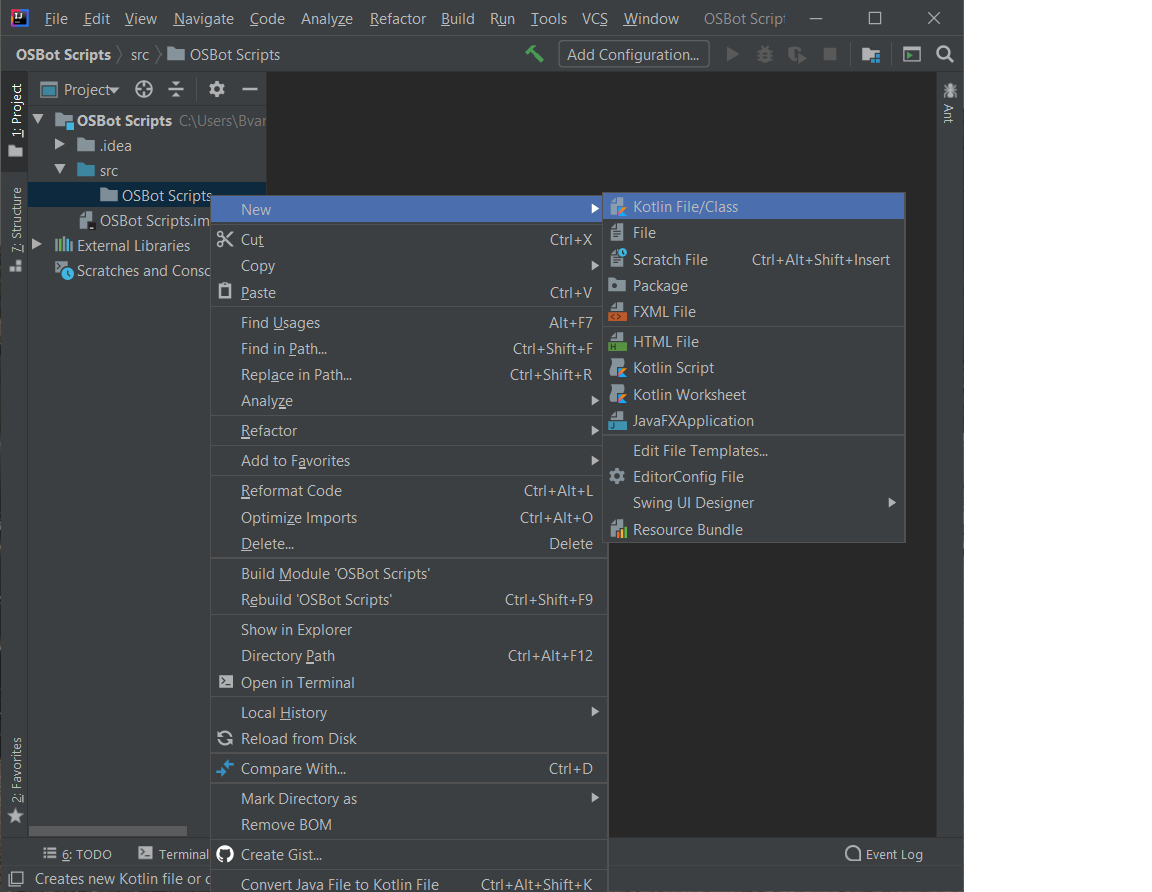
It only shows Kotlin file/class, instead of the Java class.

-
I'm using Intellij Thanks, it helps a lot!
-
Can someone help me with setting up the environment, I used a lot of tutorials. But the client won't show the script. I'm new to this. Thanks in advance!
-
Cyber_Hawk changed their profile photo
-
I was wondering. Is it hard to build your own Dedicated Server from scratch? Are there any tutorials online on how to do this?
-
I was thinking about doing that. Slowly built up to a decent farm.
-
What would you consider the most efficient option, to run a decent bot farm?
-
Hello, I have zero experience with Dedicated servers. Can I built/make a dedicated server with hardware etc, at my own home and run like 50-100 bots on it. Or do I need to rent one from a company?
.thumb.jpg.b5ec9a4585d23a5d91538a06d0cc09f6.jpg)