Xtraarrow
Members
-
Joined
-
Last visited
-
$5 for a easy medium diary script ?
-
I dmed you, you told me you don't do private ones I Dmed you a week ago
-
Have all the script devs all quit ? I've messaged around 5 of them over a week ago with no response & all the others haven't been active for over a year. Why is there a lack of script devs?
-
@Khaleesi We spoke on Disc, can I have a 12 hour trial please
-
Hey @Czar I missed out on the trial. I was away for work ! Unexpected trip. Are you able to reneew it for maybe 12 hours ? Thank you
-
@Czar Hi matey, can I have a 12 hour barrows trial please. If possible can you message me once done so I don't miss the time ?
-
@Malcolm You keep bumping but ignoring me? I'm taking my request elsewhere.
-
@Malcolm Hi, I have DMed you on Discord
-
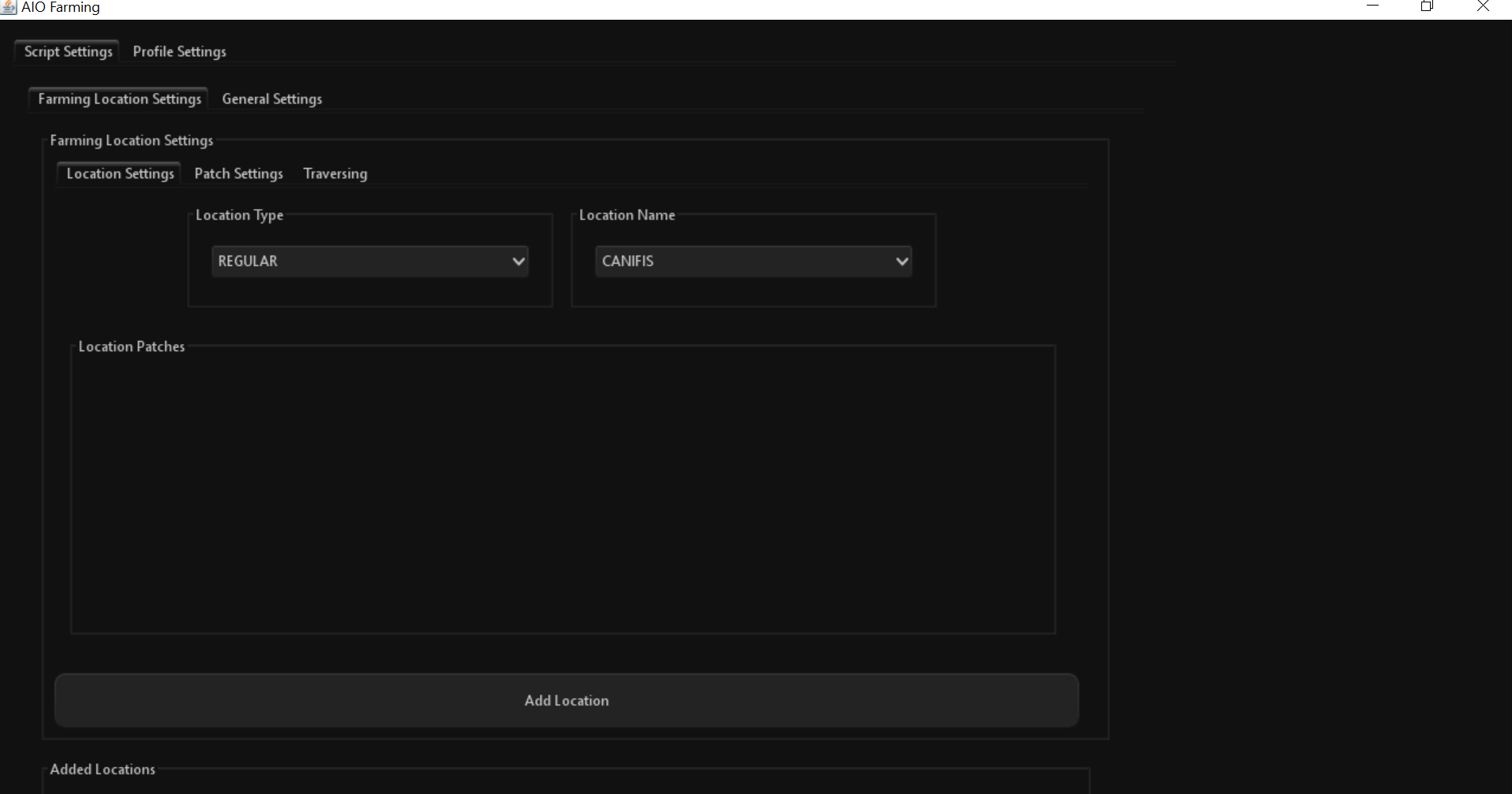
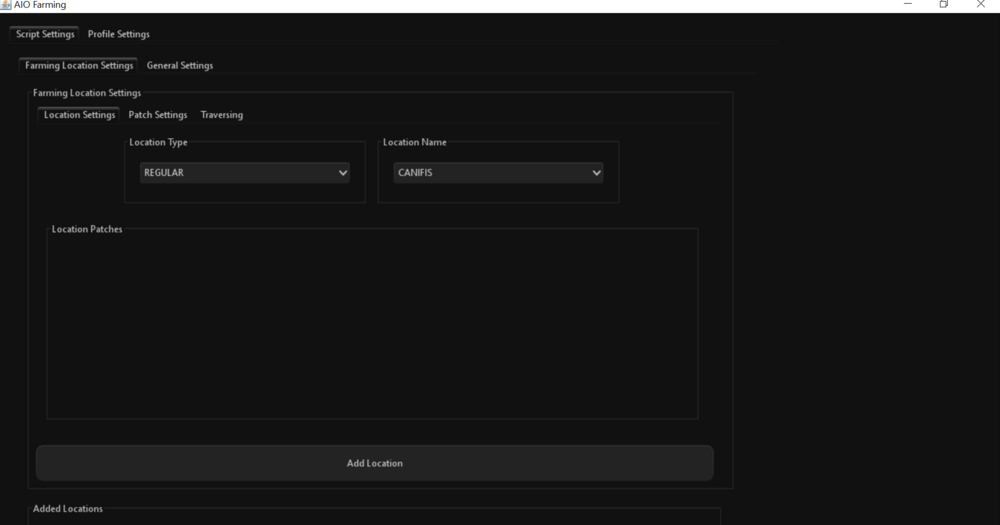
This is a common problem with most script I find. The GUI does not scroll down meaning I can't press "start script" What am I supposed to do?
-
- Script name Khal aio Magic - trial length 1 days - Reason for trial Becuase i'm lazy XD - Are you ging to give feedback on the script? If needes, yes
-
I'll put in a offer £125
-
@Token P lease can I have a trial for this
-
@Fruity Can I have a trial for this pls
-
Can someone explain what a prime cleanup is? And why have they decided to do a huge ban wave
-
@Khaleesi - Script name - Guardian of the Rift - trial length 12-24 Hours - Reason for trial. GOTR bores me to death. Would love to see a full functional bot do it for me - Are you ging to give feedback on the script? If it's needed, then yes