
motorfreek
Members
-
Joined
-
Last visited
-
Thanks for trial, Got my ironman permed after 30 minutes. Have botted 10hrs in last 2 months on it. rip i guess. Nothing bad about you as scripter though
-
Heya Khal, can i get trial for Khal Tempoross?
-
Request Template: - Script name Khal Blast furnace - trial length idk 24h i guess my G - Reason for trial testing scripto for my ironman - Are you ging to give feedback on the script? ye sure my g i love your scripts
-
motorfreek changed their profile photo
-
-
Can i has trial please
-
Hello Khal, big fan and supporter of your scripts. could i get a trial for this one?
-
Yo bigguy, liked, hope i could get a trial
-
i dont use a proxy, just the same pc i used before and it worked before. Also doesn't work on my work pc.
-
Stronghold of security; the maps dont show up so it's broken.
-
Yeah, make sure to hop worlds frequently (i basically do every 15 mins give or take 10%) and it works wonders.
-
Yeah lol, did that too with his agility and woodcutting scripts. only no progress pics. breaking and world hopping are super solid.
-
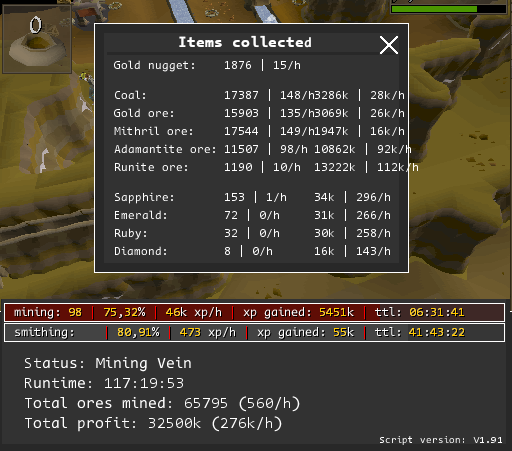
Unmatched scripter. I'm getting all 99s one by one with your scripts. Thanks Khaleesi. Sick script. 99 mining this afternoon.
-
yo boss, could i get a trial?
-
i believe that the script chooses that automatically, just like the guy above me said, for the tree gnome village tree patch. Edit to add: i was looking at dotherobot's comment with the "guy above me"
-
Yeah thanks, i already bought it. ran fine from 41-56 cons so far.