






notpsojosh
Members
-
Joined
-
Last visited
-
Often times it'll misclick/dead click the logs too early, theres then a delay of 10-15 seconds until it checks and tries lighting again. This would be a non issue but it often happens back to back to back, blocking my xp/hr at 50k. I wouldnt mind every so often because I mean, i suppose it looks legit but yeah On mirror mode btw. It carries on with human intervention, then fails again.
-
used to be a way to just 1 click without luring in summer I'm sure? could be wrong though
-
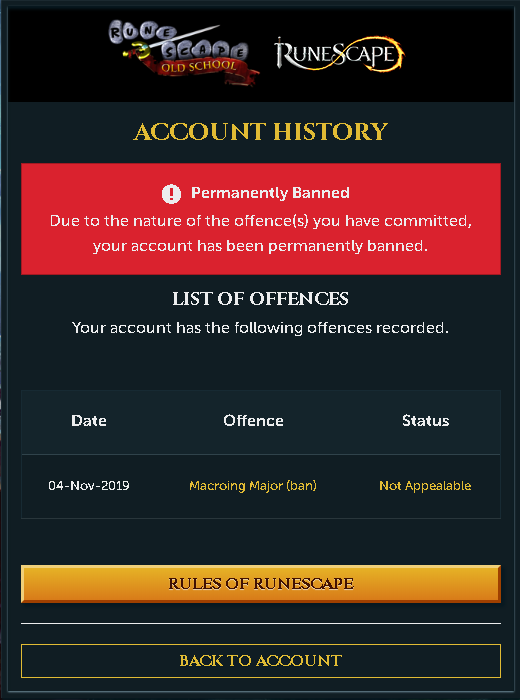
It's a really nice script, however there is one downside. My past 3 bot accounts have all been caught by this script Auto alcher used for <2hrs with a 20 minute break inbetween Edit; I was Alching in w2 GE on a med level account I've hand trained
-
Hey bud, could I get a trial on the RC script please? Edit; script
-
Purchased this script a few days ago, i have to say it's excellent! Honestly haven't had an issue with it lately haha.. just have one suggestion: Can you possibly add canifis patch? possible way to get there: Fenkenstrain castle teleport tablet, Ectophial, Kharyll teleport or phastmatys charter from catherby (I believe just the fenkenstrain/ectophial are the only ones worth adding) Please if you consider this feel free to HMU for an account to test with (has 50 farming)..
-
Get an error when i try and cannon, I'll post logs later if you need
-
"Czar Fisher" bought a few of your scripts already, with all the free scripts being broken i'd like to trial this to make sure it works before i buy :P thanks!
-
Really nice, only issue is that theres only one prayer flick option, not a safe/efficient mode? as well as selecting it does absolutely nothing


