Coreh
Trade With Caution
-
Joined
-
Last visited
Everything posted by Coreh
-
Was a pleasure to do this service for you!
-
Online and taking orders!
-
No worries - we can do this for £6 within 24 hours.
-
Yes.
-
Should be no longer than 5 days.
-
Online and taking orders!
-
Looking to sell 40m for £20 through UK Bank Transfer. You will go first unless trusted. Reply below with your discord name.
-
☆ Welcome to EasyScape AIO Services ☆ Do you want to progress on your account without any work required? You have come to the right place. With EasyScape AIO Services, you are guaranteed a fast service at a cheap cost. Quest Prices: Powerleveling Prices: Minigames/Diaries/Favours Prices: Payment Methods: OSRS GPUKBT Order Form: What service do you need?:Are you going first or do you want a middleman?:What's your Discord ID?:Do you agree to our ToS?: Terms of Service: I can refuse any order. You will provide everything that is needed to complete the order. Payment must be paid upfront or with a middleman with your expense. If you decide to cancel your order before it's completed, then you won't be refunded. Everything is done by hand, but I am still not responsible for any bans/mutes on your account. You won't change your password in the middle of the order. If you do that, then your order will be cancelled and no refund shall be given. Your responsibility is to change the password once your order is completed. If anything goes missing on your account after service is done, then I am not responsible. Contact Me: Discord - Coreh#0616 Unique Discord ID - 198489132245188609
-
7.5m excluding supplies Add me on discord - Zycho#0616
-
9m (bond + runes) Discord - Zycho#0616
-
9m per account + bond Add me on discord - Zycho#0616
-
Added on discord.
-
Hey for some reason I can't add you on discord, add me: Zycho#0616
-
Add more on discord: Zycho#0616 Would be happy to discuss further!
-
-
Do you agree with the Requirements (included paying a deposit): Yes What tasks are you willing to do: Questing / Skilling What is your skype: live:coreymiller1312 How long a day you can be online to do services: Can vary from up to 8 hours a day to 2 hours a day depending on how busy I am IRL. Have you done other services before: Yes
-
I meant to change that before my bad, fixed now. It’s done through the mobile app.
-
Selling 7 day membership: can be done on any account you want : 500k Contact me on Discord : Zycho#0616 or pm me on here!
-
Bump
-
Bump
-
Bump
-
Bump
-
Bump
-
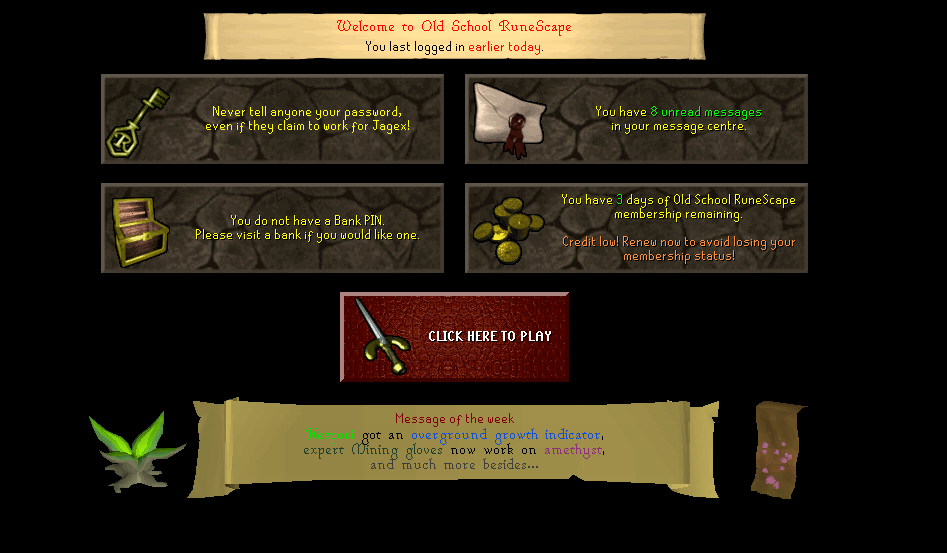
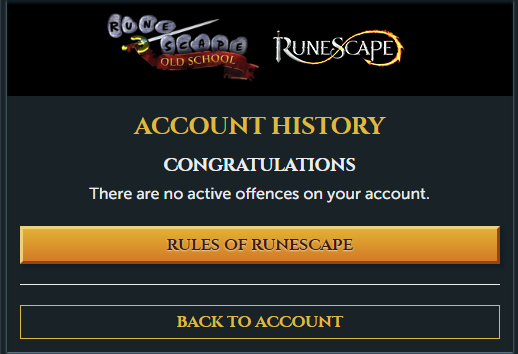
1. Pictures of the account stats 2. Pictures of the login details 3. Pictures of the total wealth (if there is any) 4. Pictures of the quests completed 5. The price you will be starting bids at 50m 6. The A/W (Auto-win) for your account 75m 7. The methods of payment you are accepting OSRS GP 8. Your trading conditions MM / Depends on feedback 9. Pictures of the account status 10. Original/previous owners AND Original Email Address Upon purchase will provide original email. I have no access to the original email. Contact me on discord to purchase - Zycho#0616
-
Need a price check on this account please: https://gyazo.com/1e094e7c9d16c126488f10e16eab9146 https://gyazo.com/4ddc39ed9ea1165925a187c1c541c862 119 QP Full Graceful 11.1m bank (according to Runelite)