Jump to content
View in the app

A better way to browse. Learn more.

OSBot :: 2007 OSRS Botting

A full-screen app on your home screen with push notifications, badges and more.

To install this app on iOS and iPadOS
  1. Tap the Share icon in Safari
  2. Scroll the menu and tap Add to Home Screen.
  3. Tap Add in the top-right corner.
To install this app on Android
  1. Tap the 3-dot menu (⋮) in the top-right corner of the browser.
  2. Tap Add to Home screen or Install app.
  3. Confirm by tapping Install.

leixner

Members
  • Joined

  • Last visited

  1. leixner replied to Token's topic in Others
    eta on fixed client of kourend?
  2. Thank you, too bad I can´t sell it,
  3. Thank you, didn´t know that Would still like a pricecheck though.
  4. Sup, botted revs with this account. Got a 2 day ban now and don´t need it anymore. Has Avas and Lost City completed. Around 50 qp. Don´t expect much, just thought someone might need it as it would just be sitting around.
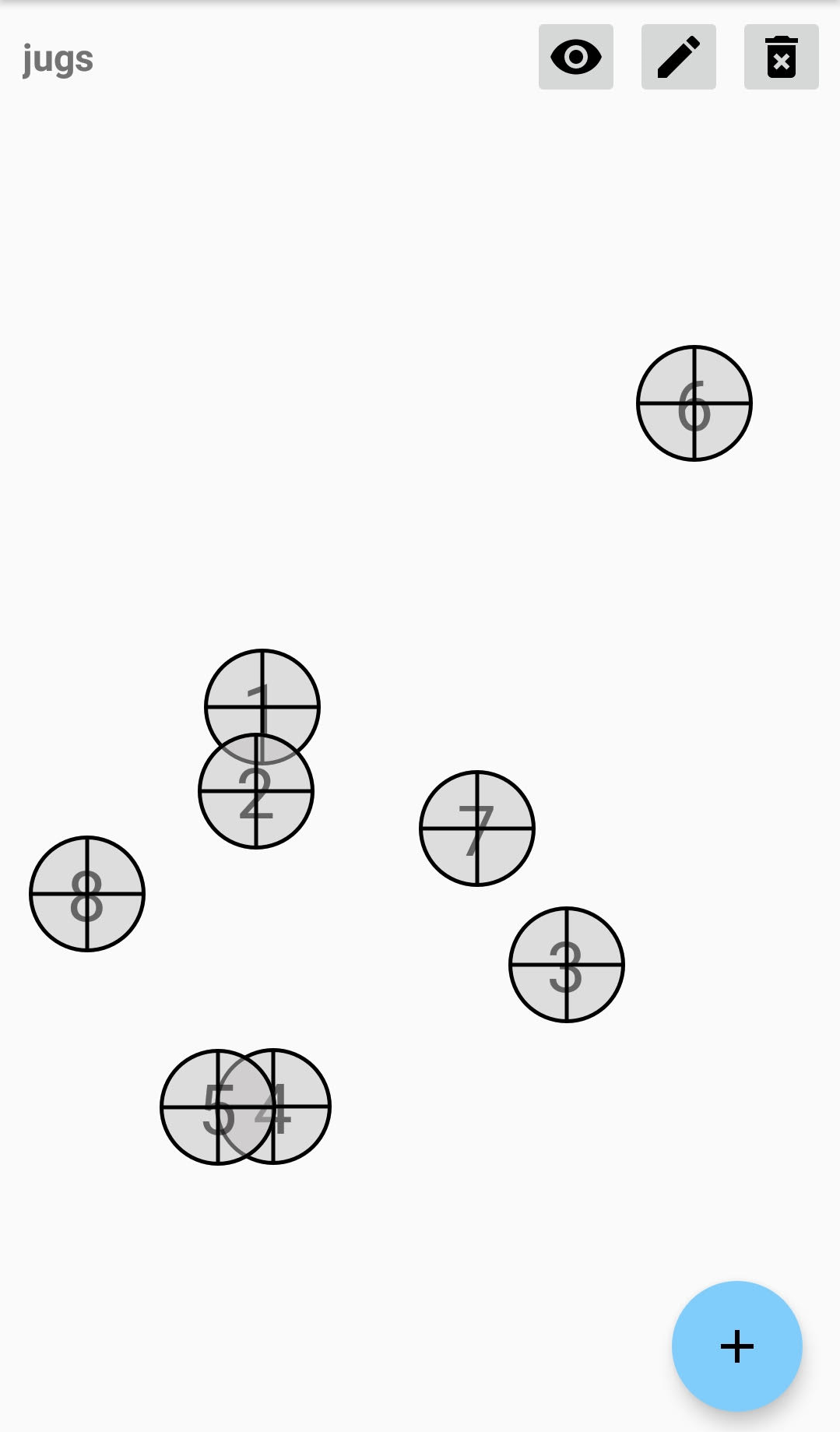
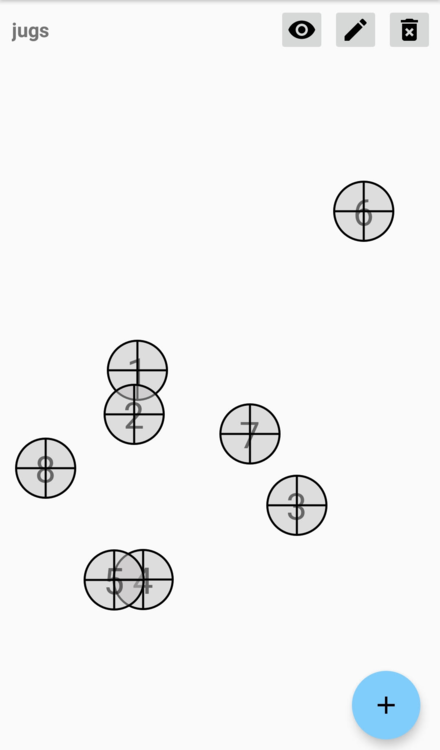
  5. I´ve actually done this on mobile. There´s this app https://play.google.com/store/apps/details?id=simplehat.clicker&hl=de You can set positions to tap and add delays between the taps. Made a quick Jugs of Wine "script" and it ran for like 4 hours, huge XP drop. Pic of app in spoiler:
  6. Just finished Eagles Peak. Worked fine without getting stuck. Only having problems with getting to spotted kebbits -> log: [DEBUG][Bot #1][11/29 08:54:04 AM]: [auX.D] Walking to Spotted kebbits [DEBUG][Bot #1][11/29 08:54:04 AM]: [auX.D] Region scanned in 41ms [DEBUG][Bot #1][11/29 08:54:04 AM]: [auX.D] evt != null... [DEBUG][Bot #1][11/29 08:54:04 AM]: [auX.D] OSBot's walker is having a hard time calculating the route... [DEBUG][Bot #1][11/29 08:54:04 AM]: [auX.D] Walking to Spotted kebbits [INFO][Bot #1][11/29 08:54:05 AM]: WebWalkingEvent; No route found! Destinations = [[x=2376, y=3606, z=0]]; Tried walking outside of the Falconry area, but still couldn´t find a route. Ended up going inside the area myself and started the bot, then it worked!
  7. leixner replied to Token's topic in Others
    I´m using Windows 7. Stealth Mode.
  8. leixner replied to Token's topic in Others
    Just bought the script, can´t get it to start. I can´t even get to the GUI. After downloading the item sprites the Script exits: [ERROR][Bot #1][11/22 10:58:12 AM]: Error in script onStart(): Stealth Quester java.lang.NullPointerException at f.NuL.d(pb:130) at f.NuL.C(pb:6) at k.NUl.<init>(qm:63) at k.NUl.C(qm:18) at j.nul.onStart(ih:63) at org.osbot.rs07.event.ScriptExecutor.iIIiiiiiiIII(zf:209) at org.osbot.rs07.event.ScriptExecutor.start(zf:11) at org.osbot.JB.iIIiiiiiiIII(lz:63) at org.osbot.s.iIiIIiiiIiiI(ex:283) at java.util.concurrent.ThreadPoolExecutor.runWorker(Unknown Source) at java.util.concurrent.ThreadPoolExecutor$Worker.run(Unknown Source) at java.lang.Thread.run(Unknown Source) [INFO][Bot #1][11/22 10:58:12 AM]: Terminating script Stealth Quester... [INFO][Bot #1][11/22 10:58:12 AM]: Script Stealth Quester has exited!
  9. leixner replied to Fruity's topic in Minigames
    Will do, changed it to 950. But you should probably build in a failsafe anyways, shouldn´t be hard to implement, right?
  10. leixner replied to Fruity's topic in Minigames
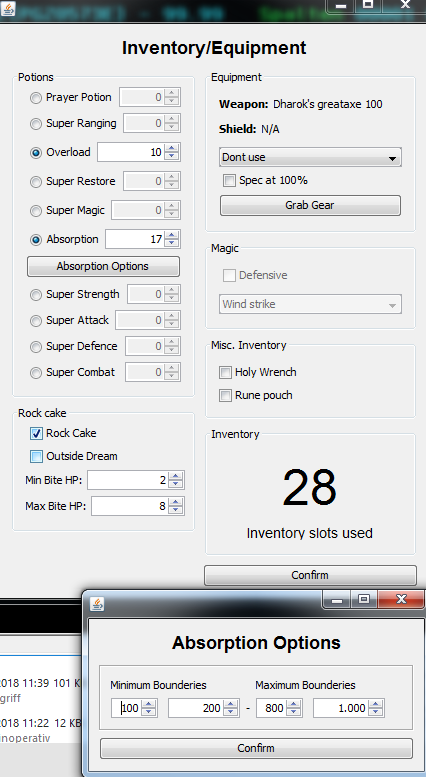
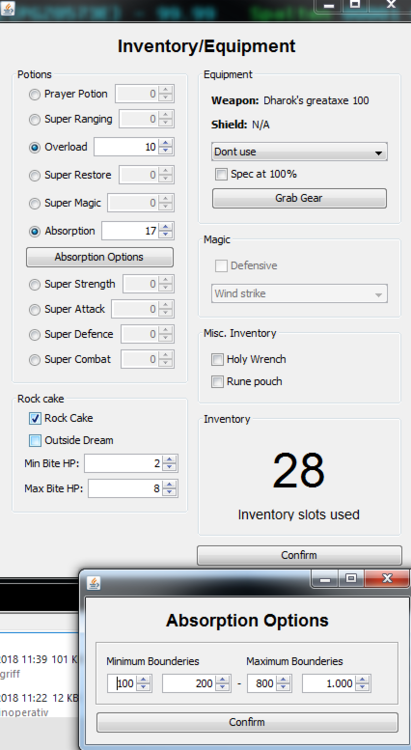
    Probably because of max bounderie 1000, which is unreachable?
  11. leixner replied to Fruity's topic in Minigames
    Purchased this script today and running it for a few hours. Been babysitting it since beginning. Running smoothly most of the time. After about 3 hours I caught it clicking absorption potion repeatedly, even after pausing and restarting. Log:
  12. leixner replied to Khaleesi's topic in Agility
    Hi, could I also please get a trial?

  13. leixner replied to Token's topic in Others
    Can I get a trial? Highly considering buying the script but want to try it out first! Cheers.

Account

Navigation

Search

Configure browser push notifications

Chrome (Android)
  1. Tap the lock icon next to the address bar.
  2. Tap Permissions → Notifications.
  3. Adjust your preference.
Chrome (Desktop)
  1. Click the padlock icon in the address bar.
  2. Select Site settings.
  3. Find Notifications and adjust your preference.