Jump to content
View in the app

A better way to browse. Learn more.

OSBot :: 2007 OSRS Botting

A full-screen app on your home screen with push notifications, badges and more.

To install this app on iOS and iPadOS
  1. Tap the Share icon in Safari
  2. Scroll the menu and tap Add to Home Screen.
  3. Tap Add in the top-right corner.
To install this app on Android
  1. Tap the 3-dot menu (⋮) in the top-right corner of the browser.
  2. Tap Add to Home screen or Install app.
  3. Confirm by tapping Install.

Milo

Java Lifetime Sponsor
  • Joined

  • Last visited

  1. Milo changed their profile photo
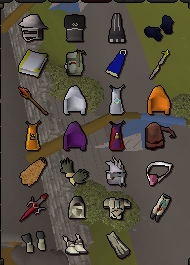
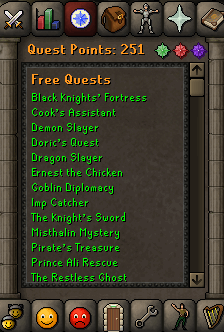
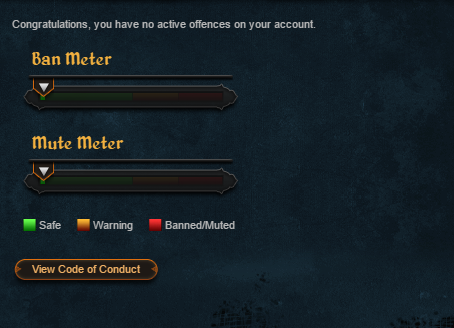
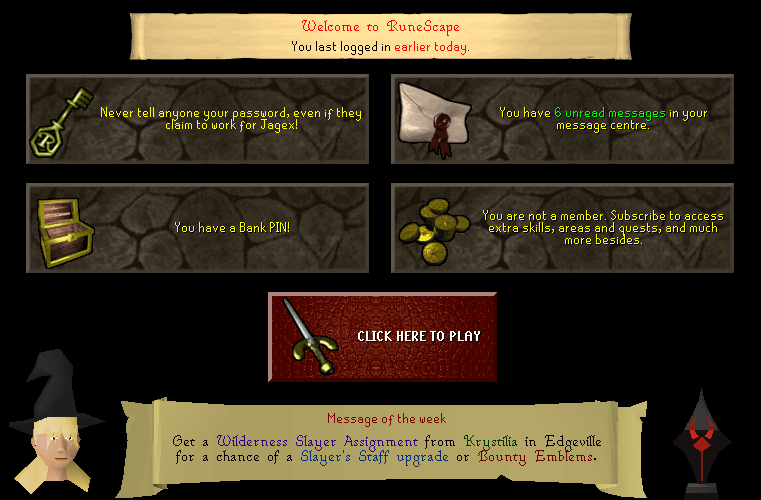
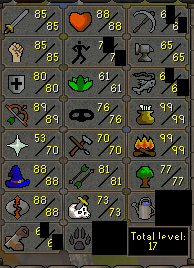
  2. Hey, I'm looking to sell my personal OSRS account; I don't play runescape anymore and would like to buy a SSD for my new gaming rig. I am the original owner of this account and the only person who has ever logged into it. No bans or any other offenses. STARTING BID: 100M A/W: 175M Payment method: OSRS GP or Paypal from Trusted Users Middleman upon request
  3. as far as i know you can only pull an ip through a skypecall - can easily be done by looking at your network activity during call
  4. I just expierenced this too, don't know if its ddos or if its just coincidence - never been booted off my modem until now though
  5. Still down for me
  6. When they go back up, please post here. I'll keep my eye open too.
  7. Thanks m8
  8. Are the login servers down for OSRS?
  9. this is exactly what i meant, thank you
  10. hundred post count to sell accounts
  11. Male strippers pls
  12. Milo replied to Manner's topic in Spam/Off Topic
    Welcome
  13. Milo started following Froheisme
  14. Milo replied to Milo's topic in Botting & Bans
    Thanks pal
  15. Don't hesitate to get a script off this guy, His scripts are of great quality just the same as his support followed by it

Account

Navigation

Search

Configure browser push notifications

Chrome (Android)
  1. Tap the lock icon next to the address bar.
  2. Tap Permissions → Notifications.
  3. Adjust your preference.
Chrome (Desktop)
  1. Click the padlock icon in the address bar.
  2. Select Site settings.
  3. Find Notifications and adjust your preference.