






Juggles
$100.00 Donor
-
Joined
-
Last visited
Everything posted by Juggles
-
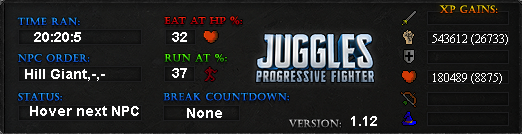
New record by @Jackthedon
-
-
Some big updates coming in next version. Will include prayer potion support, protect prayers, cannon refill and cannon repair. I'll also be adding the option to custom type In the amount of hp to pull guthans out on.
-
-
Where are you starting the script?
-
What are you current settings? I try to replicate the issue on my end but can't. Are you using the Preset Monsters or Custom area?
-
When two banks are equidistant, it will randomly choose one to randomize patterns. If you want, I can make it solely use one but I thought it would add more randomization to the script and not hurt the xp/hour ?
-
Why gets veteran when you can just buy ranks?
-
-
-
Sources have it that jagex lost wifi for the past week
-
v1.12- Added Jug of wine support since the action to eat those is "Drink"
-
-
-
0% from my experience
-
JFormDesigner makes it really simple
-
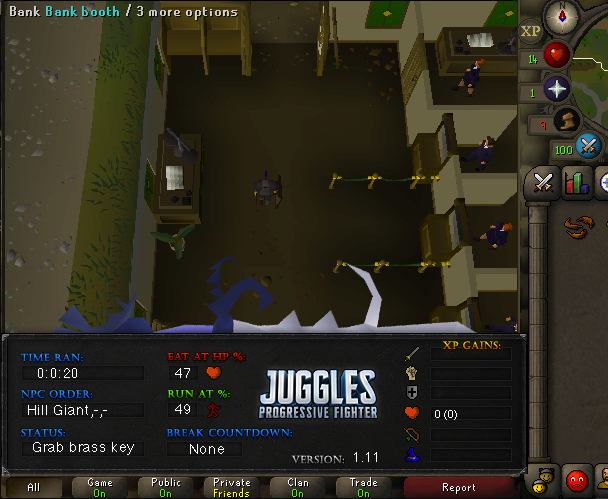
Hey man. It already supports grabbing Brass key if not in inventory https://i.imgur.com Also, when finding a bank, it calculates the closest distance to your player through some complex formulas. The varrock bank is closer(Thus faster) than the GE bank depending on your current location.
-
-
-
Use .37+ for the fixed version.
-
-
Did you agree upon 0.05?
-
The script never cooked. ARe you starting it in the fishing area?
-
-


