brutusanus
Members
-
Joined
-
Last visited
-
Trial please, wanna test before buying! Thx
-
Yup. I just think osbot didn't apply the script changes yet
-
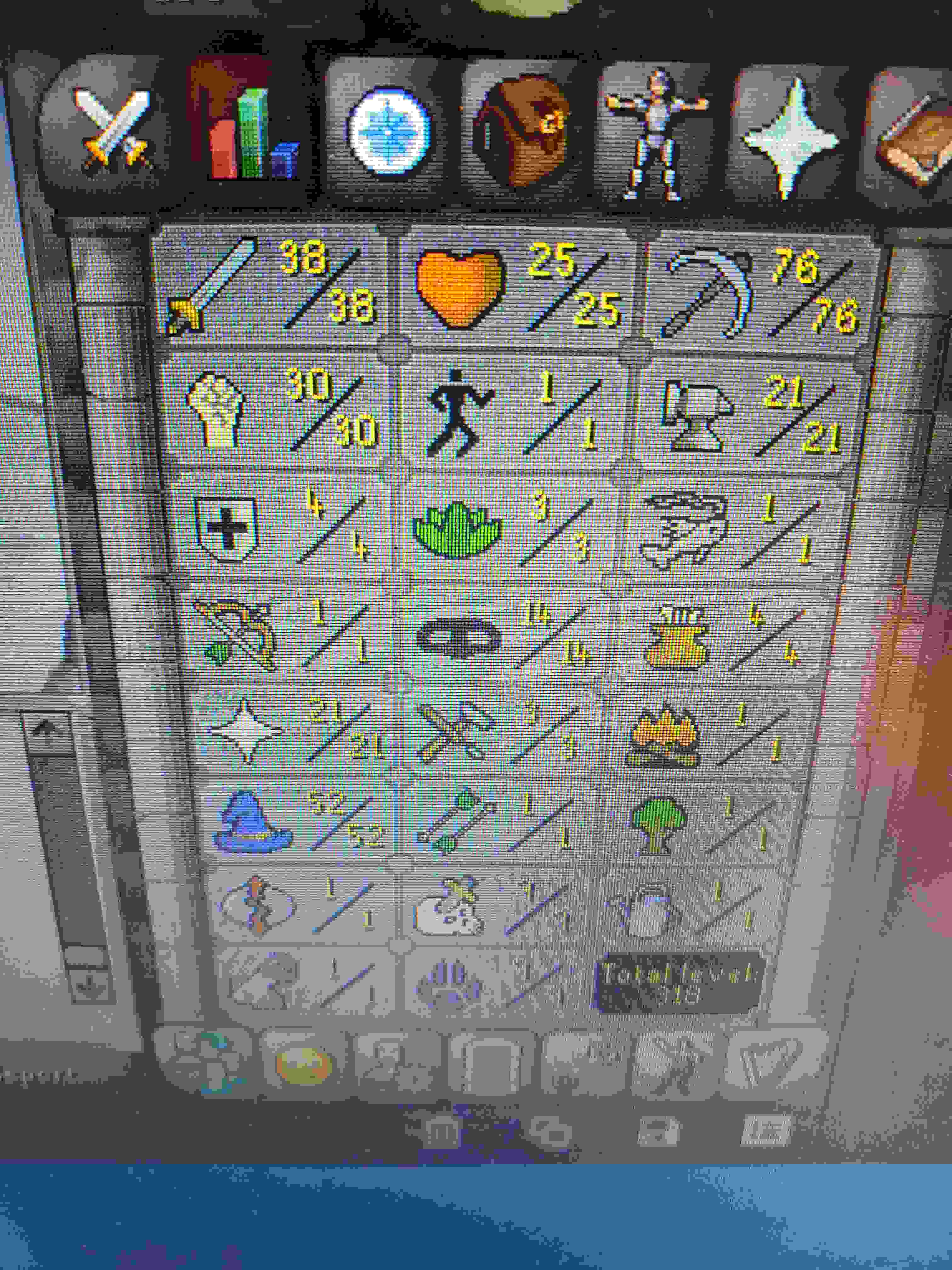
How much OSRS GP for my 79 thieving acc? 51 agil, rogues outfit, half graceful done. 9 days membership left. Other stats are irrelevant (58cb). Trying to get rid of accs I don't need... Answer on post or DM me, thanks!
-
Khal, trial for AIO thiever pls.
-
Doesn't work. Gets bugged at the very start, withrawing food from bank. Tried few types of food aswell...
-
Khal trial pls? Thx
-
Haven't realised that..my bad! Thanks for trial (again) 😃
-
Umm, my trial isn't activated...😬
-
Can I have a trial? Thx!
-
Hey man, can I have AIO Magic trial? Thx!
-
Been 2 months but, still looking?pm me
-
brutusanus changed their profile photo
-
Thanks for the reply guys. I'll get them to 82 asap! What could I get for two with 82 fish? Osrs gp-wise and of course, is someone willing to buy? Thx, this is my first time creating accounts to sell so I'm quite new to this
-
Price check my 2 x fishing acc? Cb 3, all stats 1, fishing 76, email unregistered. Looking to sell if anyone wishes to buy
-
Price check my miner cb 35, full prospectors, coal bag with mining pet!! 31 qp unregistered email adress
-
This happend to me aswell 2 days ago, was stuck close to wheel with hammer in inventory. Hope it won't happen again:)