Jump to content
View in the app

A better way to browse. Learn more.

OSBot :: 2007 OSRS Botting

A full-screen app on your home screen with push notifications, badges and more.

To install this app on iOS and iPadOS
  1. Tap the Share icon in Safari
  2. Scroll the menu and tap Add to Home Screen.
  3. Tap Add in the top-right corner.
To install this app on Android
  1. Tap the 3-dot menu (⋮) in the top-right corner of the browser.
  2. Tap Add to Home screen or Install app.
  3. Confirm by tapping Install.

harus38

Members
  • Joined

  • Last visited

  1. harus38 started following Apaec
  2. trial plz
  3. harus38 replied to Patrick's topic in Combat & Slayer
    Skipped task and restarted. Seems to work. Will be buying if you're considering adding POH teleports + slayer helm support
  4. harus38 replied to Patrick's topic in Combat & Slayer
    Looks like it tries to check task with the gem even if you got slayer helm. Also duradel hellhounds task is not recognized. So it keeps checking with the gem.
  5. Trial plz
  6. harus38 replied to Patrick's topic in Combat & Slayer
    Trial plz
  7. I don't see it ?
  8. trial plz
  9. harus38 changed their profile photo
  10. harus38 replied to Czar's topic in Thieving
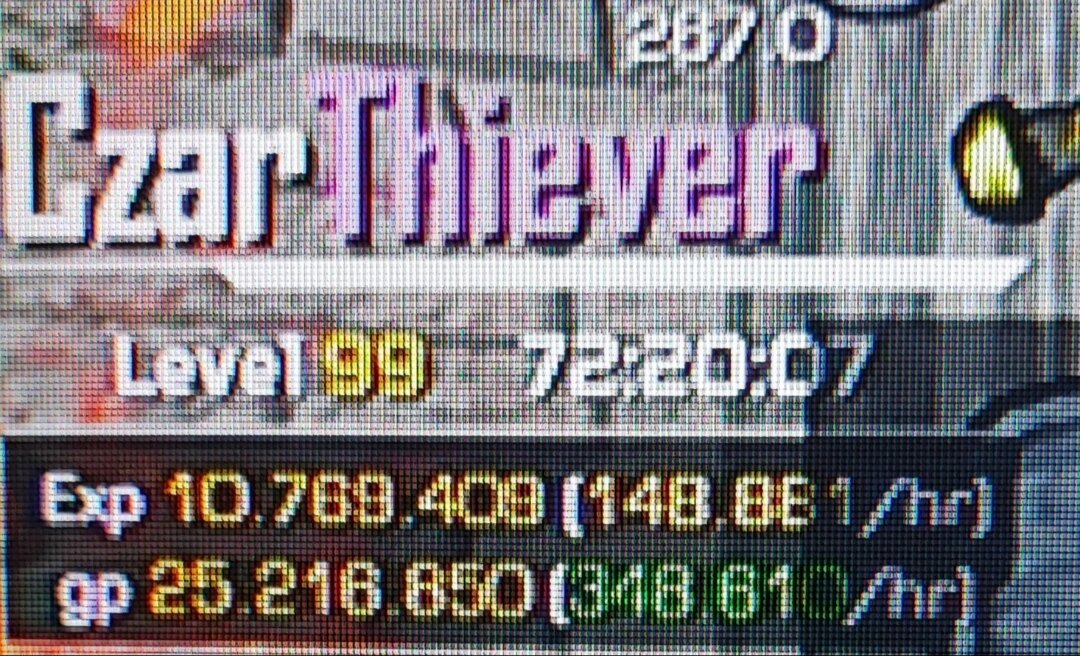
    theres only 3 ways (that i know of) to 'lure' a knight. 1: splasing it on another account (wherever you like) 2: female knight (south-east) can be trapped in the small shed noth-east of east-ardy (no splasher and can't walk out even if door is open) 3: theres one which can be trapped to walk in and around south bank. so it doesnt wander off too far. btw I personally NEVER use ''turn off run''
  11. harus38 replied to Czar's topic in Thieving
    Ardy knight
  12. harus38 replied to Czar's topic in Thieving
  13. harus38 started following Czar
  14. harus38 started following Khaleesi

Account

Navigation

Search

Configure browser push notifications

Chrome (Android)
  1. Tap the lock icon next to the address bar.
  2. Tap Permissions → Notifications.
  3. Adjust your preference.
Chrome (Desktop)
  1. Click the padlock icon in the address bar.
  2. Select Site settings.
  3. Find Notifications and adjust your preference.