Lord Charlie
Members
-
Joined
-
Last visited
Everything posted by Lord Charlie
-
has a 2 day ban ?
-
could i have trail please
-
-
@tehgousch will buy it as spoken on skype
-
how much you looking for a rough price ?
-
-
need zulrah account nothing to special post account n price here please
-
how long untill ready ?
-
27m
-
just afking at zulrah pier and clan wars ports ? woke up this morning at zulrah with only 3 kills done in 8 hrs
-
-
11m
-
21m
-
65m
-
100m
-
100m
-
55.05
-
changed, thanks for letting me know
-
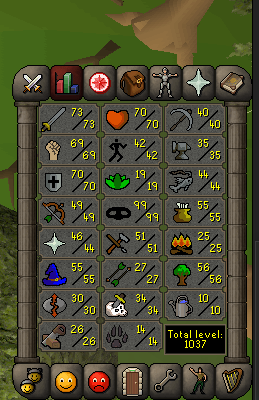
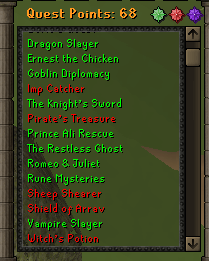
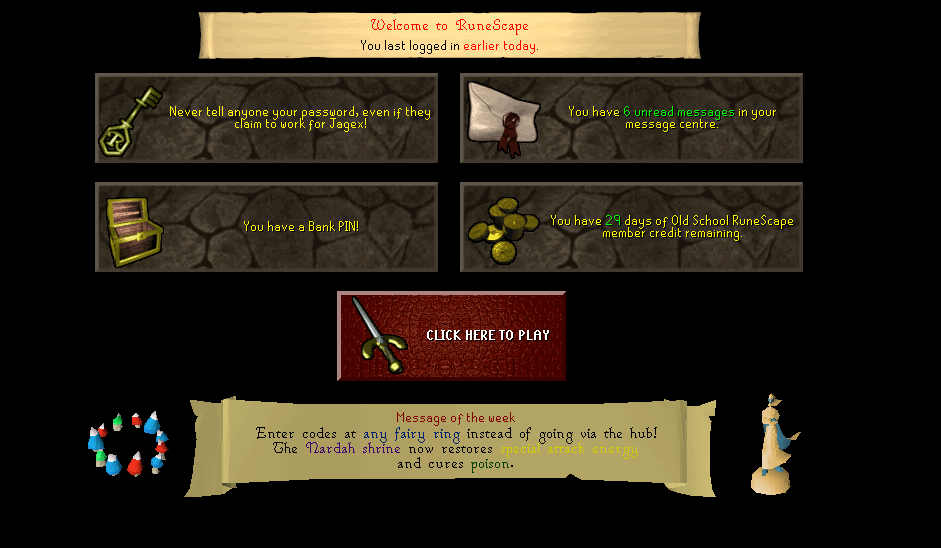
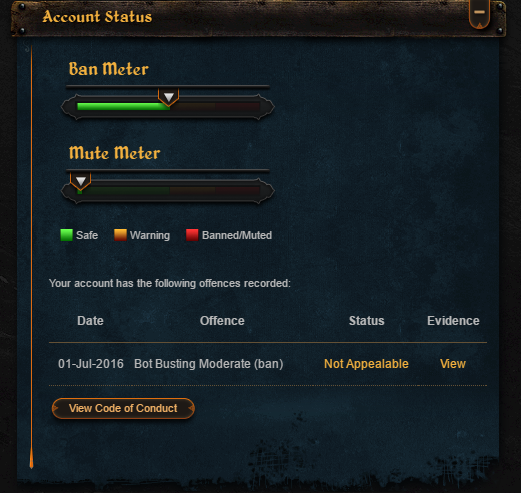
Account has Torso, and about 1m in wealth in total 1. Pictures of the account stats http://imgur.com/9IILEVM 2. Pictures of the login details http://i.imgur.com/CxOB9E4.png 4. Pictures of the quests completed http://i.imgur.com/J5anmxU.png 5. AW! 25m 7. The methods of payment you are accepting OSRS GP 8. Your trading conditions MM or you go first 9. Pictures of the account status http://i.imgur.com/SRhx0HC.png 10. Original/previous owners AND Original Email Address Arcus is OO, they email is fake, i can confirm everything with purchase email from Arcus
-
-
30m
-
-
how much zulrah ready, dont have much 55 qp's
-
-
just make a account go lava drag isle takes about 15 mins max jsut for the prayer level