bobozurp
Members
-
Joined
-
Last visited
-
I am looking for an account to stake with. Preferably melee and if you have a max melee that would be nice. Only willing to pay for the melee stats, not looking for any other
-
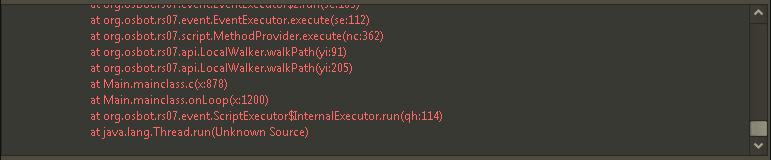
The script only does one trip and once it reaches the bank just logs out
-
Buying powerleveling service. I agree to the TOS provided
-
It sucks but the good methods are not going to be revealed. It is more of doing your research. I had to find some ways on my own. I will tell you that blastfurnace is a good start due to the low requirements and high amount of gp with about 4-6 bots on it
-
Service Form Powerleveling Stats : 80 Range Quest : Minigames : Skype: jordanddelliott
-
How many hours a day online: 2-4 on weekdays. All day on Friday, Saturday, Sunday. Skype: jordanddelliott Timezone: US Central
-
Service Form 6 accounts Stats : 30 smithing Quest : Minigames : Skype: jordanddelliott
-
I hate those dudes that try to get moderator going around looking for bots
-
My IP is flagged I just run injection mode and havnt been banned yet.
-
How much for a 70/70/70 accounts from 56att/58str/40def
-
How much are blast furnace accounts?
-
Solved, sorry for being stupid lol
-
I think, how do I check that?
-
I have restarted it several times, I am not sure what i am doing wrong I have restarted it many times and started from the bank and rock crabs to no success. It just sits there, sometimes at the bank it will try to click the bank but end up clicking somewhere else.
-