





Leaderboard
-
Drypto
Members2Points2Posts -
slimelifemax
Members1Points7Posts -

Muffins
Global Moderator1Points6888Posts -

Eagle Scripts
Java Lifetime Sponsor1Points7276Posts




Popular Content
Showing content with the highest reputation on 04/16/24 in all areas
-
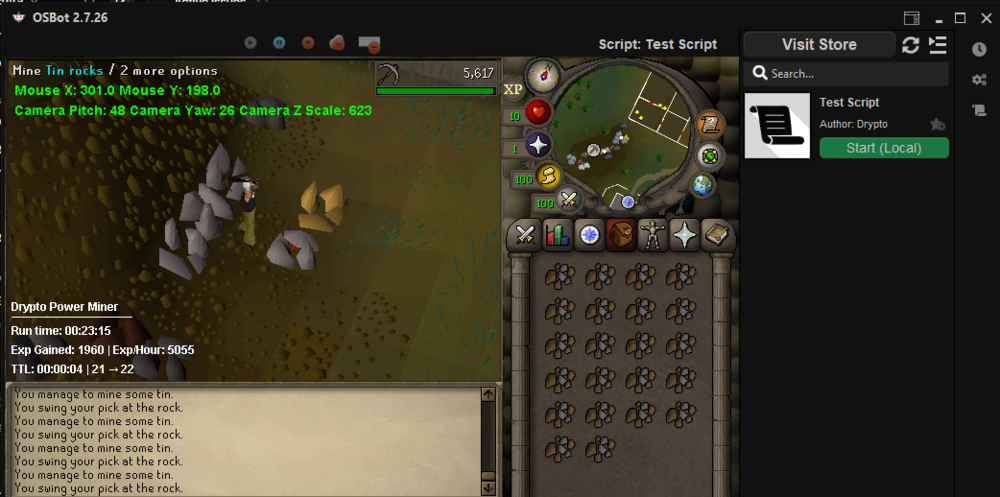
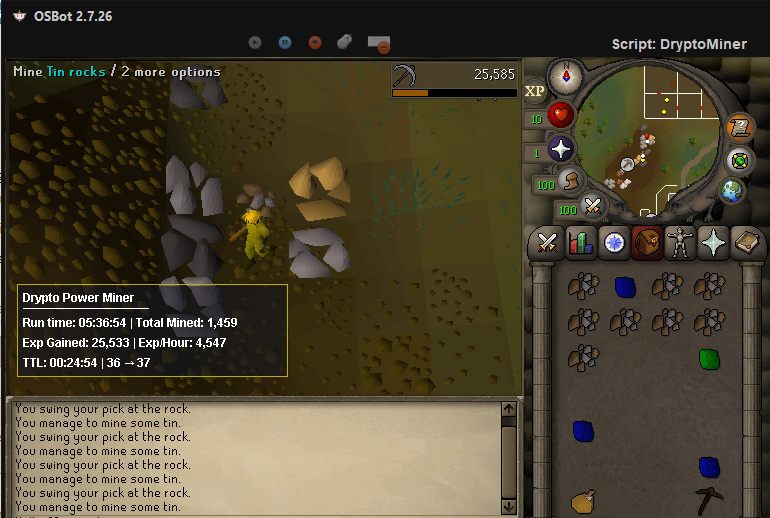
2 pointsWhat's up folks, I'm drypto. A little about me: I'm a rs3 veteran and 2002 runescape player. I'm a software engineer, focusing on fullstack dev. dad. husband. ya know. I'm looking to get into scripting(again, previously was a scripter for RSBot) for OSRS because I just got back into it because my brother asked me to play with him again; I got banned after a few hours of macroing a cannon and alching at ogres. So, to get started, I'm working on a few dumb scripts that I'll use locally to practice on, for example, my miner: update: I added some more features and a GUI, so now I can choose to powermine or bank, as well as simply choose the rock type!
 2 points
 -
1 pointSure thing. Trial granted . Make sure to have the noted planks in the inventory, not logs!1 point
-
1 point
-
1 point

