



Jump to content
View in the app

A better way to browse. Learn more.

OSBot :: 2007 OSRS Botting

A full-screen app on your home screen with push notifications, badges and more.

To install this app on iOS and iPadOS
  1. Tap the Share icon in Safari
  2. Scroll the menu and tap Add to Home Screen.
  3. Tap Add in the top-right corner.
To install this app on Android
  1. Tap the 3-dot menu (⋮) in the top-right corner of the browser.
  2. Tap Add to Home screen or Install app.
  3. Confirm by tapping Install.

2006's Photo Shop Gallery
Featured Replies

Hello,

well I decided to make a photoshop gallery.

So yeah here it goes

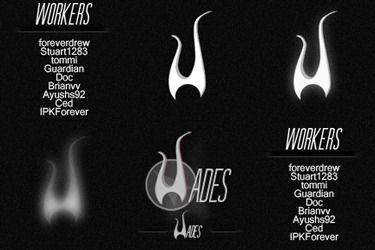
i56vma.png


1zefl1k.jpg


2e2o17s.png


2dbuh3l.jpg


17wly9.png


16gbf6d.jpg

Edited by 2006

Jesus thats awesome. I think thats even better than darkzside :P

  • Author

Jesus thats awesome. I think thats even better than darkzside tongue.png

:o : O:O you be jokin  :DD :P

  • Author

woah! okay :D

  • Author

Nicely done =) Once again ^^...

Thank you Once again :D

  • Author

awesome man, keep the work up

Thank you :)

Awesome signature!! Thanks aton!

  • Author

Awesome signature!! Thanks aton!

Np mate :)

Guest
This topic is now closed to further replies.

Recently Browsing 0

  • No registered users viewing this page.

Account

Navigation

Search

Configure browser push notifications

Chrome (Android)
  1. Tap the lock icon next to the address bar.
  2. Tap Permissions → Notifications.
  3. Adjust your preference.
Chrome (Desktop)
  1. Click the padlock icon in the address bar.
  2. Select Site settings.
  3. Find Notifications and adjust your preference.