ProjectPact
Script Factory Developer
-
Joined
-
Last visited
Everything posted by ProjectPact
-
ALL SLOTS HAVE BEEN FILLED! (Has to be a record or something lol) Link to thread:
-
THANKS TO ALL WHO BETA TESTED!!!!
-
Changed the GUI some and am finally in testing phase
-
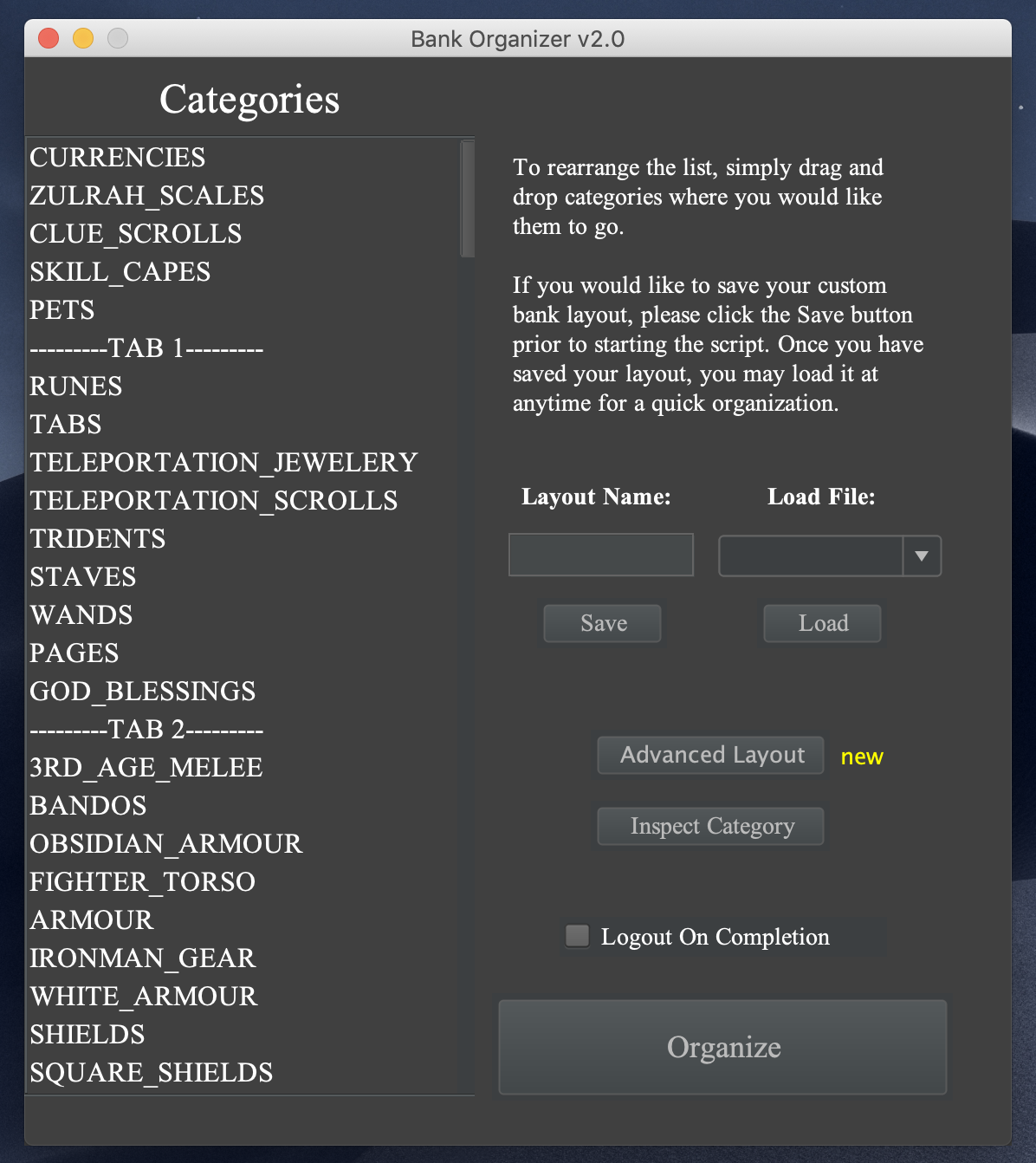
Saving and loading profiles works! I've also added new features such as removing categories and inspecting them
-
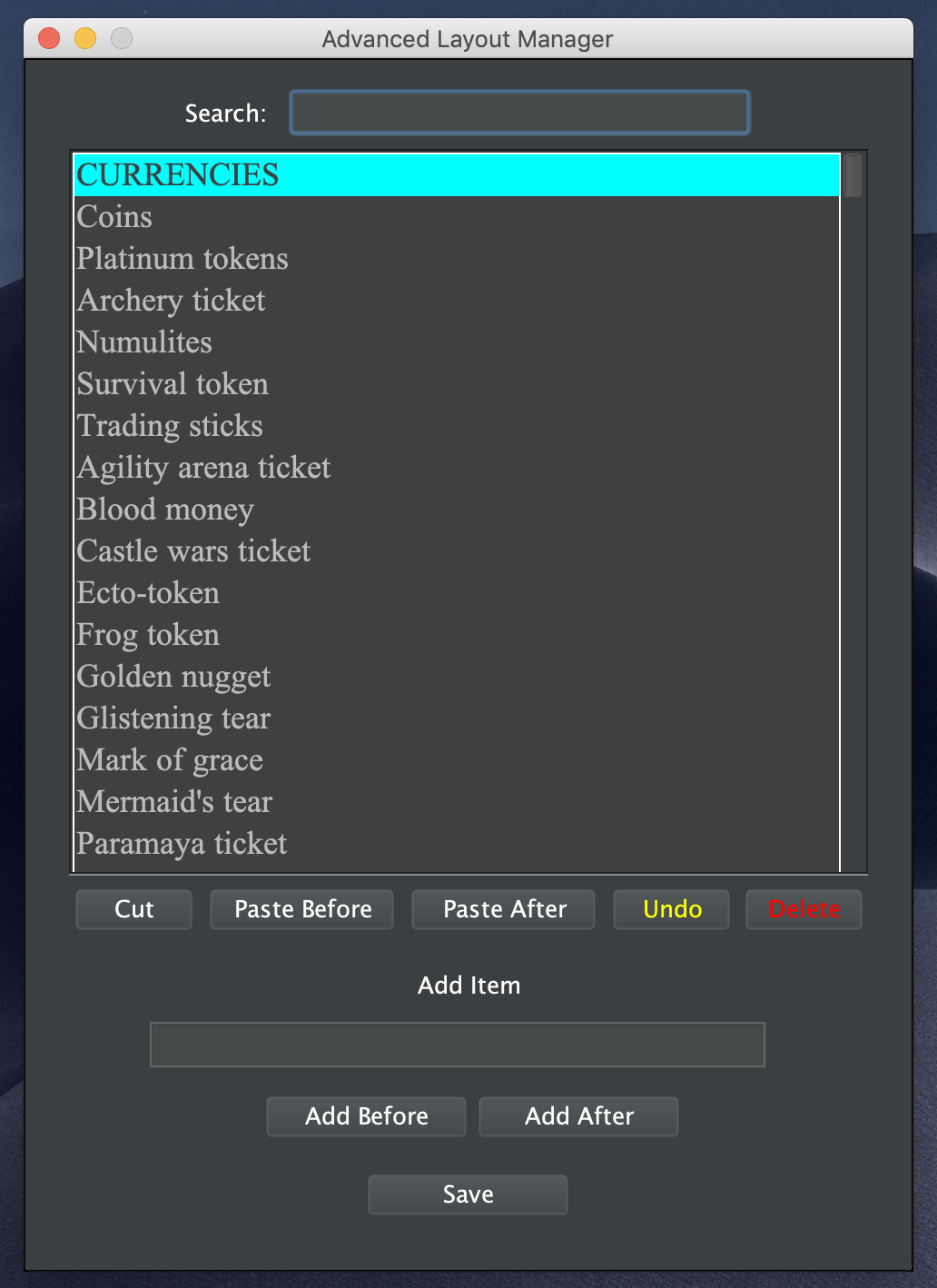
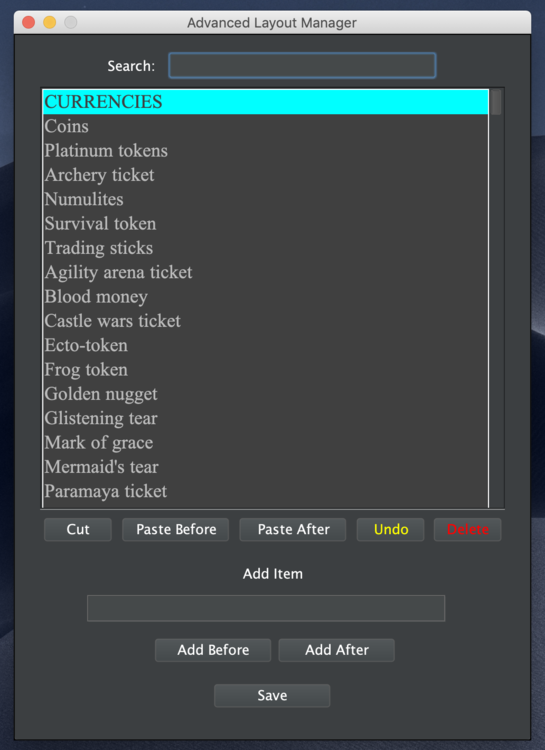
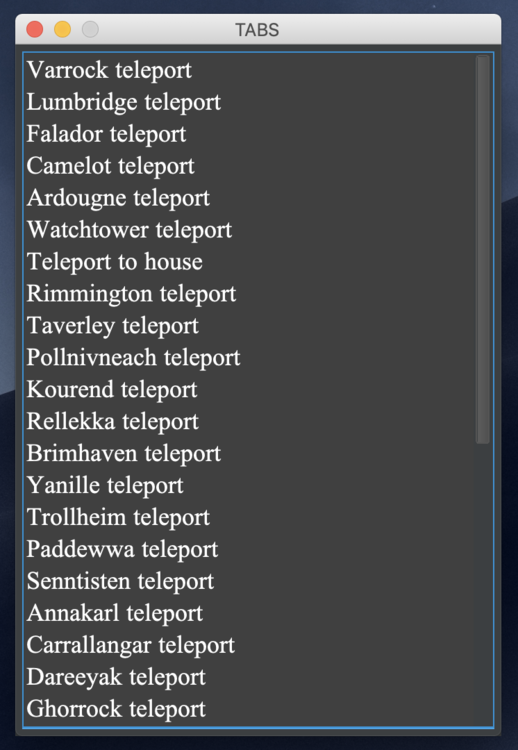
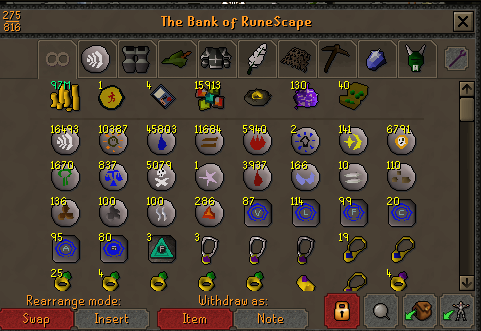
Let’s just say it’s taken over a week working on data collection non-stop and spending hours reorganizing it into proper format Hahahaha! But I’m done with data collection finally. Talk about wanting to pull my hair out!!PPOSB - Bank Organizer More than 100+ categories, and thousands of items, to sort for you! All categories and tabs are rearrangeable! PURCHASE HERE! https://osbot.org/forum/store/product/681-bank-organizer/ --------------------------------------------------------------- JOIN THE DISCORD CHAT FOR QUESTIONS/ SUPPORT/ CHATTING! --------------------------------------------------------------- MAKE SURE YOU ARE IN FIXED MODE BEFORE RUNNING THE SCRIPT! RESIZABLE MODE IS NOT SUPPORTED! ALSO PLEASE DISABLE PLACE HOLDERS! New "Advanced Layout Manager" will allow you to add/edit/remove or rearrange items with 100% Customization "Inspect Category" will display the items corresponding with that category Video example of the bank organizer handling a lot of random items (example) HAVE A LAYOUT YOU WOULD LIKE TO SHARE? Please post the layout in the comments below, along with some pictures of your bank, to be added to the list below! The Bank Organizer currently supports over 6,000 Old School RuneScape items. Any items missing will need to be added manually in the GUI. Make sure to save your layouts so you may reuse them over and over again. Check out some of my other scripts!

 Whatever you say botting Lord. If you can't understand that you are doing an AFK script, then idk what to tell you.You have to ask yourself this, which script has more processes needing to be handled at once. NMZ is an AFK script. There is no antiban about it. I’ve got multiple accounts over 90 with no problem. It’s not what you bot, it’s how you bot.A fix has been pushed! We are waiting for the developers to push it. It should be done soon hopefully!Unfortunately I had to stop doing trials due to the abuse of the systemVERSION 8.7 HAS BEEN PUSHED! http://projectpactscripting.com/Updates.htmlI don't handle refunds. But what exactly was wrong?I've got a video coming soon!Looking into salamanders right now for youMirror mode cant handle the script, which is why you are having problems I recommend injection. All your problems will go awayNow that wouldn't be good if it did it based solely on alphabetical order. :pI would bank on a spring cleaning script coming soon my little Minions. Life would be less chaotic if something that was once very messy could automatically become organized *HINTS DROPPED*It works! https://discordapp.com/invite/6F7x6pROn mirror mode?red salamanders by forcing 3 trapsTrust me, I’ve been doing this for a while. The route it takes is the most efficientUnfortunately I do not do trials anymore due to the abuse of themHey guys, I am making some tweaks to Eagles Peak, if you have an account that has 27+ hunter on it, and have NOT done Eagles Peak yet, please shoot me a message on Discord if you don’t mind me running the quest on your acc real fast! Thanks!