-
Perfect Prayer AIO
Hey Czar, can I get a trial of this?
-
Perfect Miner AIO
Used this before to get to 99 mining. Now whenever I try to use it, it just sits there saying "Waiting for user to fill out setup"
-
Perfect Fisher AIO
xp rates from tick fishing?
-
Khal AIO Thieving
Bot is moving the screen way too much. Basically every single successful click, it rotates the camera.
-
Perfect Fletcher AIO
can I get a trial?
-
Khal AIO RuneCrafter
Sunfire runes added when? Currently the best Skilling moneymaker in the game. Even better than pickpocketing vyres
- Khal AIO Hunter
-
Perfect Blast Furnace
Lemme get a trial for this please.
-
MoxNick changed their profile photo
-
👑 Perfect Czar Free Trials & Demos 👑 MOST POPULAR 👑 HIGHEST QUALITY 👑 MOST TOTAL USERS 👑 LOWEST BAN-RATES 👑 24/7 SUPPORT 👑 SINCE 2015 👑 MANY SKILLS 👑 MOST VIEWS 👑 MOST REPLIES 👑
Czar, pls make a Reanimation Prayer Training bot. I'd pay $15 easily for that.
-
Perfect Construction AIO
Could you revisit this script? There have been some changes in construction where you can get significantly more xp if you use the entry menu swapper methods.
-
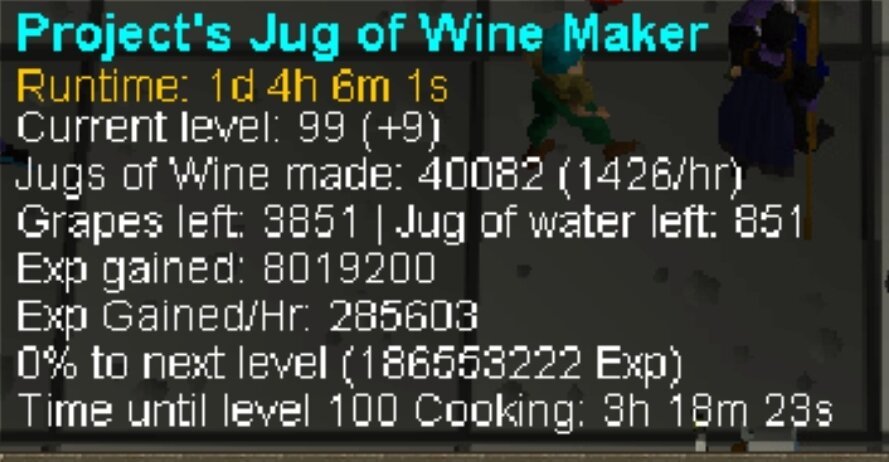
PPOSB - Jug of Wine
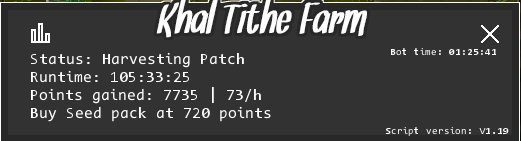
- Khal Tithe Farm
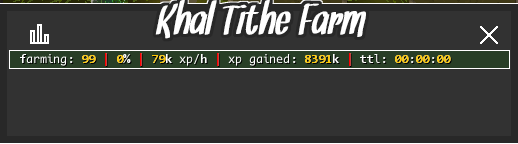
- Khal Tithe Farm
Can I get a trial?- Perfect Magic AIO
Any updates on this?- Khal AIO Thieving
Sorcereress Garden isn't working. Doesn't even try to wait for the right moment. Just brute forces over and over again getting caught constantly. Left it running for 2 hours and it didn't complete the maze one time. - Khal Tithe Farm
Account
Navigation
Search
Configure browser push notifications
Chrome (Android)
- Tap the lock icon next to the address bar.
- Tap Permissions → Notifications.
- Adjust your preference.
Chrome (Desktop)
- Click the padlock icon in the address bar.
- Select Site settings.
- Find Notifications and adjust your preference.
Safari (iOS 16.4+)
- Ensure the site is installed via Add to Home Screen.
- Open Settings App → Notifications.
- Find your app name and adjust your preference.
Safari (macOS)
- Go to Safari → Preferences.
- Click the Websites tab.
- Select Notifications in the sidebar.
- Find this website and adjust your preference.
Edge (Android)
- Tap the lock icon next to the address bar.
- Tap Permissions.
- Find Notifications and adjust your preference.
Edge (Desktop)
- Click the padlock icon in the address bar.
- Click Permissions for this site.
- Find Notifications and adjust your preference.
Firefox (Android)
- Go to Settings → Site permissions.
- Tap Notifications.
- Find this site in the list and adjust your preference.
Firefox (Desktop)
- Open Firefox Settings.
- Search for Notifications.
- Find this site in the list and adjust your preference.