GameDance
Java Lifetime Sponsor
-
Joined
-
Last visited
Everything posted by GameDance
-
-
-
-
Selling membership codes! PM here or discord : gamedance#0 UID: 284447432652095488
-
-
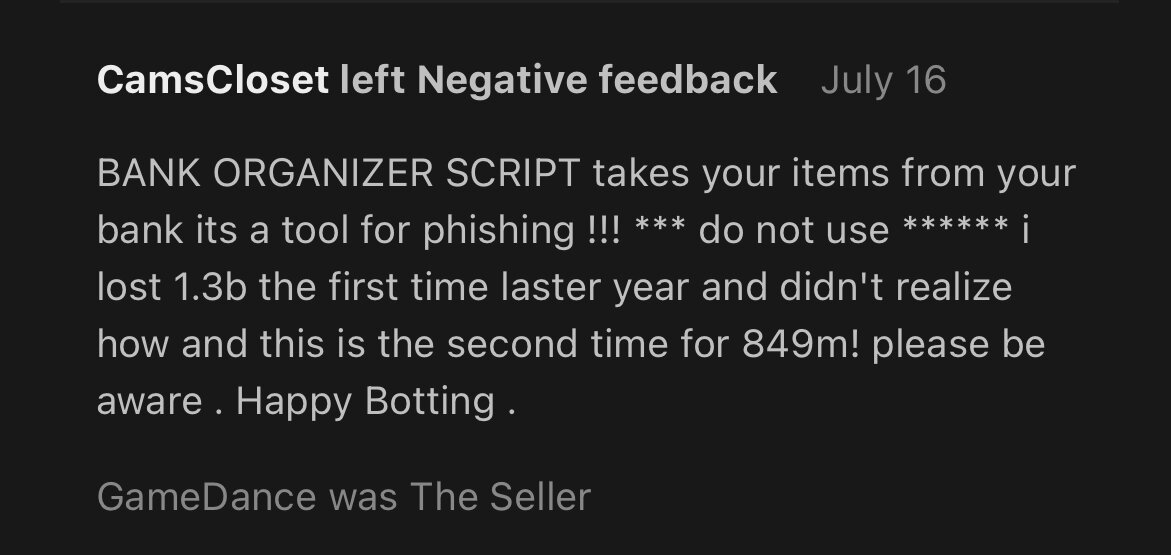
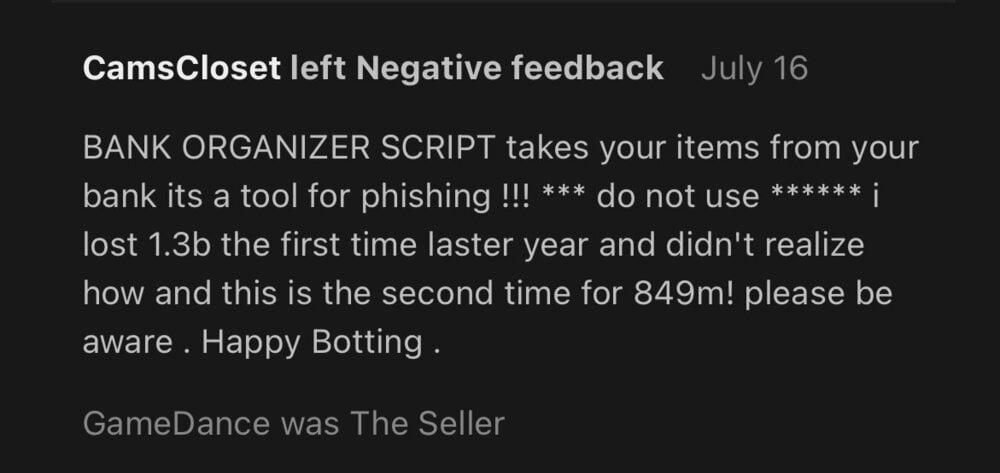
I don’t sell any scripts or botting organizers. This person falsely left me a negative feedback. Please help. Please give him a warning or do something to his account so he can’t go around falsely accusing people of things.
-
Buying nmz ready accounts. Which means they can be used in nmz. 60s base
-
Anyone has unregistered nmz ready accounts for sale?
-
-
Buying DS2 accounts. GameDance#9176 UID: 284447432652095488
-
-
-
I’ll buy them at double that price!
-
-
Can I please get a trial please.
-
Love all of your scripts. Everyone I used so far have been amazing. Can May test the furnace please.
-
Thanks for the heads up. I’m ok with not using it then. That is why I have not used blast furnace in a while.
-
Is this script still getting updated?
-
@jujusockyou need to have DS2 quest done.
-
Thanks
-
There is usually no timeframe. They will fix it when it’s fix. You just have to wait.
-
-
-
-