






umadbro123
Members
-
Joined
-
Last visited
-
Same thing here welcome back!
-
I had that issue before. My AV was deleting a .dll file (false positive) in my temp folder when I started osbot
-
I suggest you look into sandbox or farmaton
-
-
Interesting keep us updated if it works or if banned !
-
Hard at first but you're gonna love it when you get used to it It helps alot reduce the ban rate
-
I have the same issue with SF but maybe it's my computer or sandboxie idk
-
Isn't it dangerous to have a mouse recorder clicking the same exact pixel everytime?
-
When you create some new account, you need the put a legit email address to click on the confirmation email and to reset your password once. I suggest you look at 33mail it helps alot! Your gonna be able to create 5 accounts every 30 minutes with the free version. Otherwise farmaton offer automatic email verification and password recovery I think
-
-
-
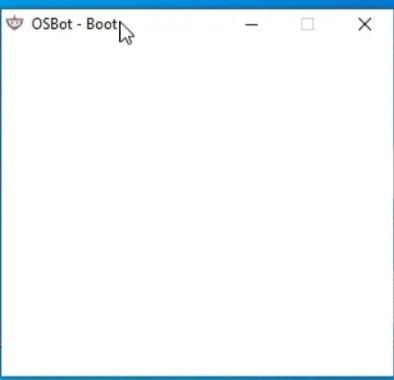
Hi guys, Osbot opens a white page this morning... I need help I tried to uninstall reinstall java 8, delete download the jar file, reboot PC... Any idea? Thanks
-
You need to buy a staff from a guy in draynor to autocast without magic bonus and wear full iron it's ez -65 but you can't wear an elemental staff so you have to pay for all the runes
-
-


