123klaid
Members
-
Joined
-
Last visited
Everything posted by 123klaid
-
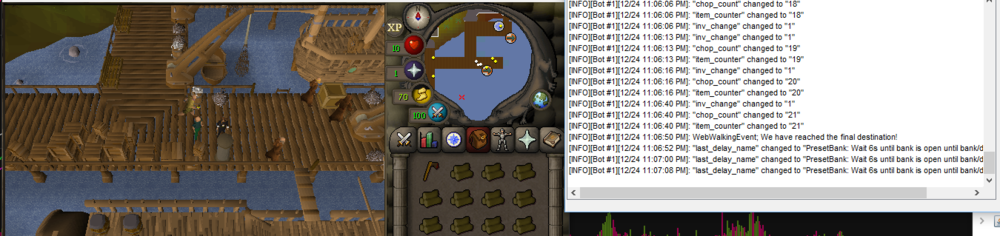
when using loading map or custom trees at port sarim its having issues banking items, just standing next o bank and spamming this when using progression tab its only showing upgrade axe option meanwhile others have way more( anti ban, grab nest etc) also can u add port sarim willows into progression tab since it seems to be closer to bank than rimmington
-
just bought it so far seems good what am i missing out if i disable anti ban function, i dislike it because of clicking on friendslist/equipment tab/skill tree or is there a way to have anti ban function on without having friendslist/equipment tab/skill tree clicking off? script itself is running perfect just looking to get anti pattern/randomised walking/reaction times/clicking(maybe use different inventorty slot to bank all items), the more randomised these things would be better overall imo
-
Can i have trial plz
-
can i have trial
-
can i have trial
-
hi can i use trial for Perfect Woodcutter, thx
-
Hi can i use trial?
-
Hi can i try trial?